Operating System Support Matrix
This matrix shows the operating systems and versions supported by each MapR release.
| MapR Version | |||||||||
| OS Version | MapR 5.2.0 | MapR 5.1.0 | MapR 5.0.0 | MapR 4.1.0 | MapR 4.0.2 | MapR 4.0.1 | MapR 3.1.x | MapR 3.0.x | |
| RedHat (64bit) | 7.2 | Yes | Yes | No | No | No | No | No | No |
| 7.11 | No | Yes | No | No | No | No | No | No | |
| 7.01 | No | Yes | Yes | Yes | Yes | Yes | No | No | |
| 6.7 | Yes | Yes | Yes | No | No | No | No | No | |
| 6.5, 6.6 | Yes | Yes | Yes | Yes | Yes | Yes | Yes | Yes | |
| 6.1, 6.2, 6.3, 6.4 | No | Yes | Yes | Yes | Yes | Yes | Yes | Yes | |
| 5.7, 5.8, 5.9 | No | No | No | No | No | No | Yes | Yes | |
| CentOS (64bit)2 | 7.2 | Yes | Yes | No | No | No | No | No | No |
| 7.1 | No | Yes | No | No | No | No | No | No | |
| 7.0 | No | Yes | Yes | Yes | Yes | Yes | No | No | |
| 6.7 | Yes | Yes | Yes | No | No | No | No | No | |
| 6.5, 6.6 | Yes | Yes | Yes | Yes | Yes | Yes | Yes | Yes | |
| 6.4 | No | Yes | Yes | Yes | Yes | Yes | Yes | Yes | |
| 6.1, 6.2, 6.3 | No | Yes2 | Yes2 | Yes2 | Yes2 | Yes2 | Yes | Yes | |
| 5.7, 5.8, 5.9 | No | No | No | No | No | No | Yes | Yes | |
| Ubuntu (64bit) | 14.04 | Yes | Yes | Yes | Yes | Yes | Yes | No | No |
| 12.04 | Yes | Yes | Yes | Yes | Yes | Yes | Yes | Yes | |
| 11.04 | No | No | No | No | No | No | Yes | Yes | |
| SuSe (64bit)3 | 12, 12 SP1 | Yes | Yes | Yes | Yes | No | No | No | No |
| 11 SP3 | No | No | Yes | Yes | Yes | Yes | No | No | |
| 11 SP1, 11 SP2 | No | No | No | No | No | No | Yes | Yes | |
| Oracle Enterprise Linux4 | 7.2 | Yes | Yes | No | No | No | No | No | No |
| 7.0, 7.1 | No | Yes | No | No | No | No | No | No | |
| 6.5, 6.6, 6.7 | Yes | Yes | No | No | No | No | No | No | |
| 6.4 | No | Yes | No | No | No | No | No | No | |
1MapReduce (MRv1) metrics are not supported on any RedHat 7.x system. All other core features are supported.
2If you are installing MapR on CentOS Version 6.3 or earlier, see the Known Issues section in the Release Notes.
3Secure MapR clusters are not supported on SuSe 11 platforms.
4MapR 5.2 and 5.1 support Oracle Enterprise Linux for Core installations only. Ecosystem components are not supported.
systemd is not supported. Starting in RHEL/CentOS 7.0, systemd was included alongside the legacy process manager, initd, but was not enabled by default. In RHEL/CentOS 7.1, systemd became the default. Some RHEL/CentOS 7.0 ISOs may have a different default for systemd (on), but these will not work with MapR 4.x or 5.0. Service management integration with systemdis only supported if you install MapR 5.1 or 5.2 on RHEL/CentOS 7.1. Customers who encounter issues with systemdsupport may choose to disable systemd on RHEL/CentOS 7.0 nodes, downgrade to RHEL/CentOS 6.x, or upgrade to MapR 5.1 or 5.2.
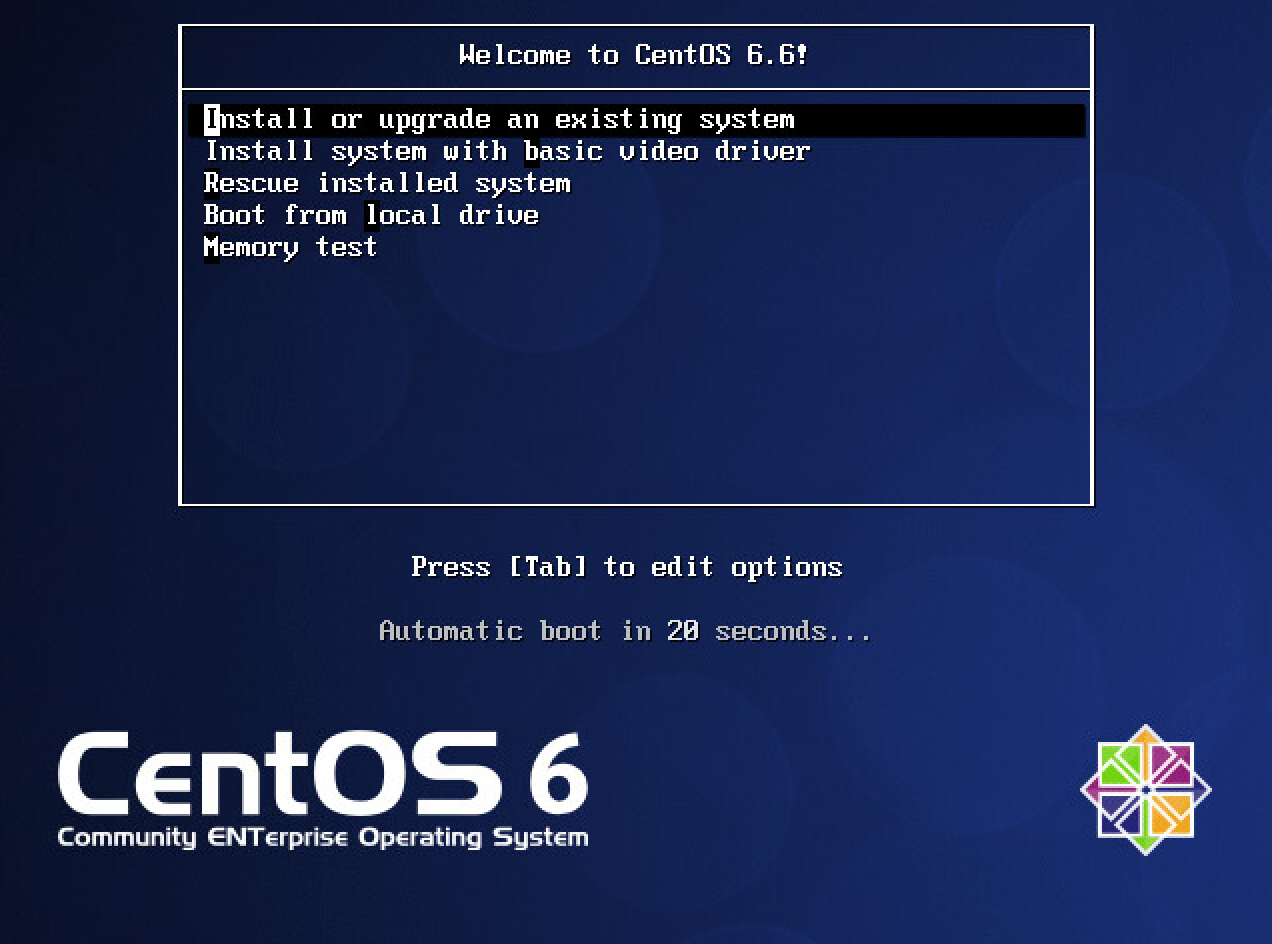
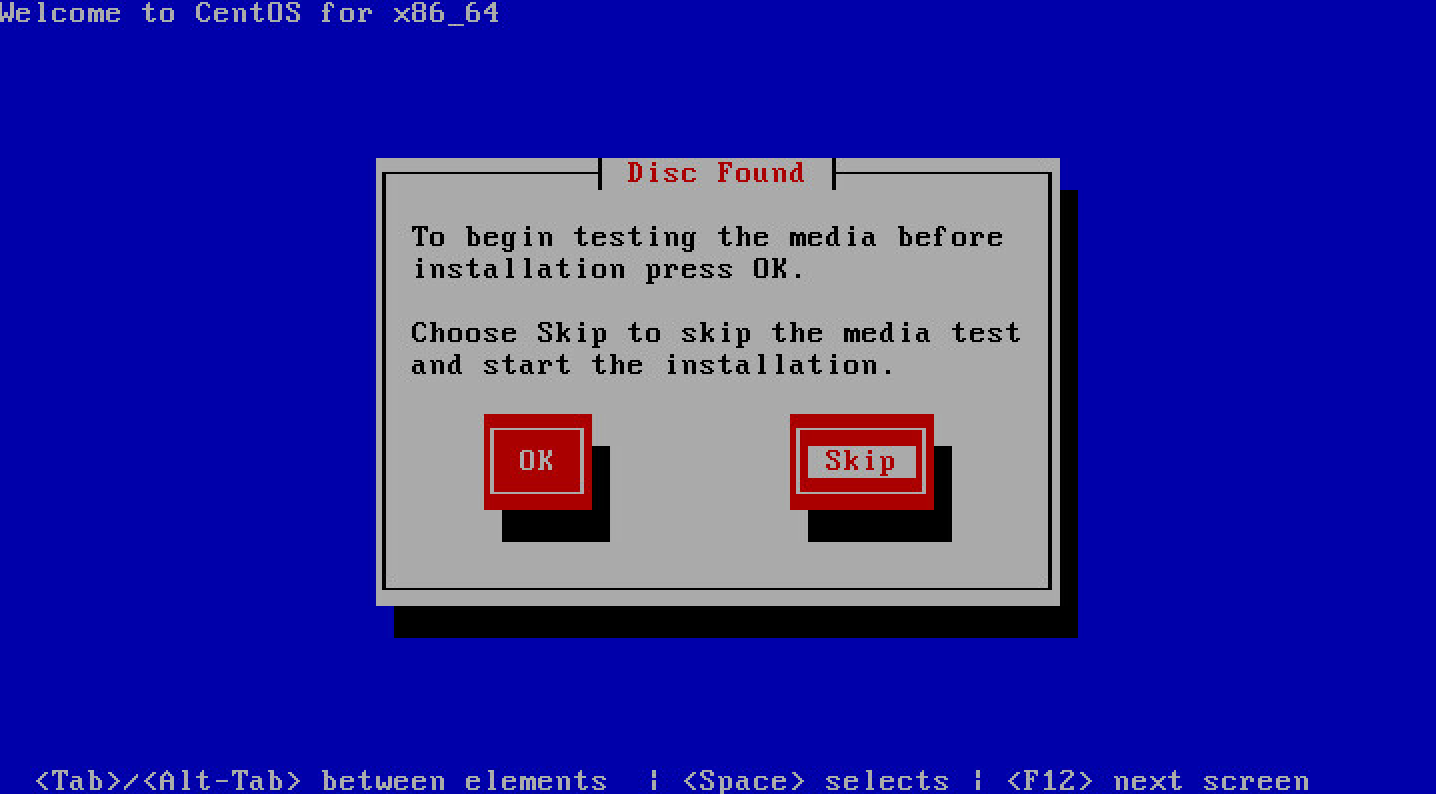
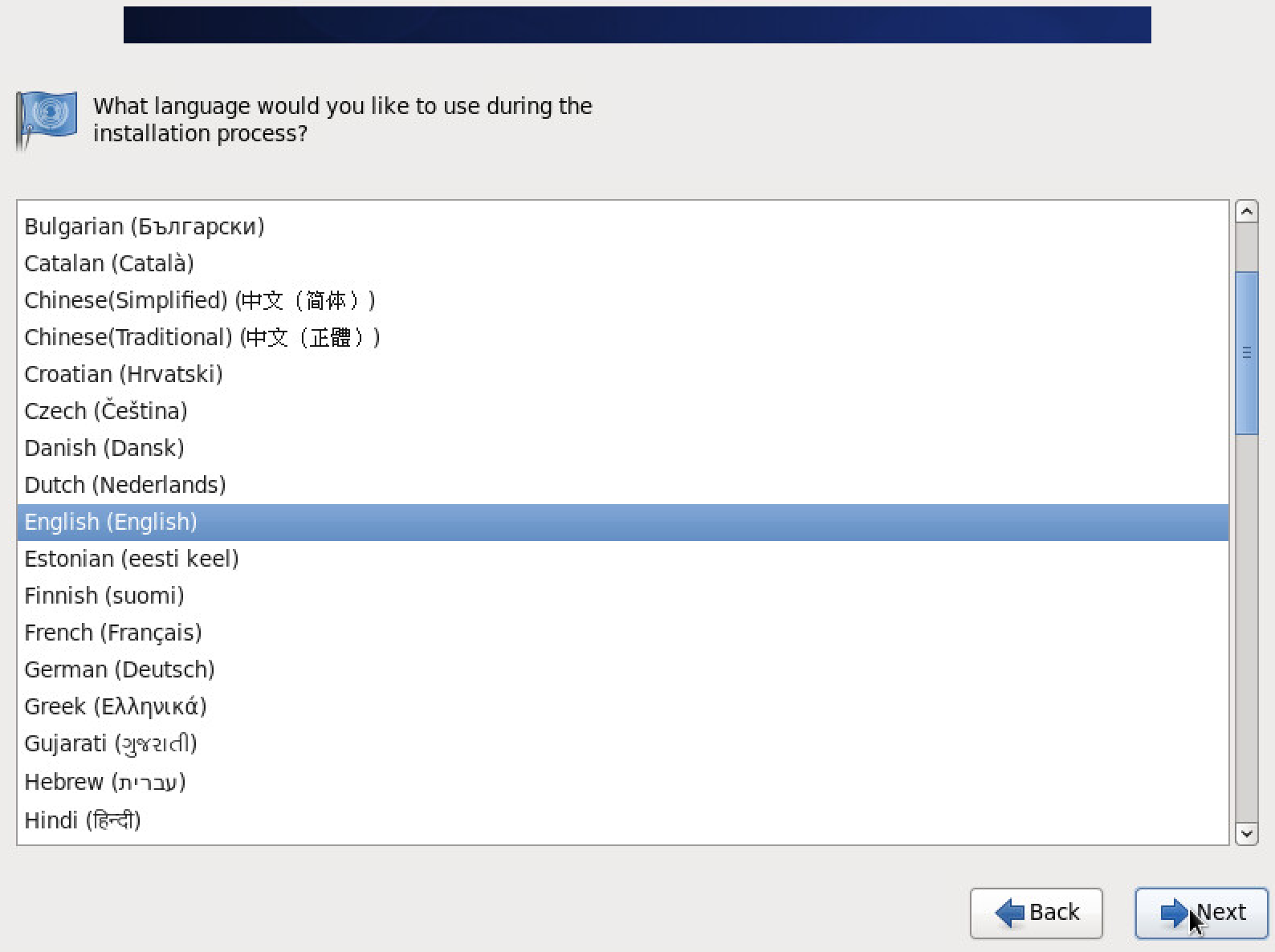
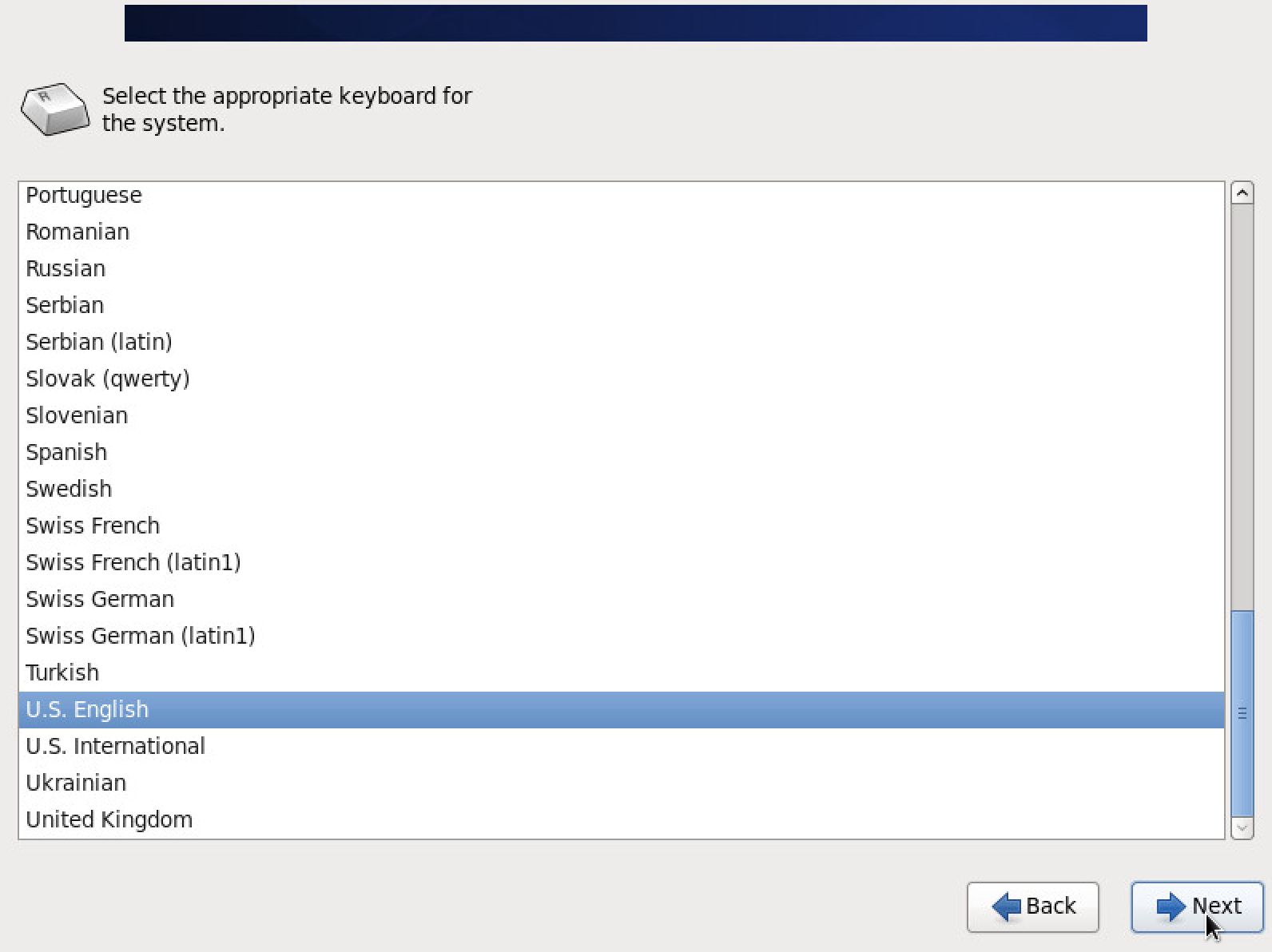
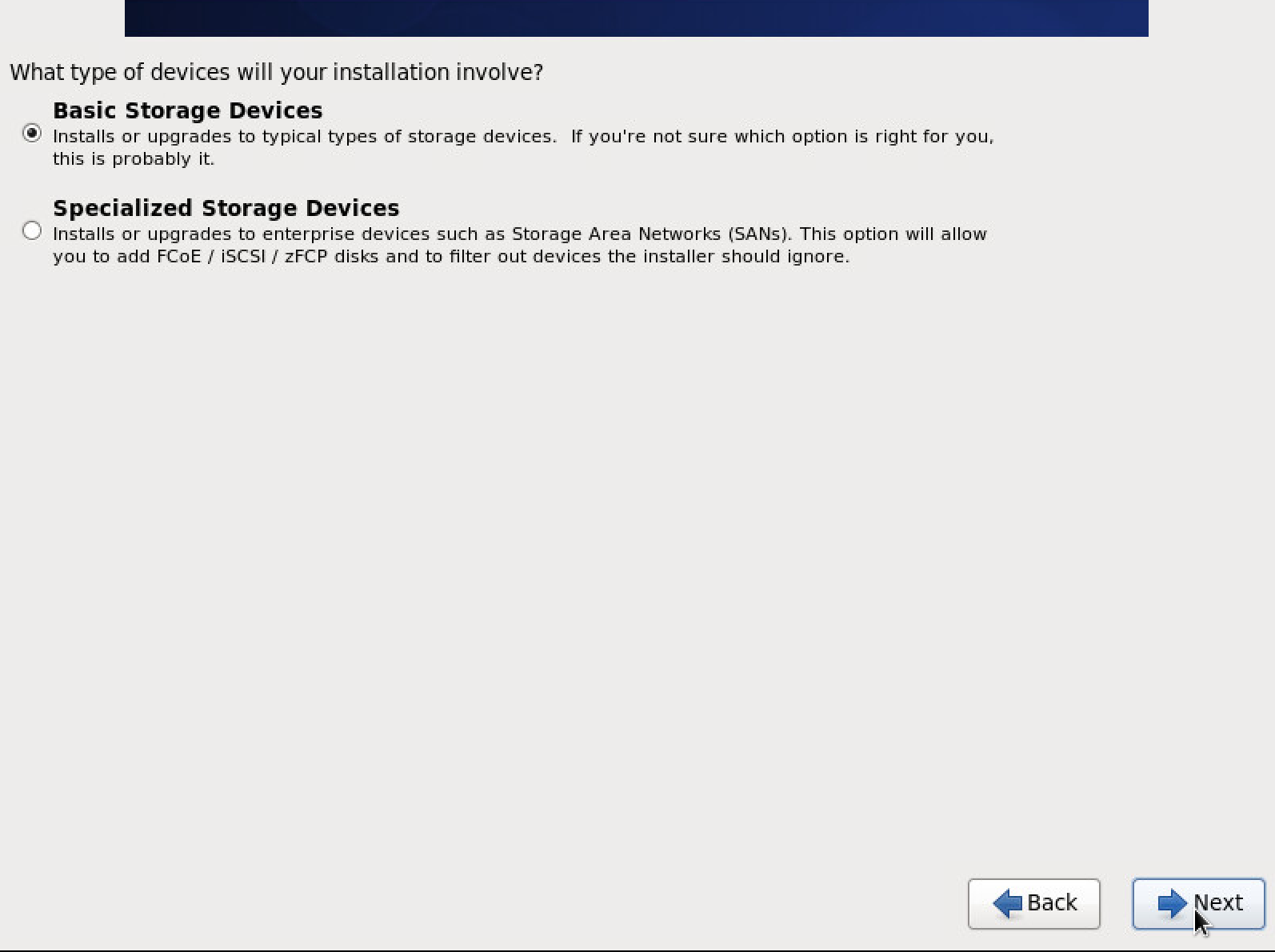
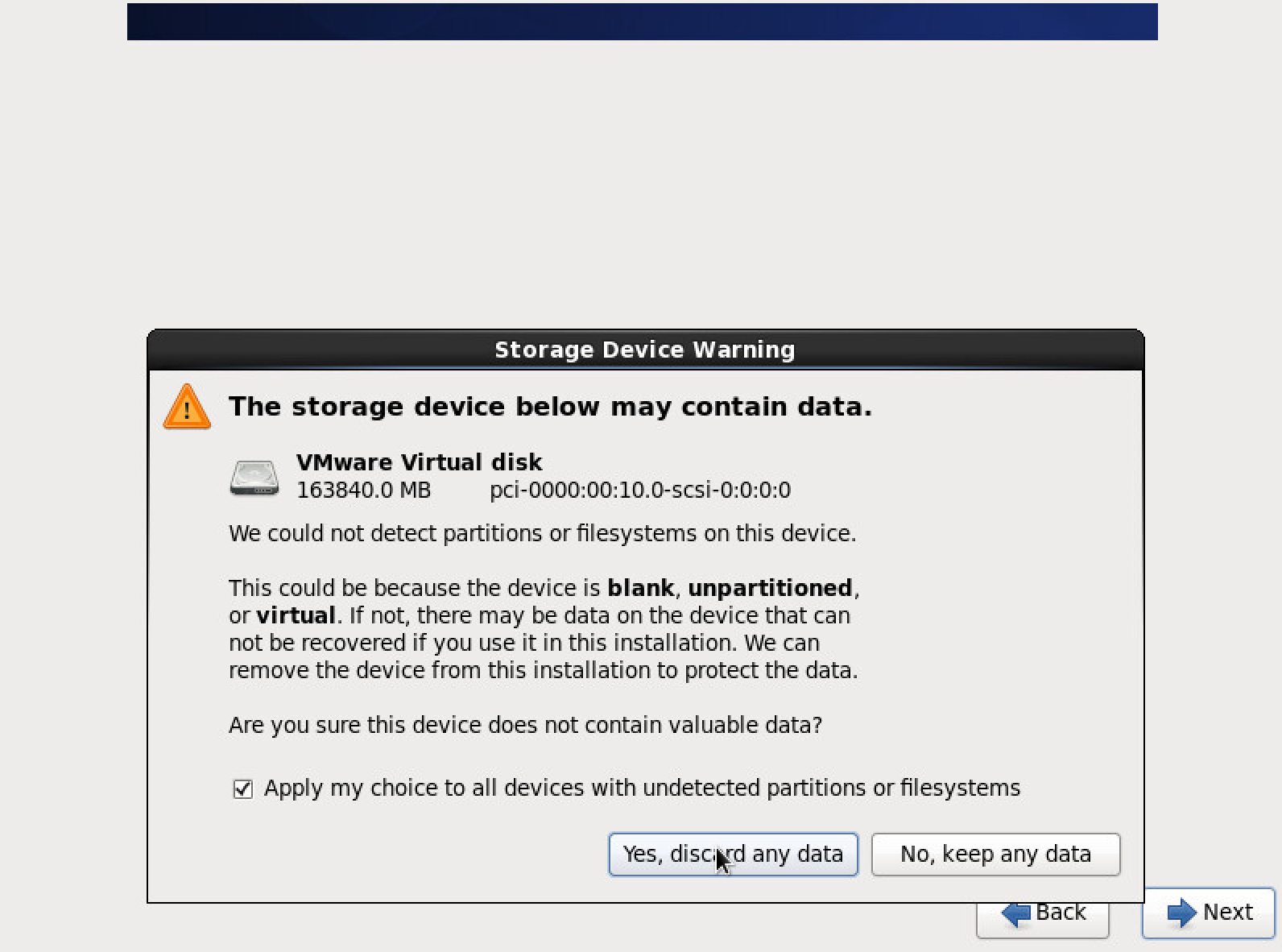
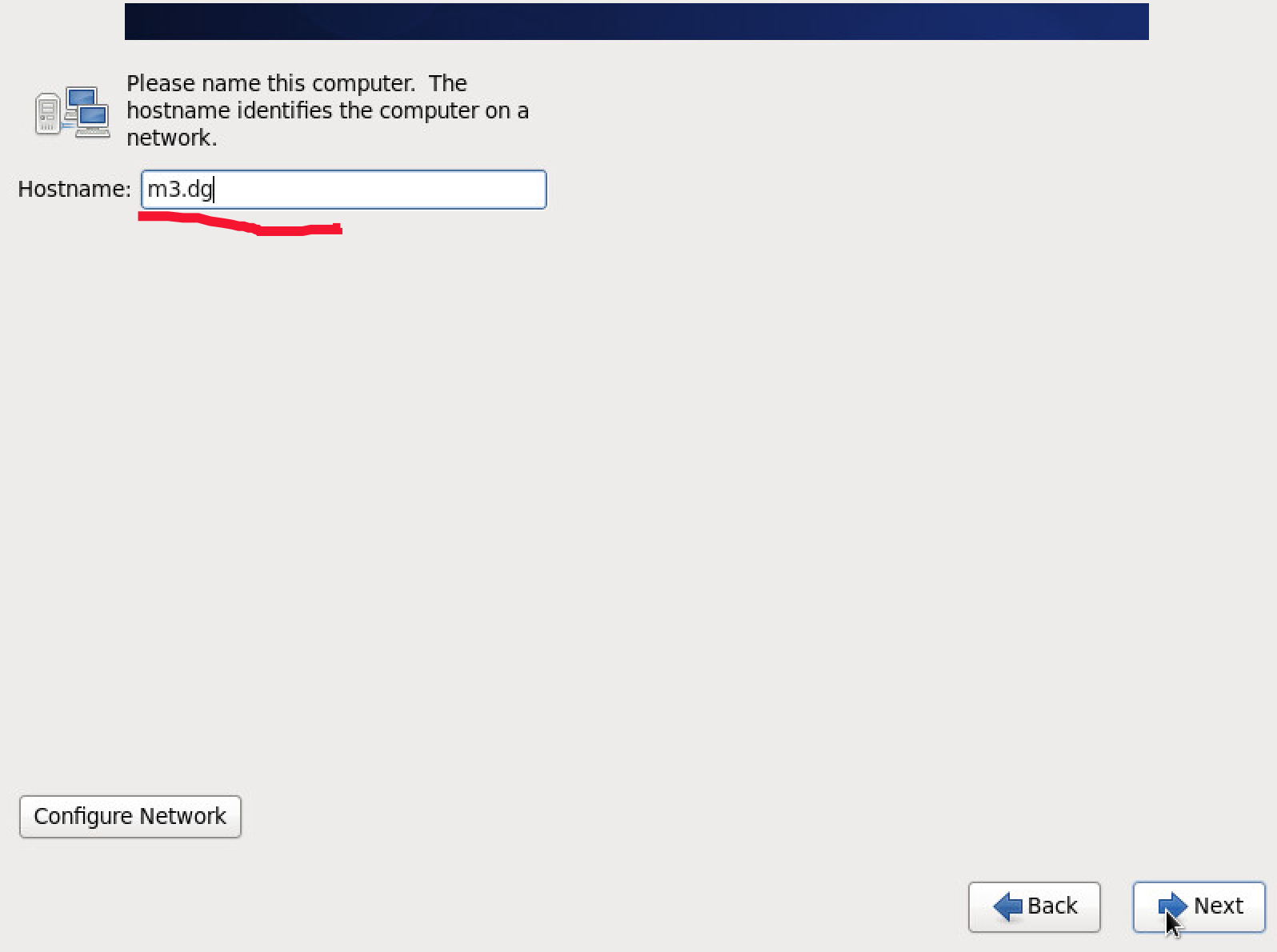
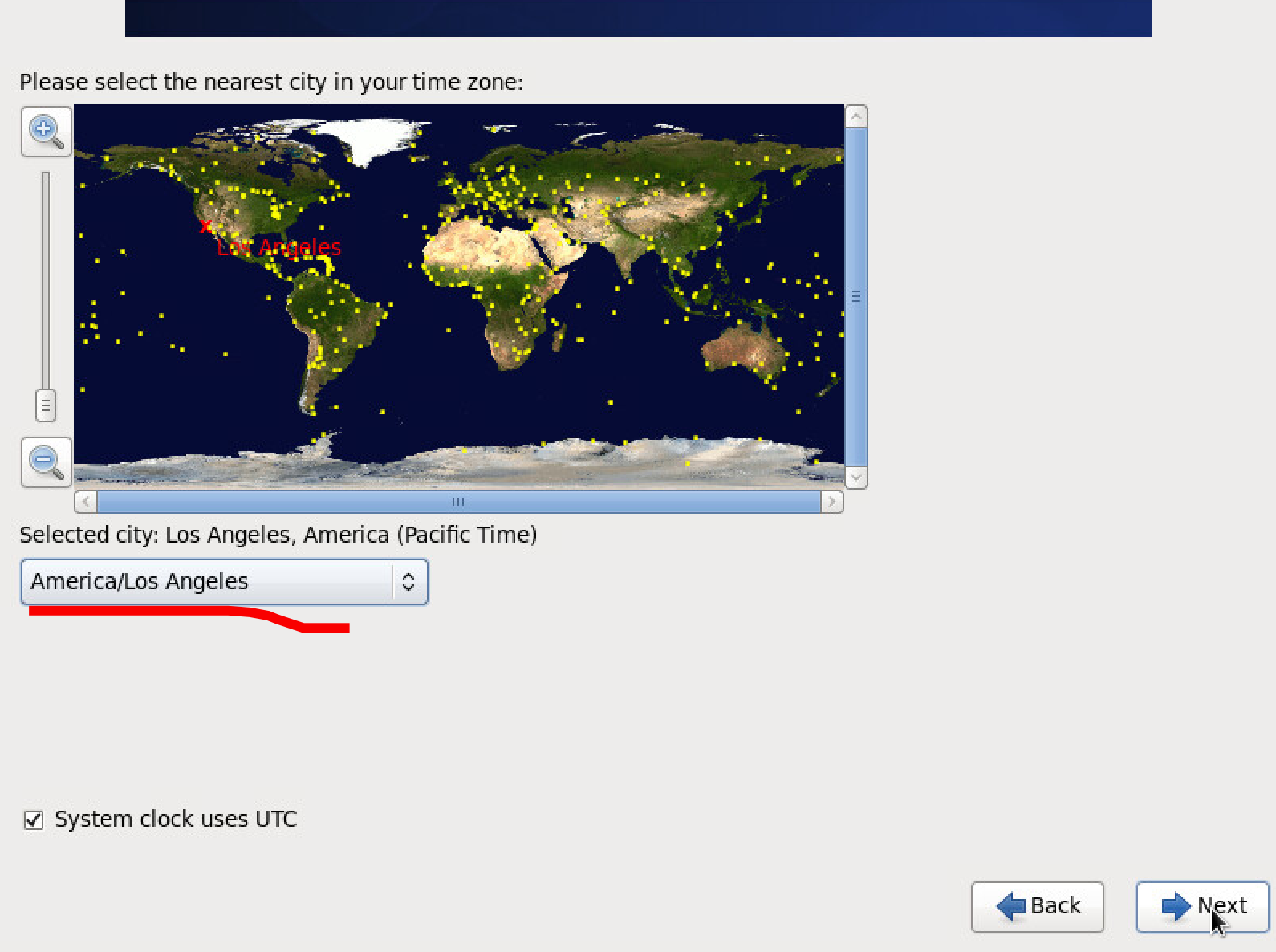
Enter a hostname
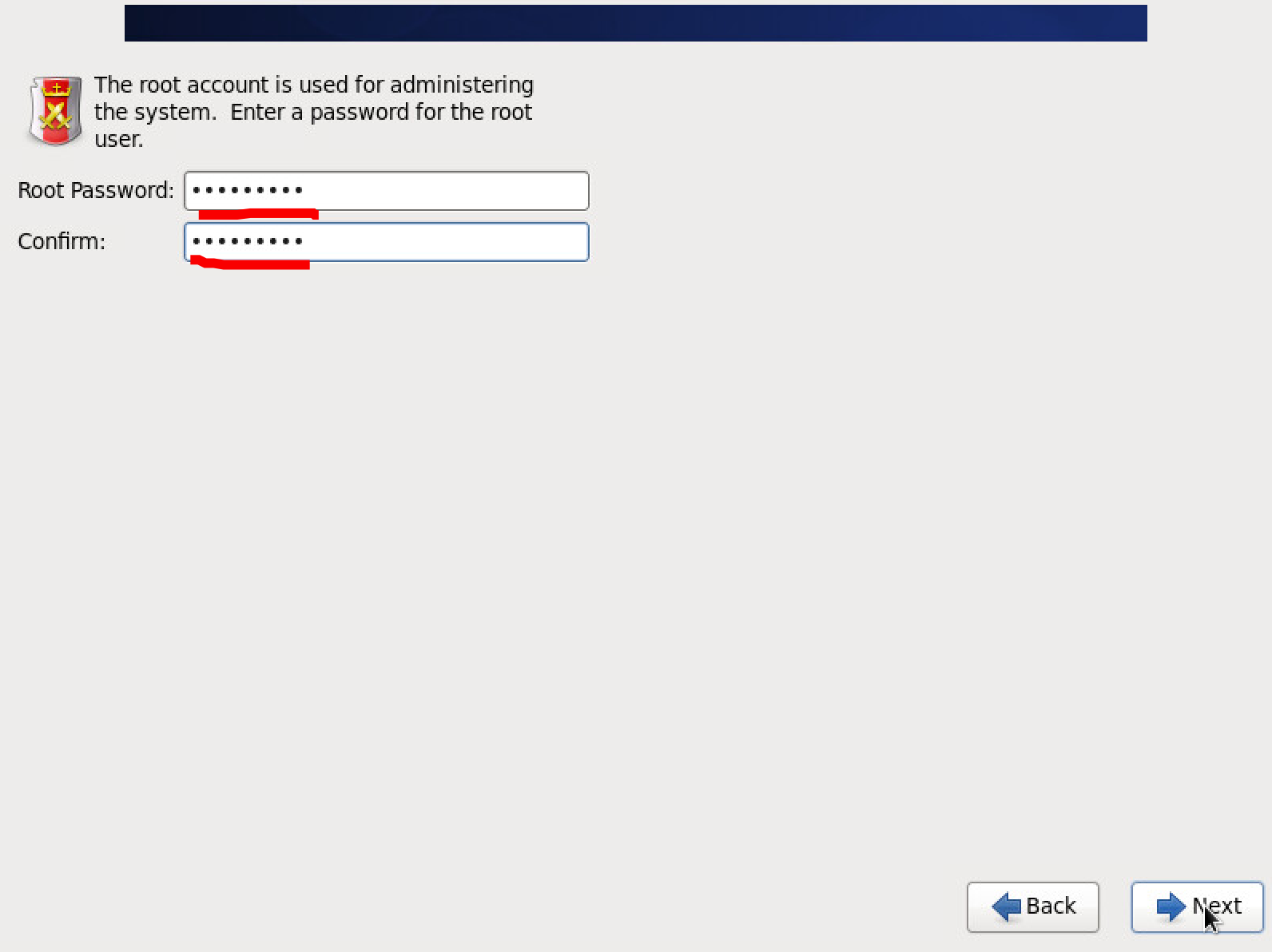
Enter the root password
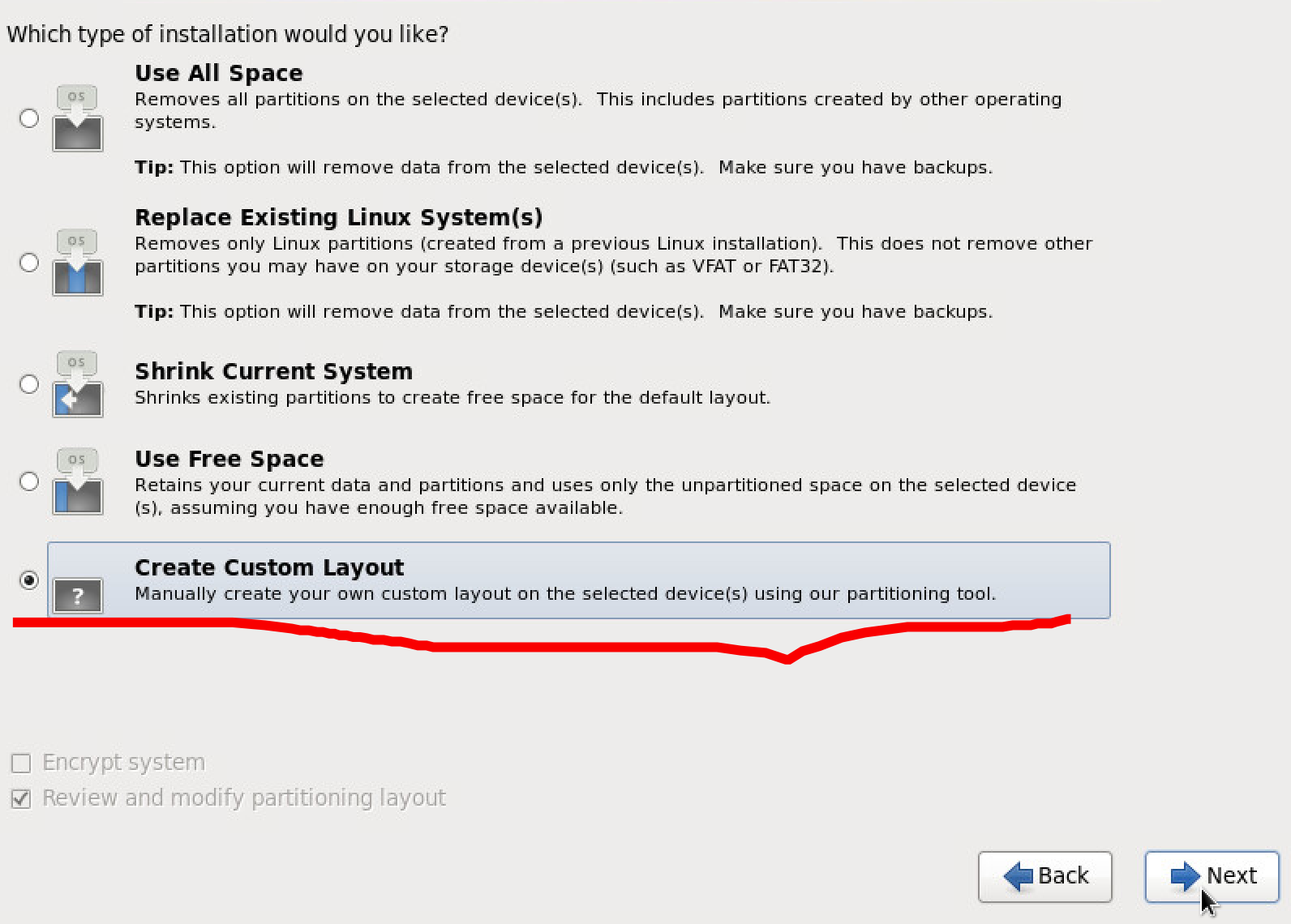
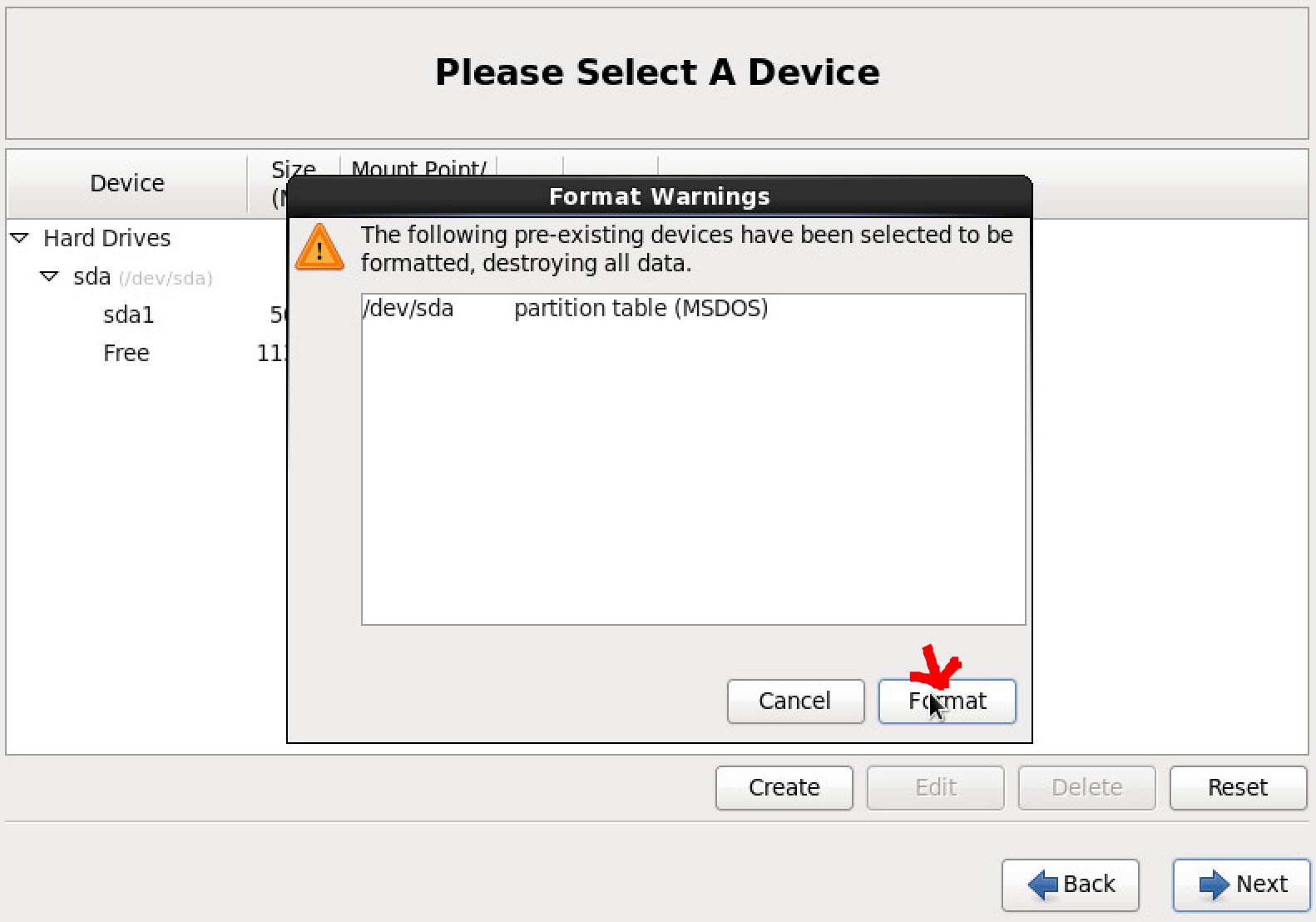
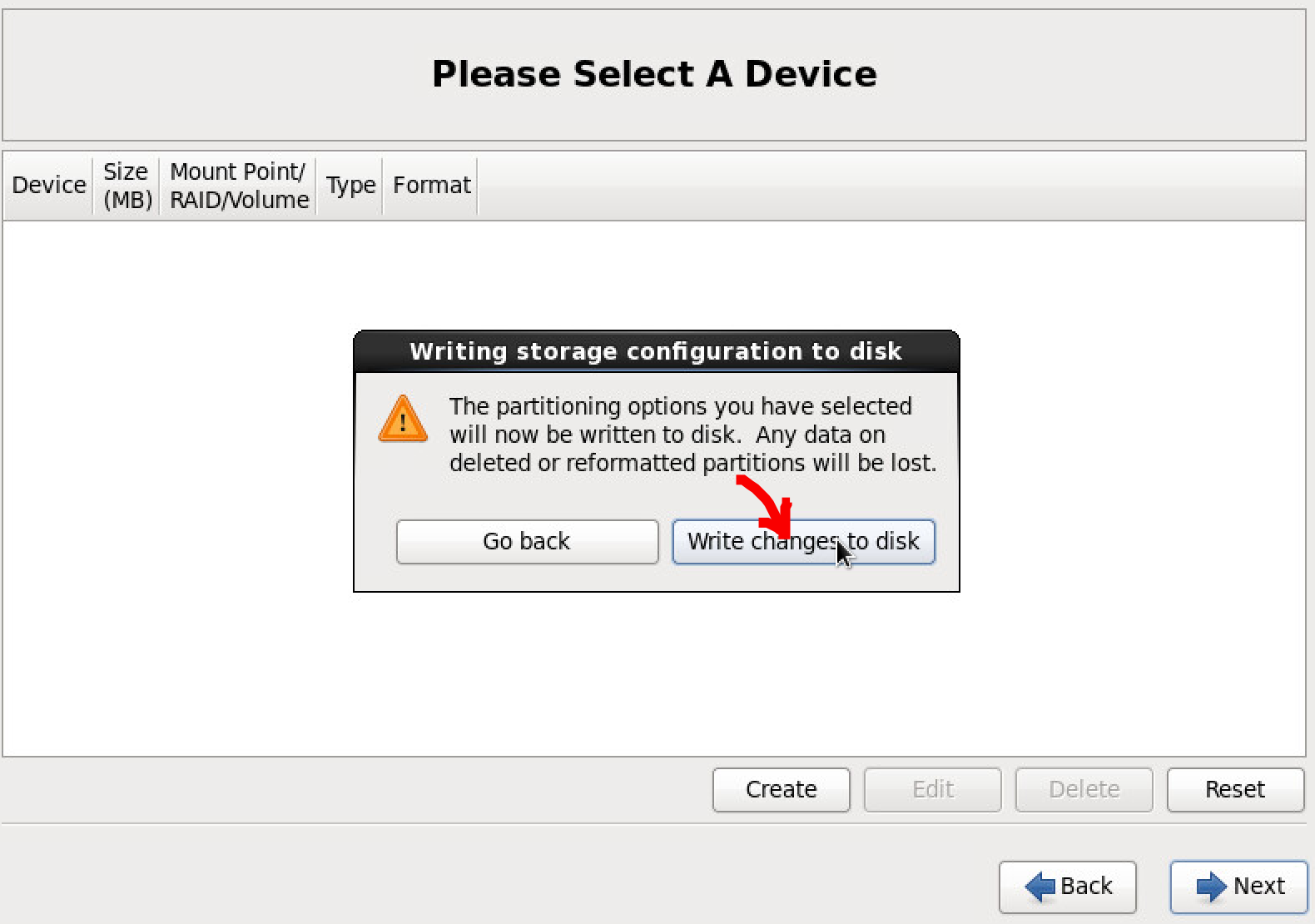
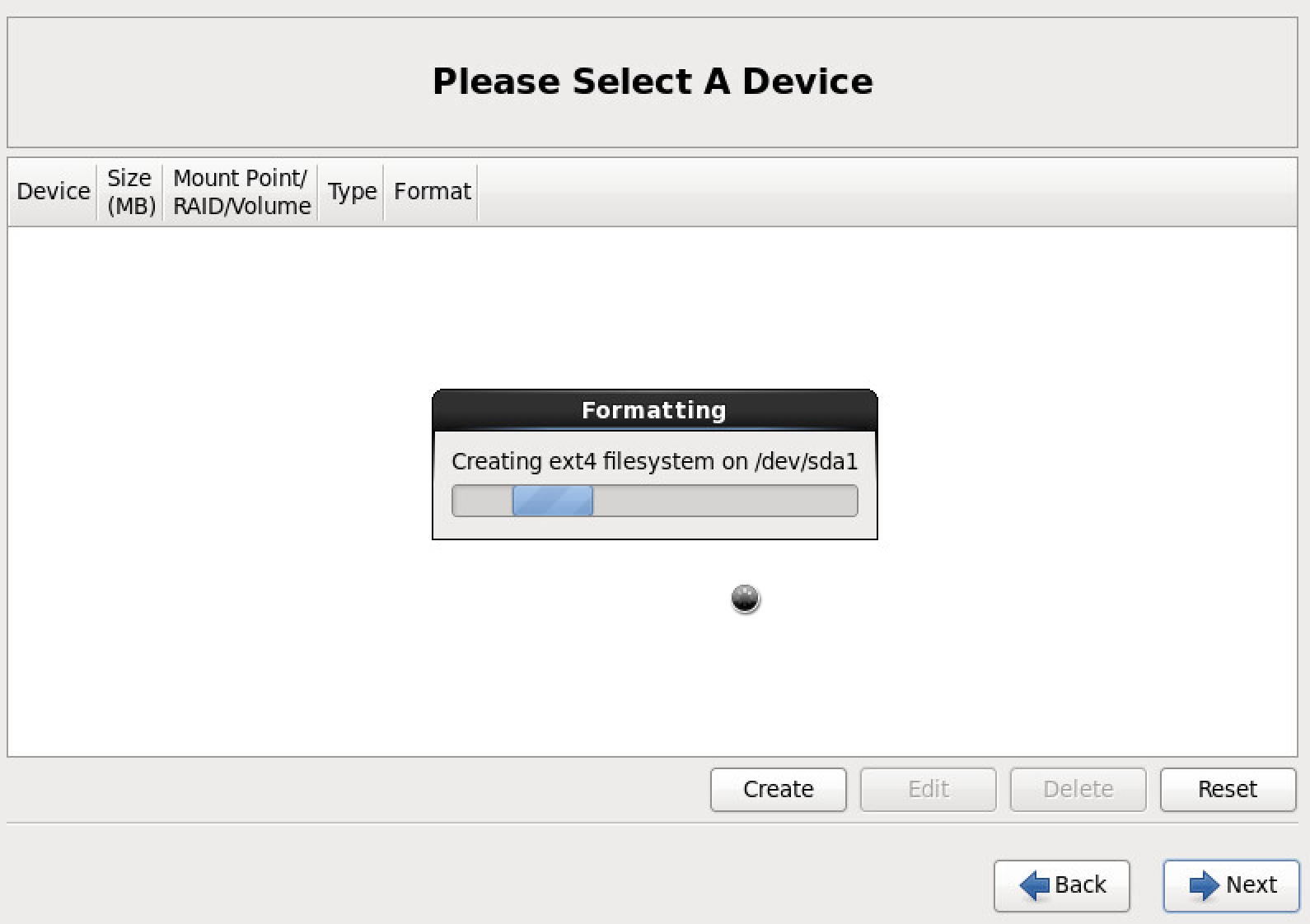
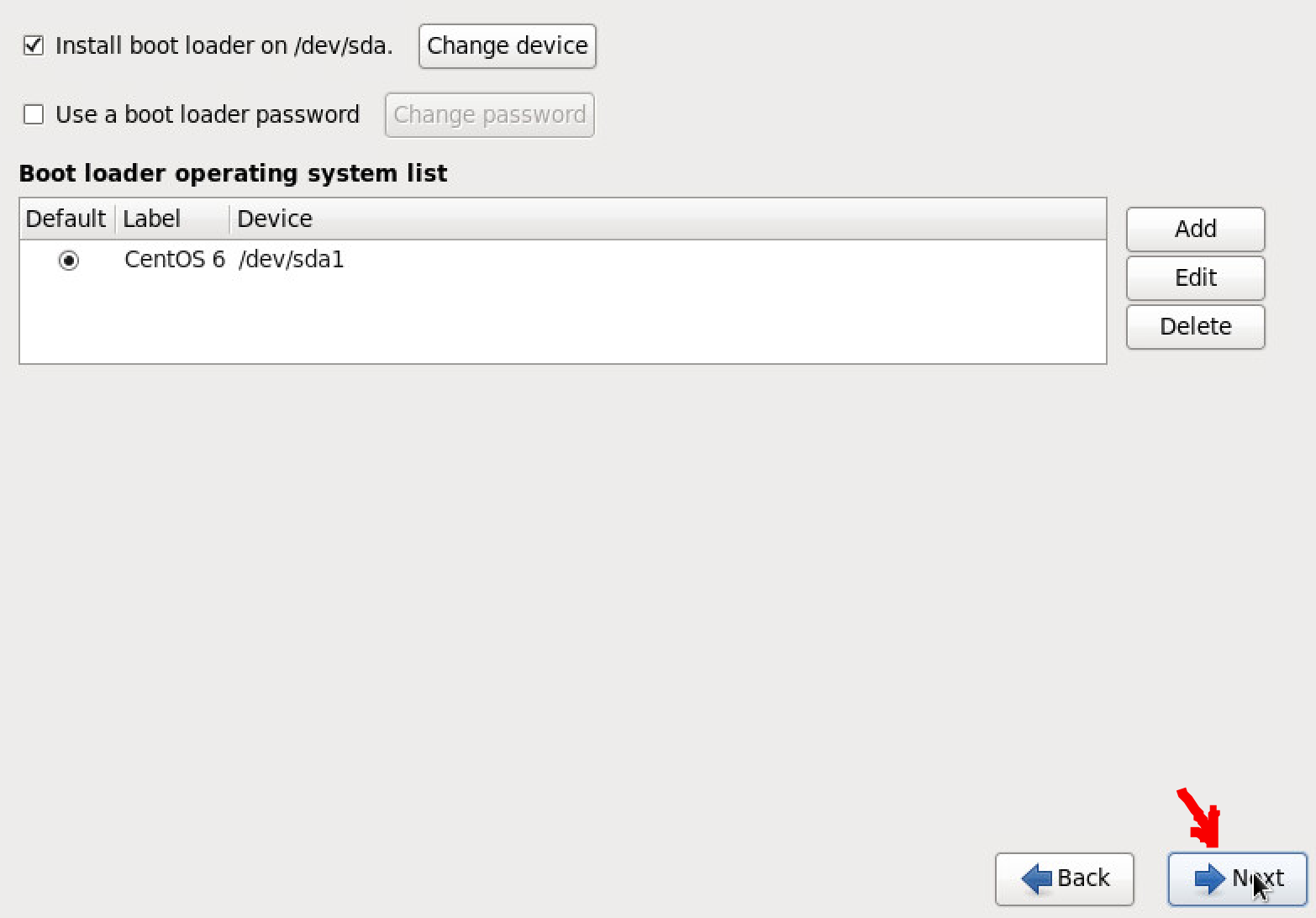
Create Custom Layout
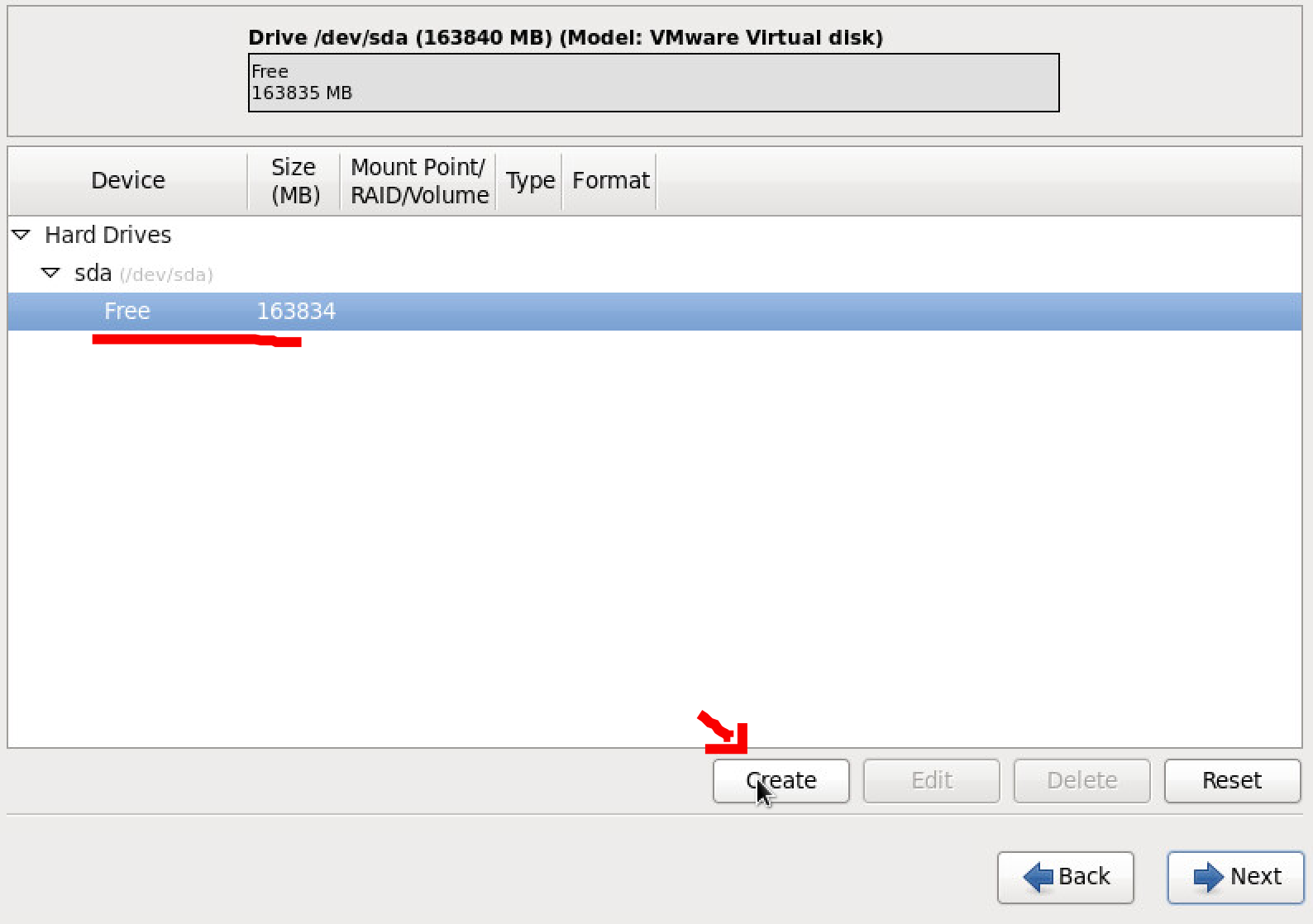
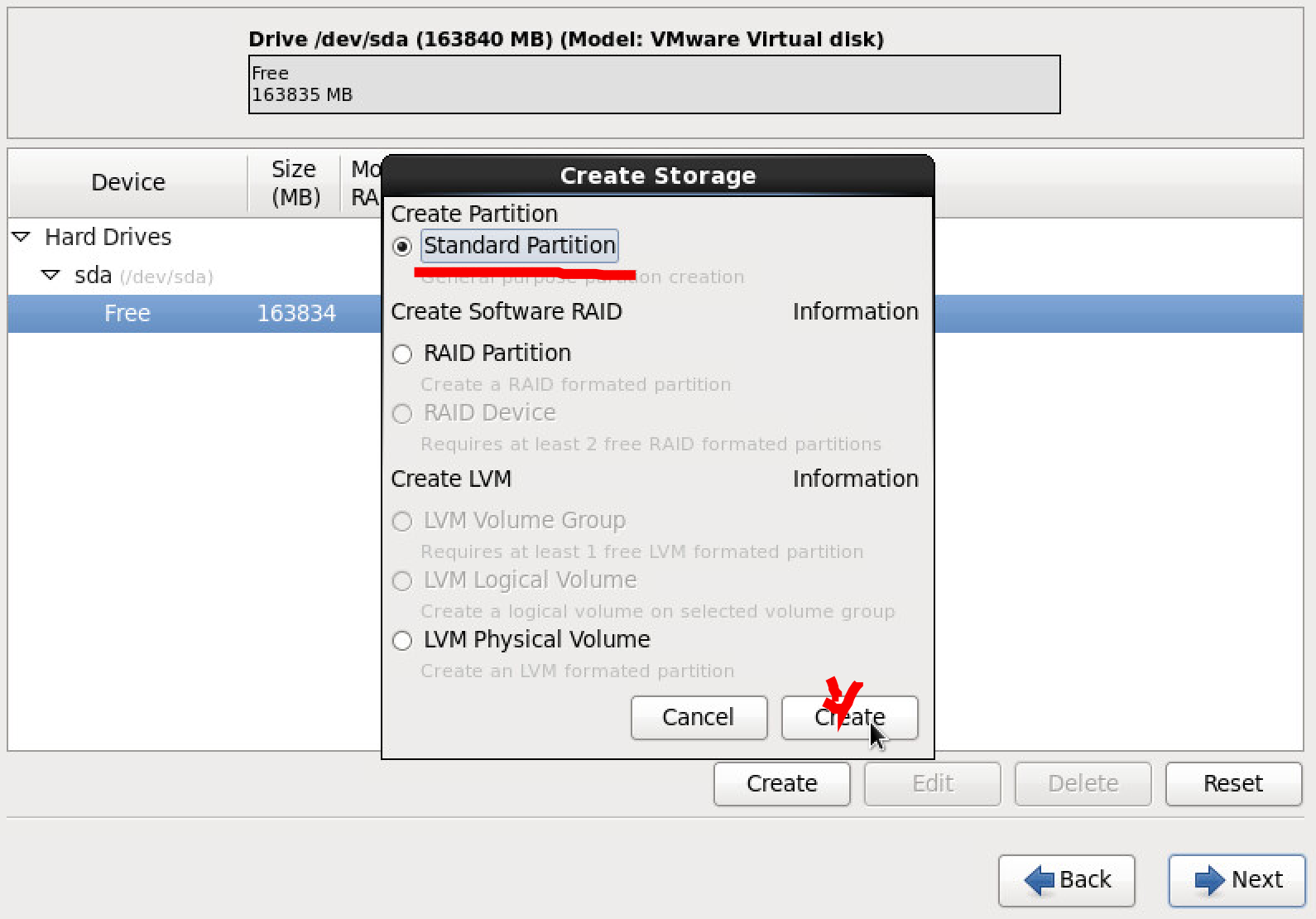
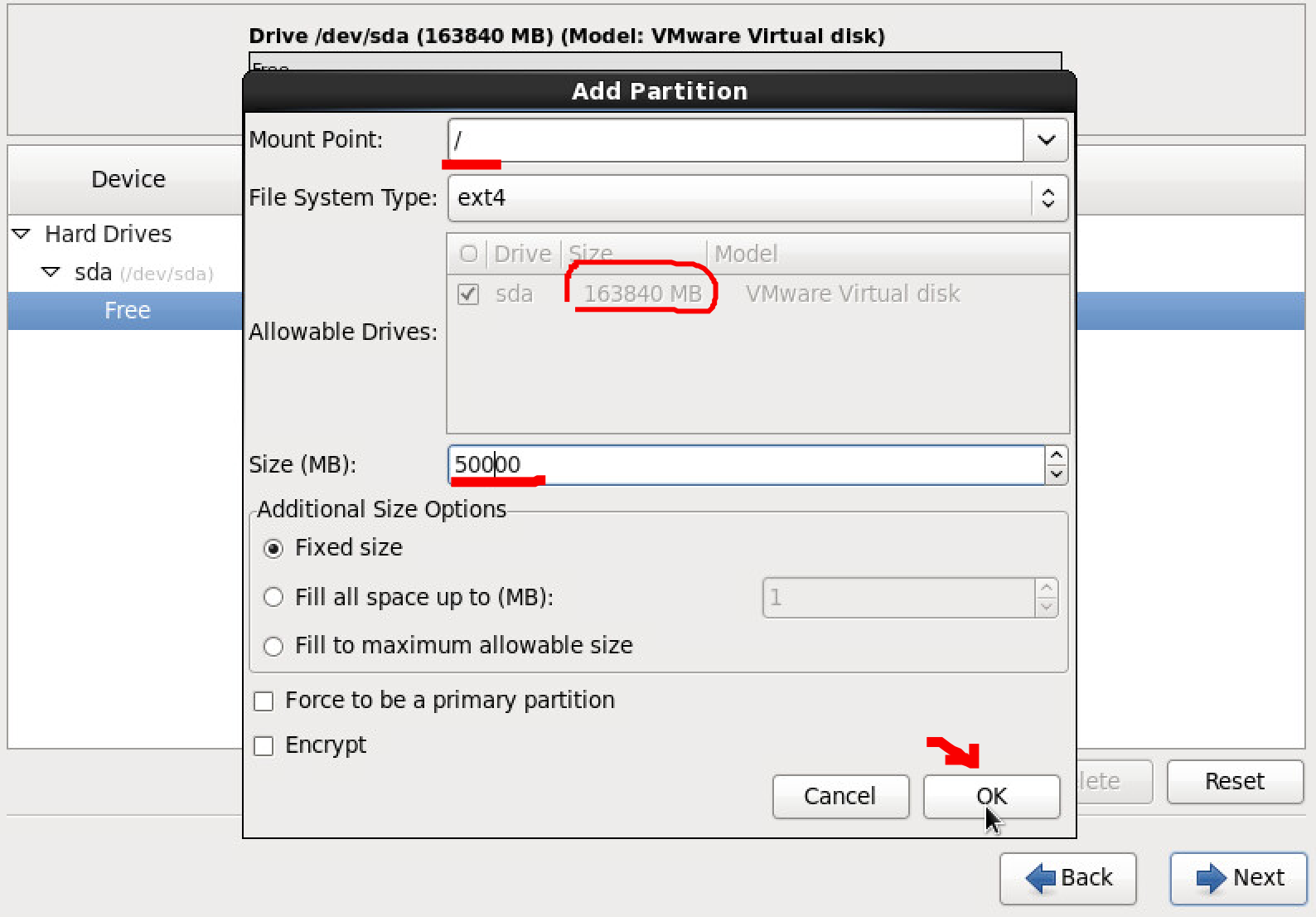
Leave free space for MapR installing. Will do fdisk when Centos installed.
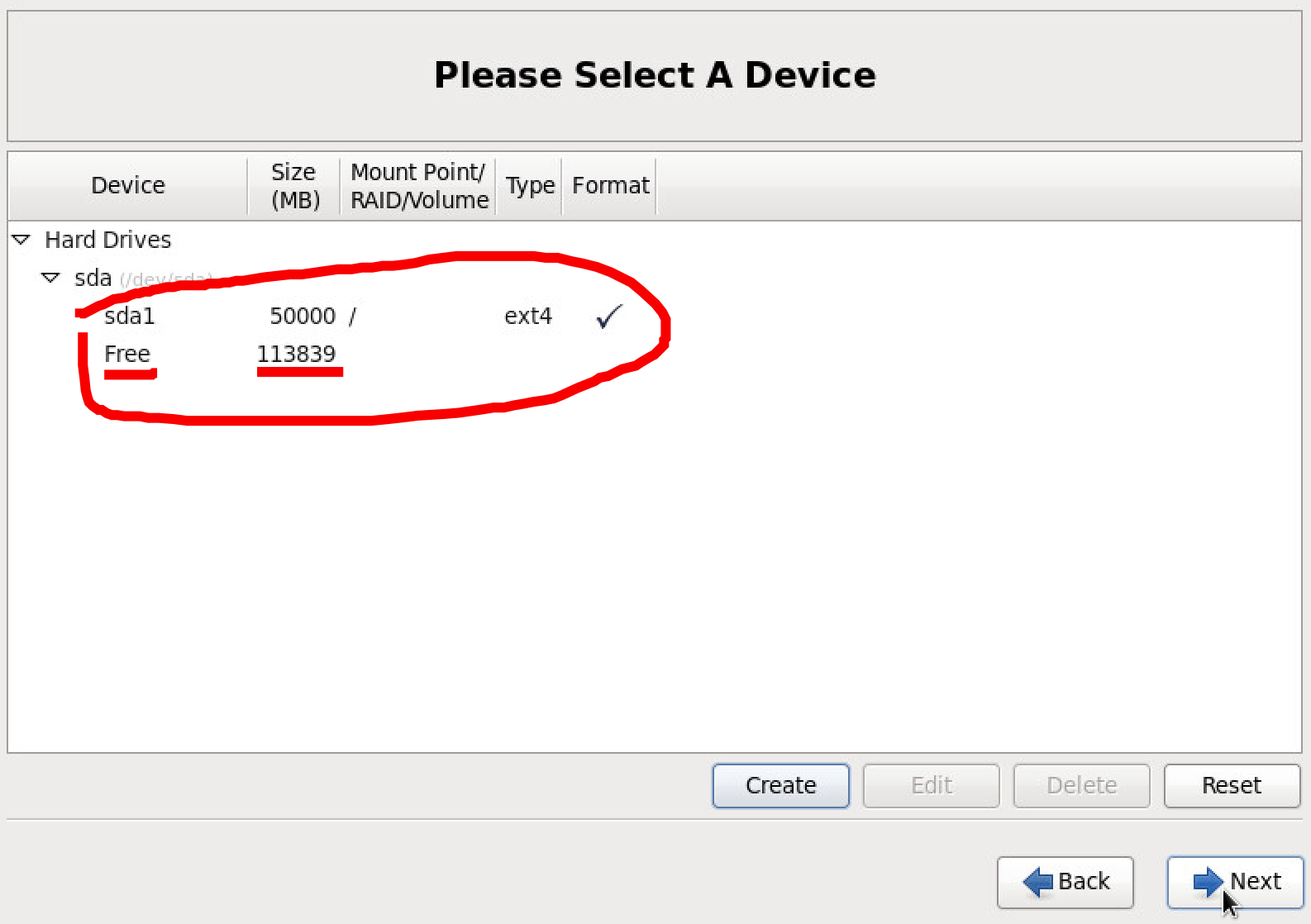
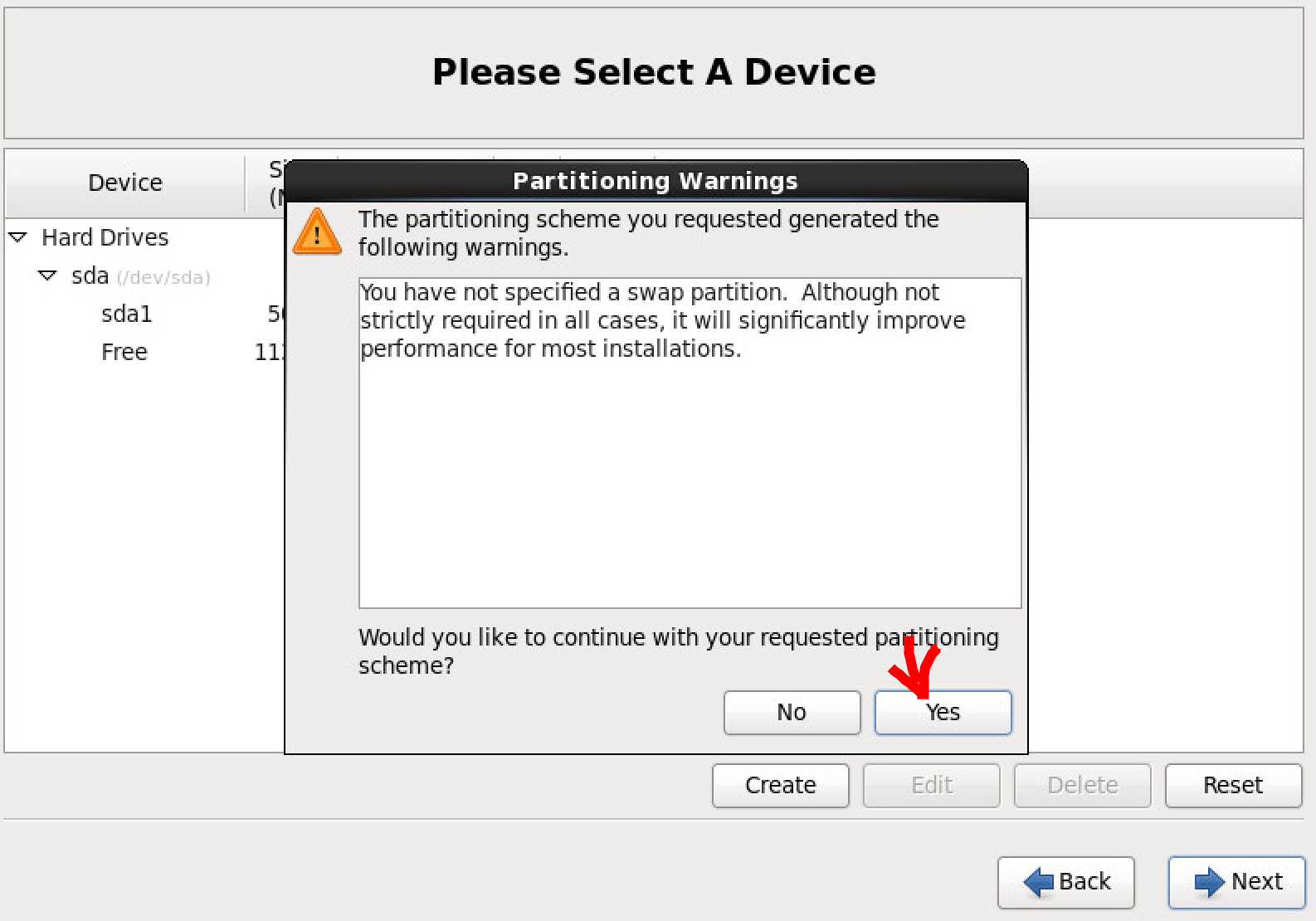
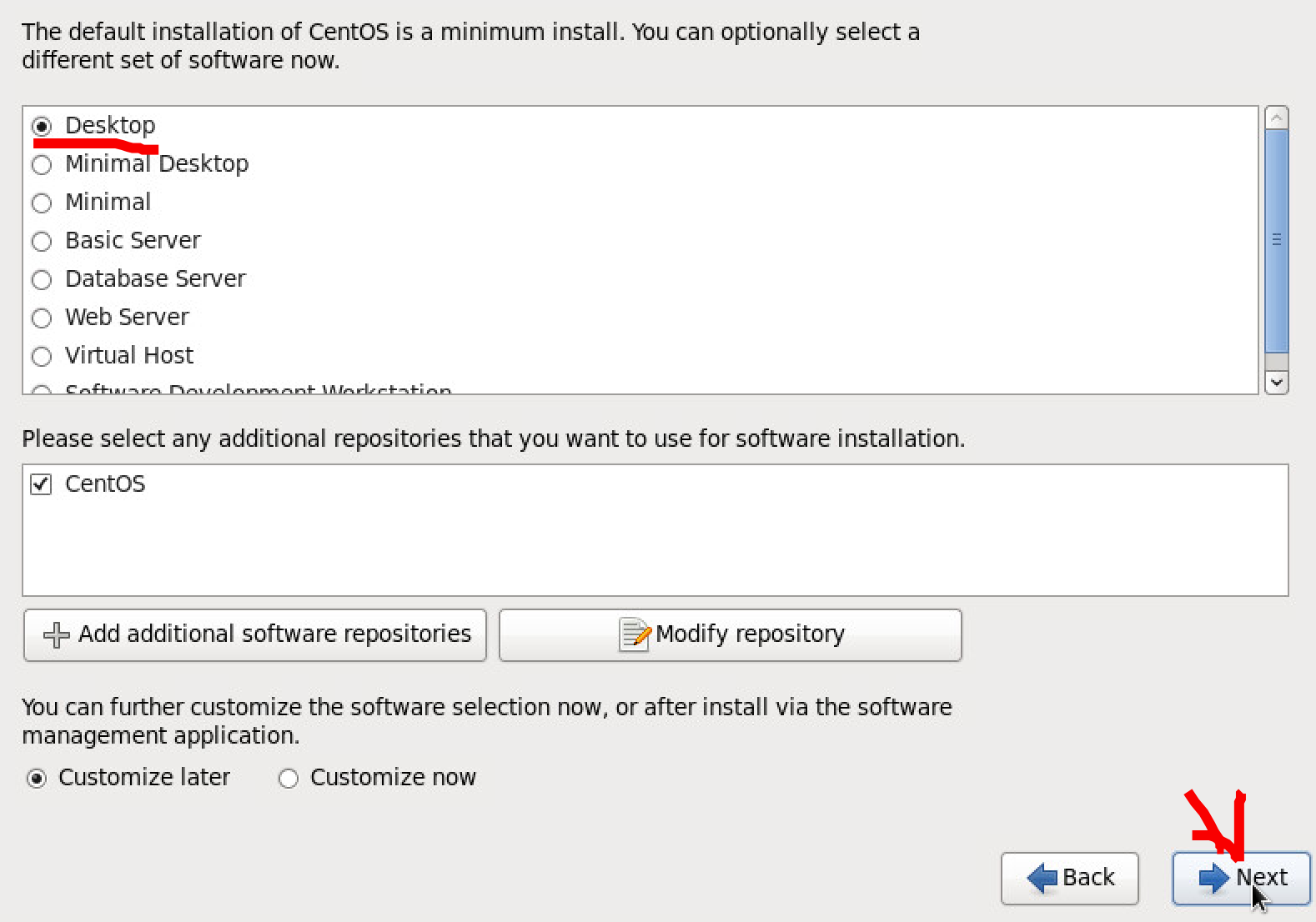
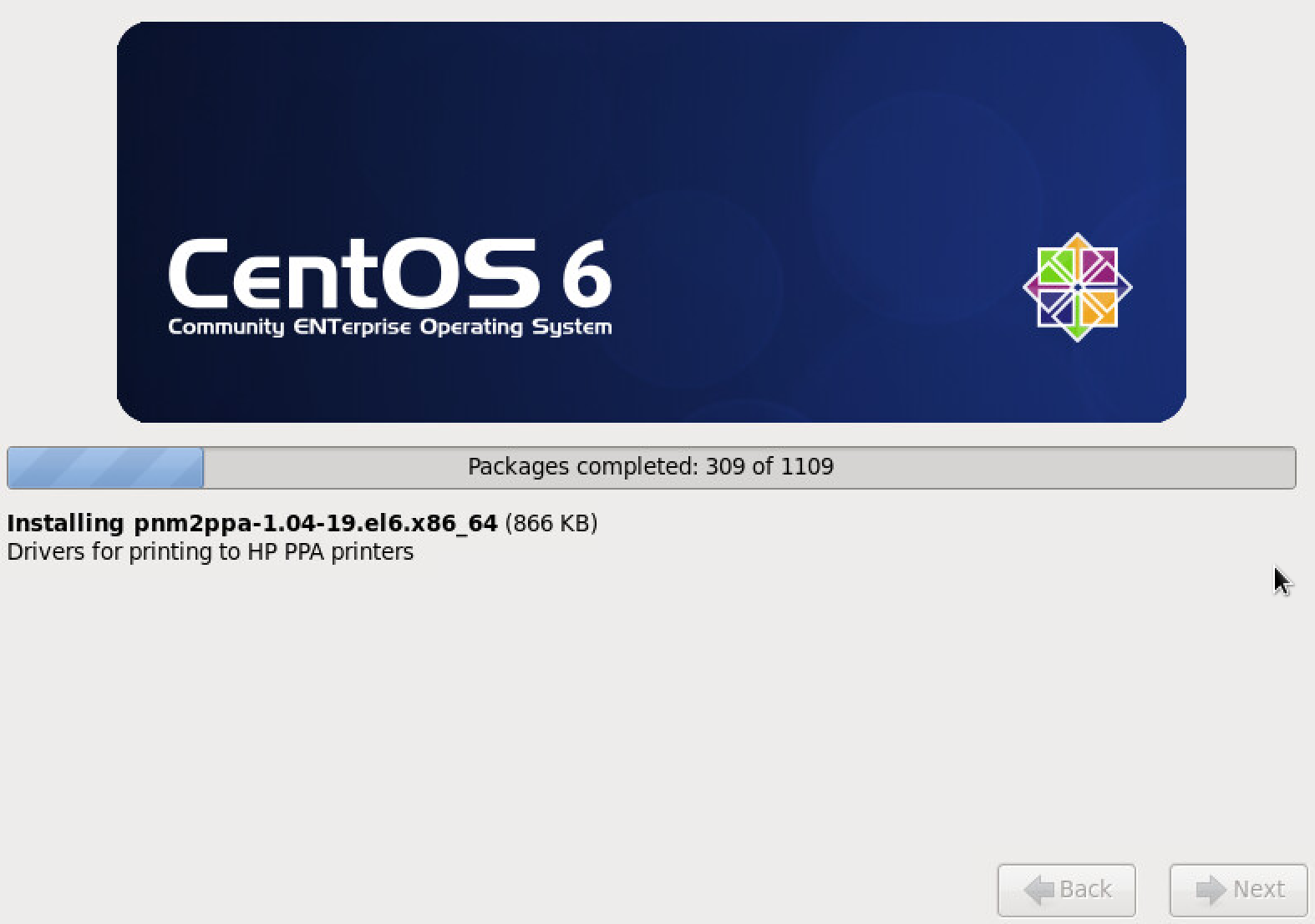
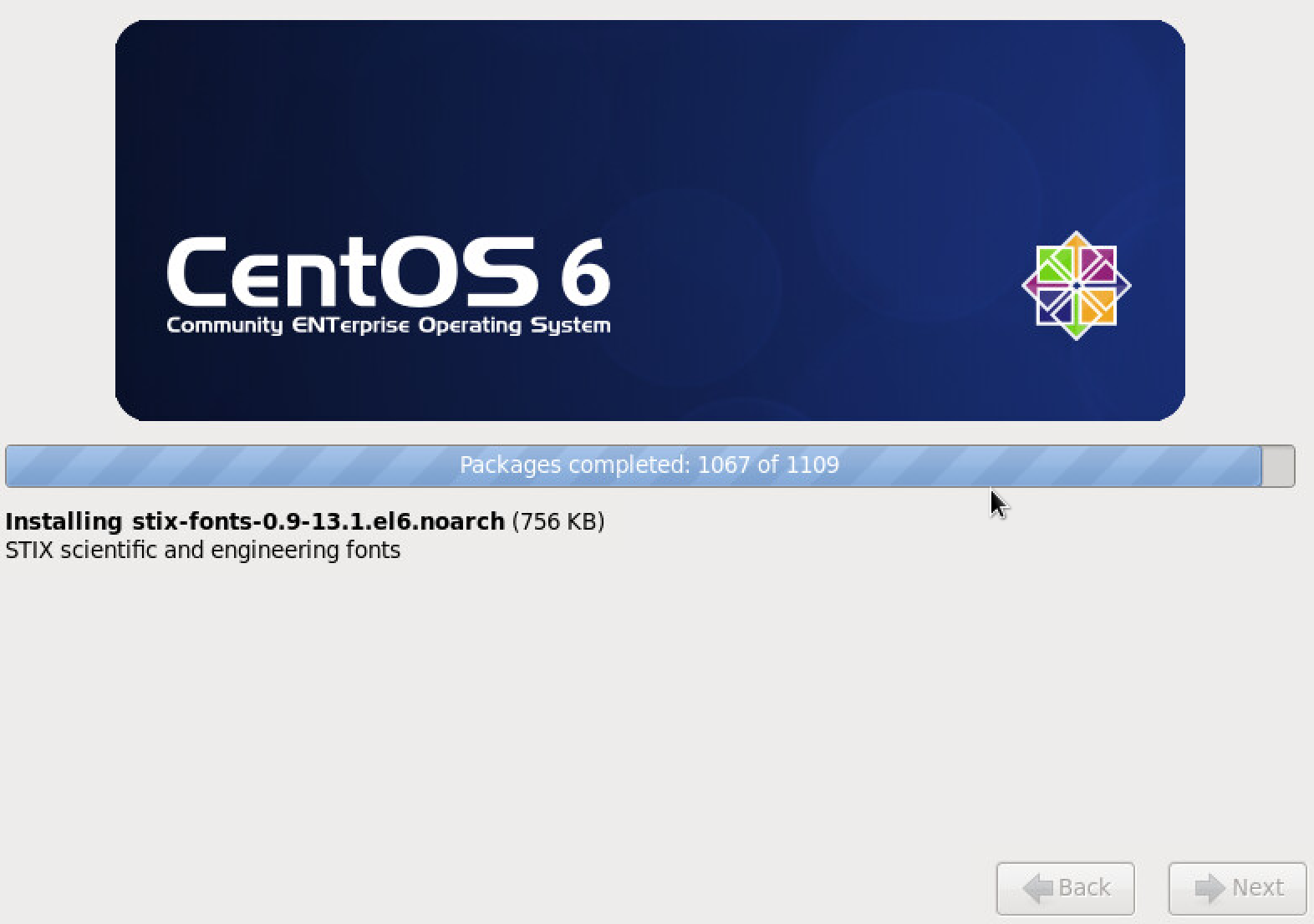
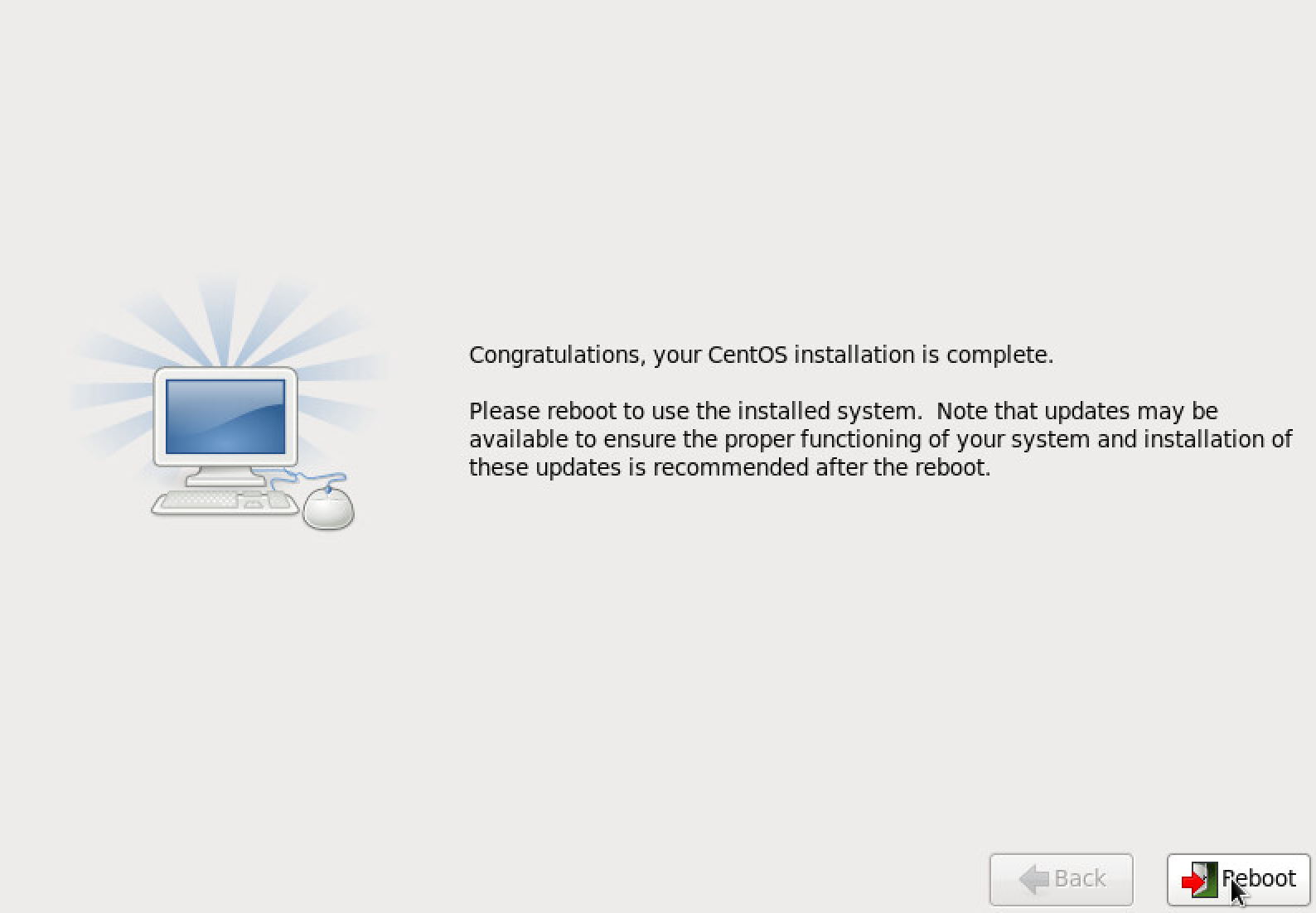
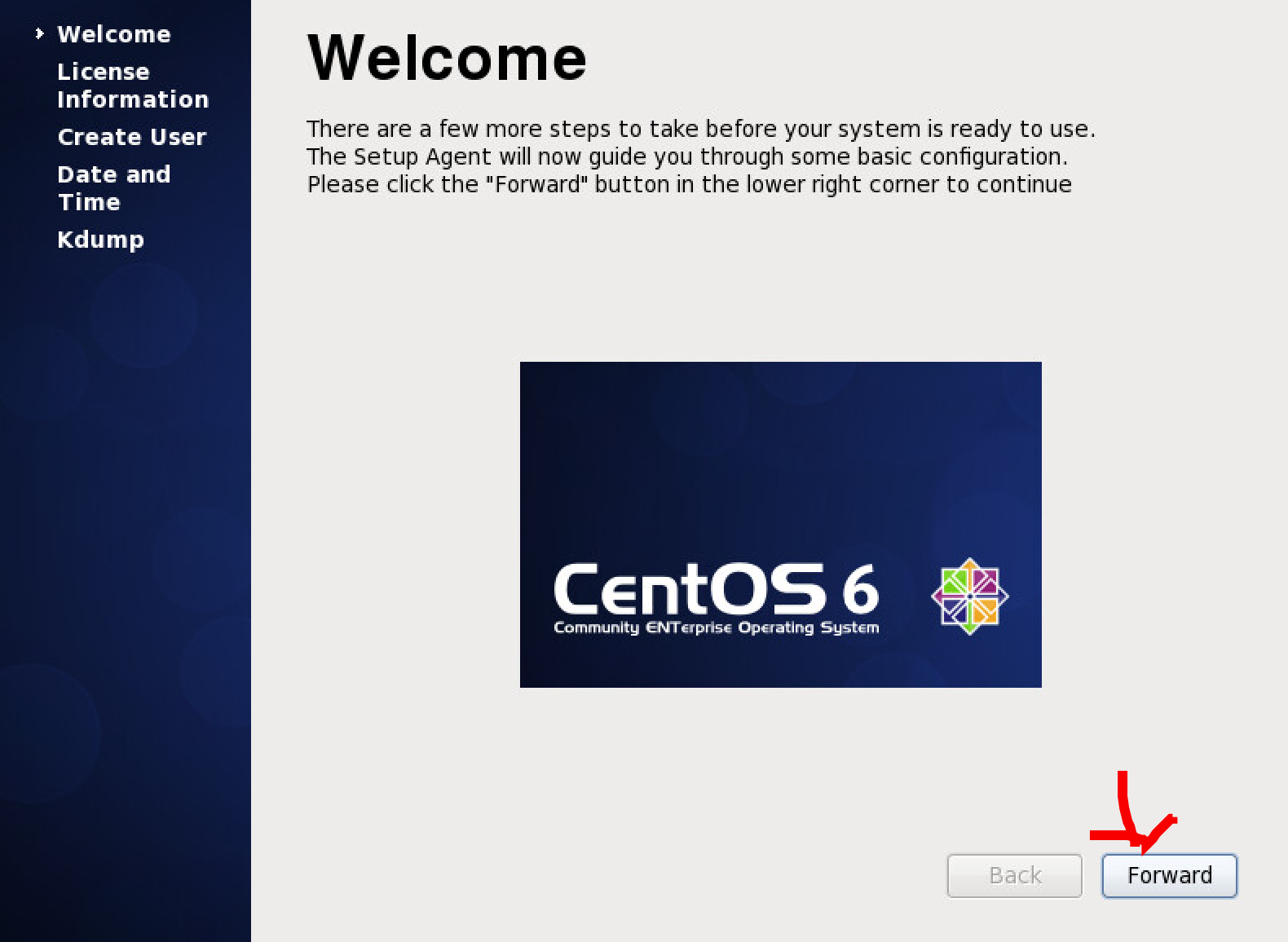
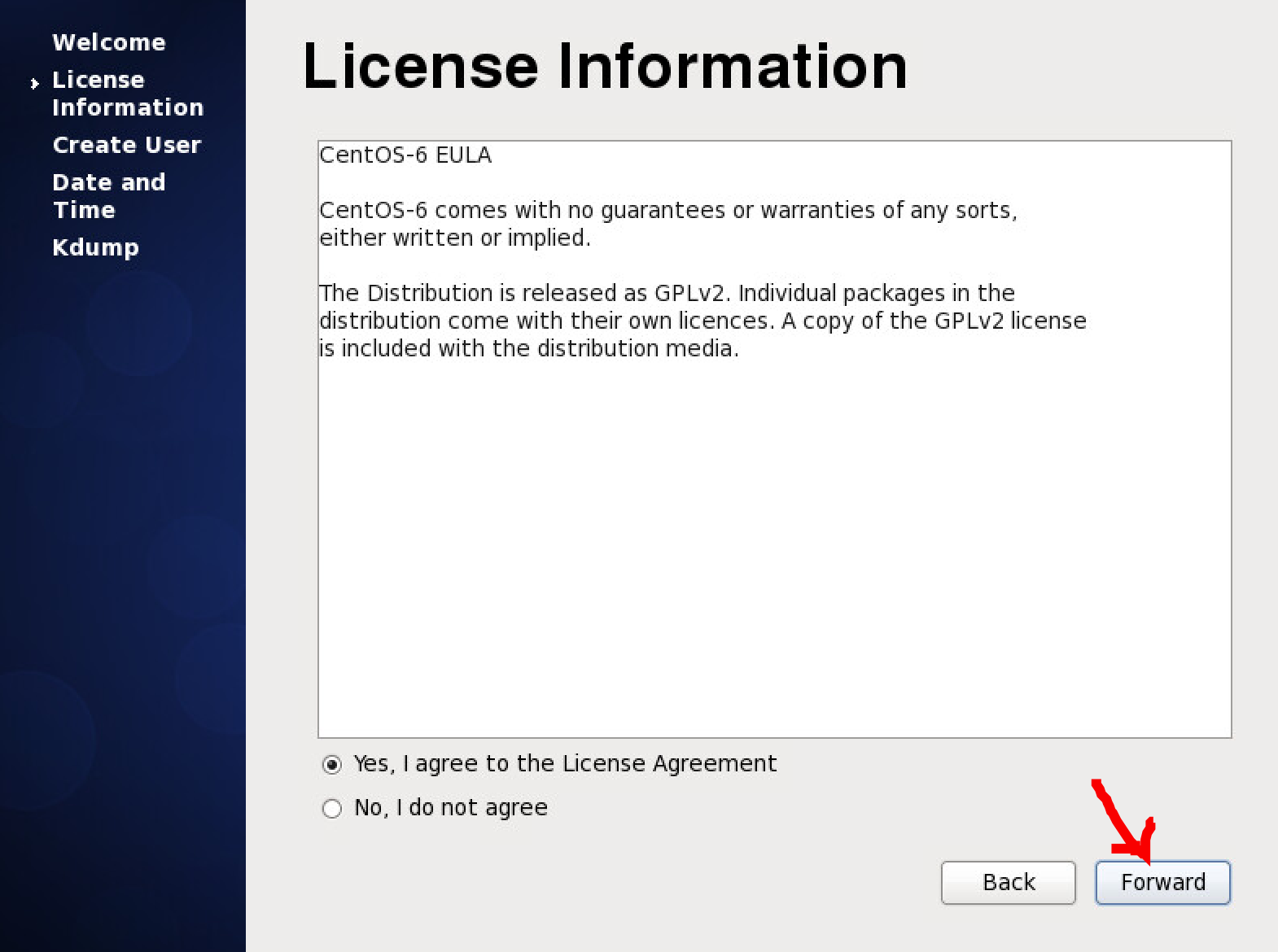
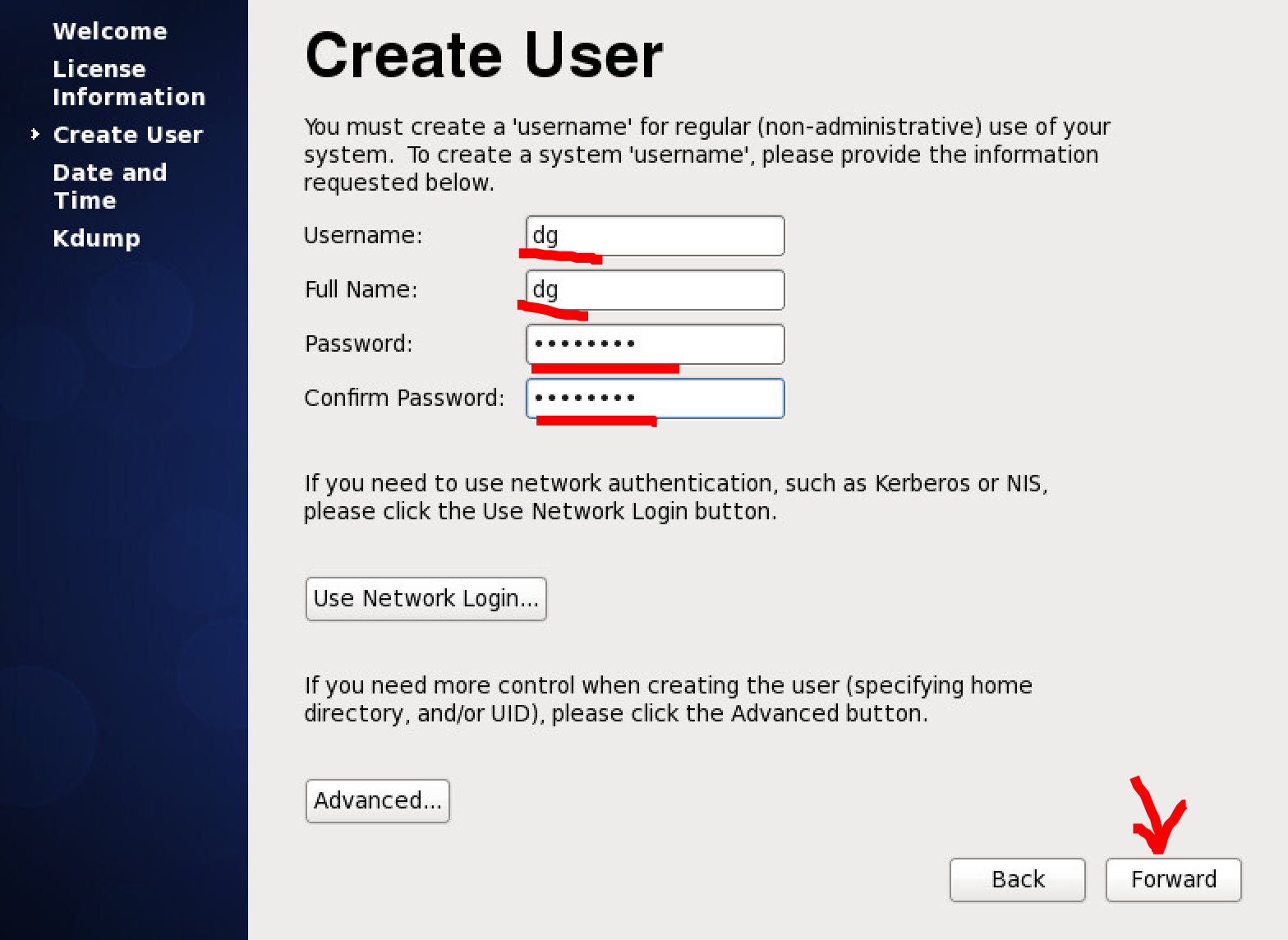
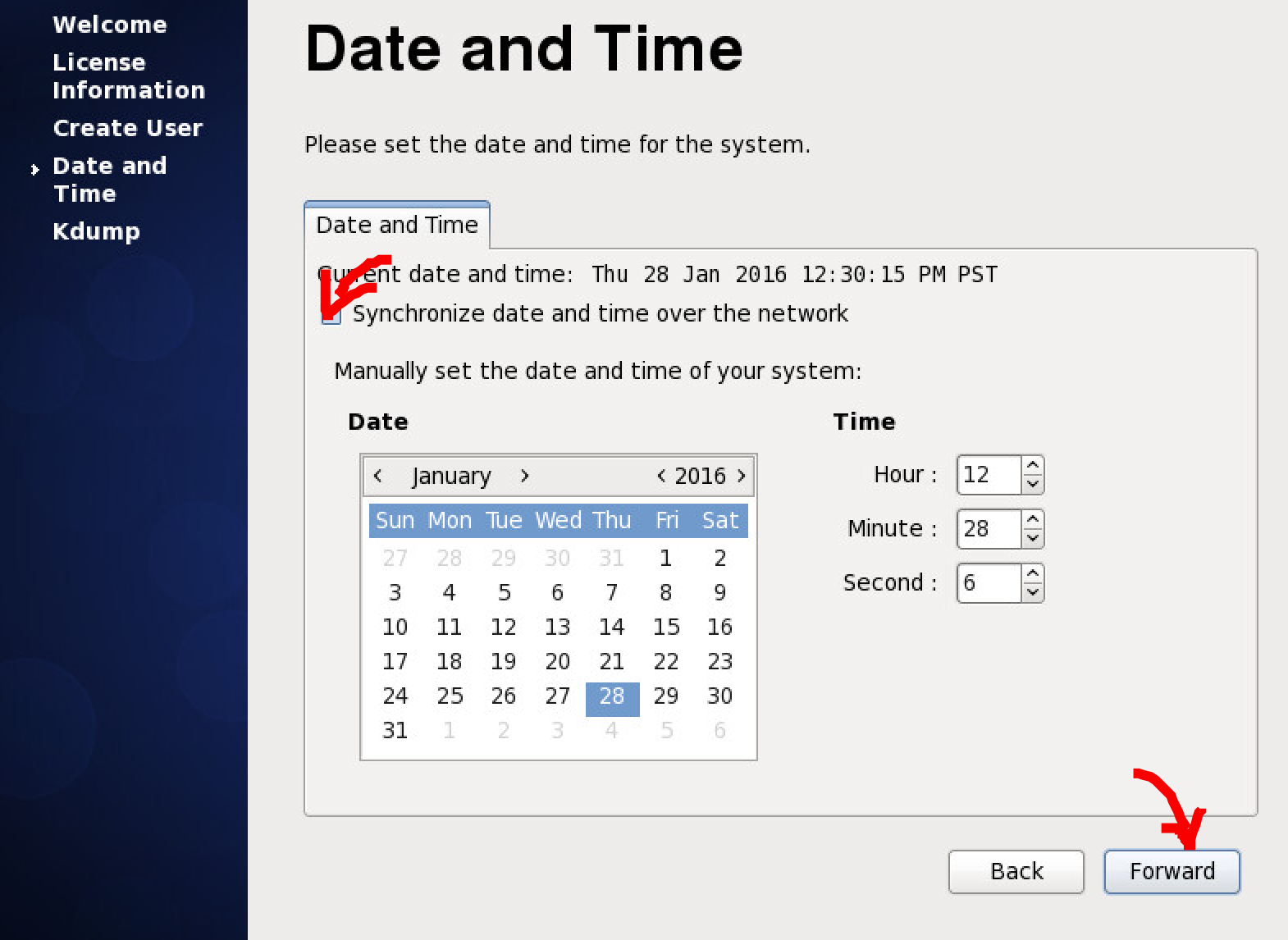
This is for a regular user, not root.
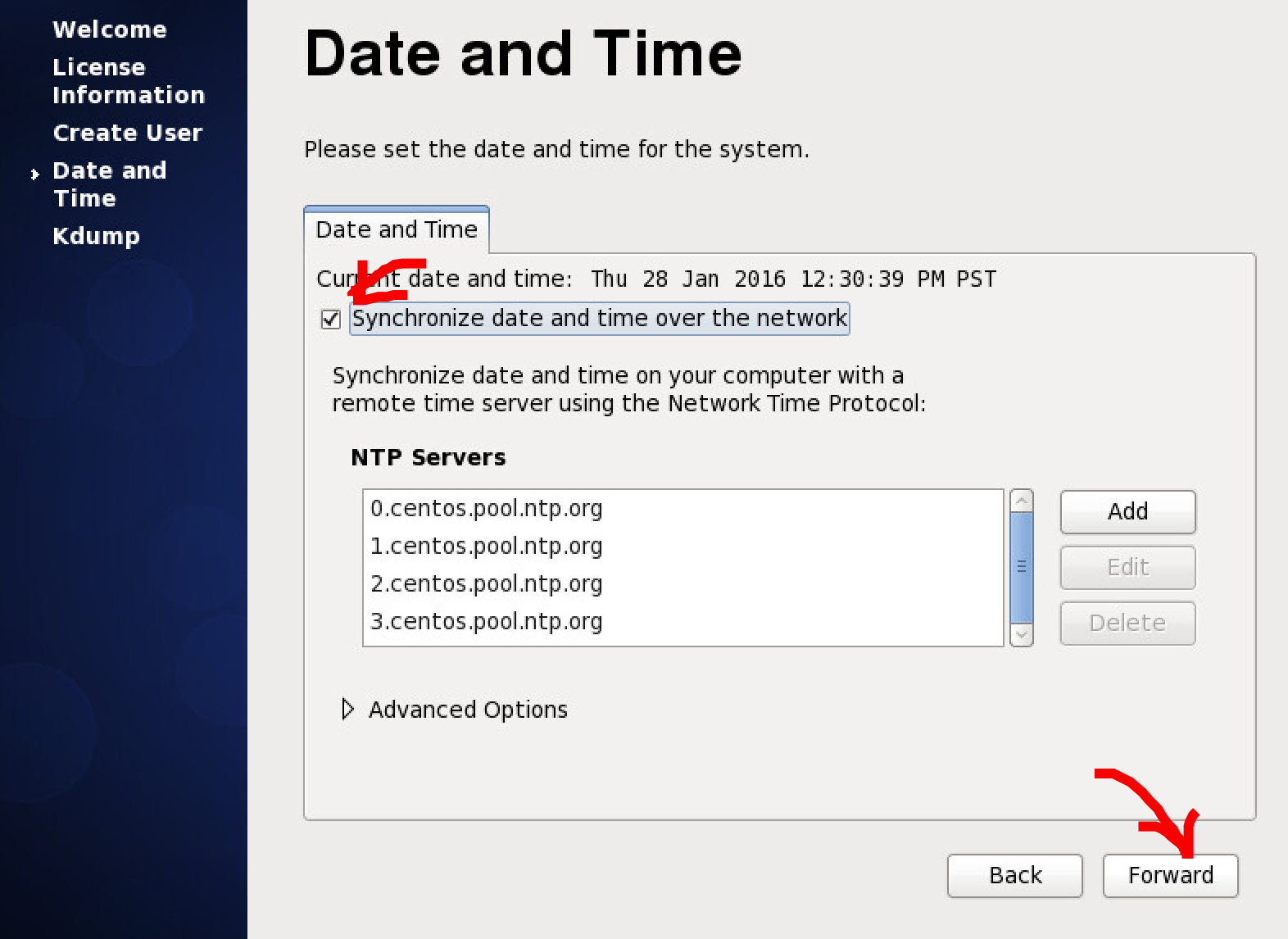
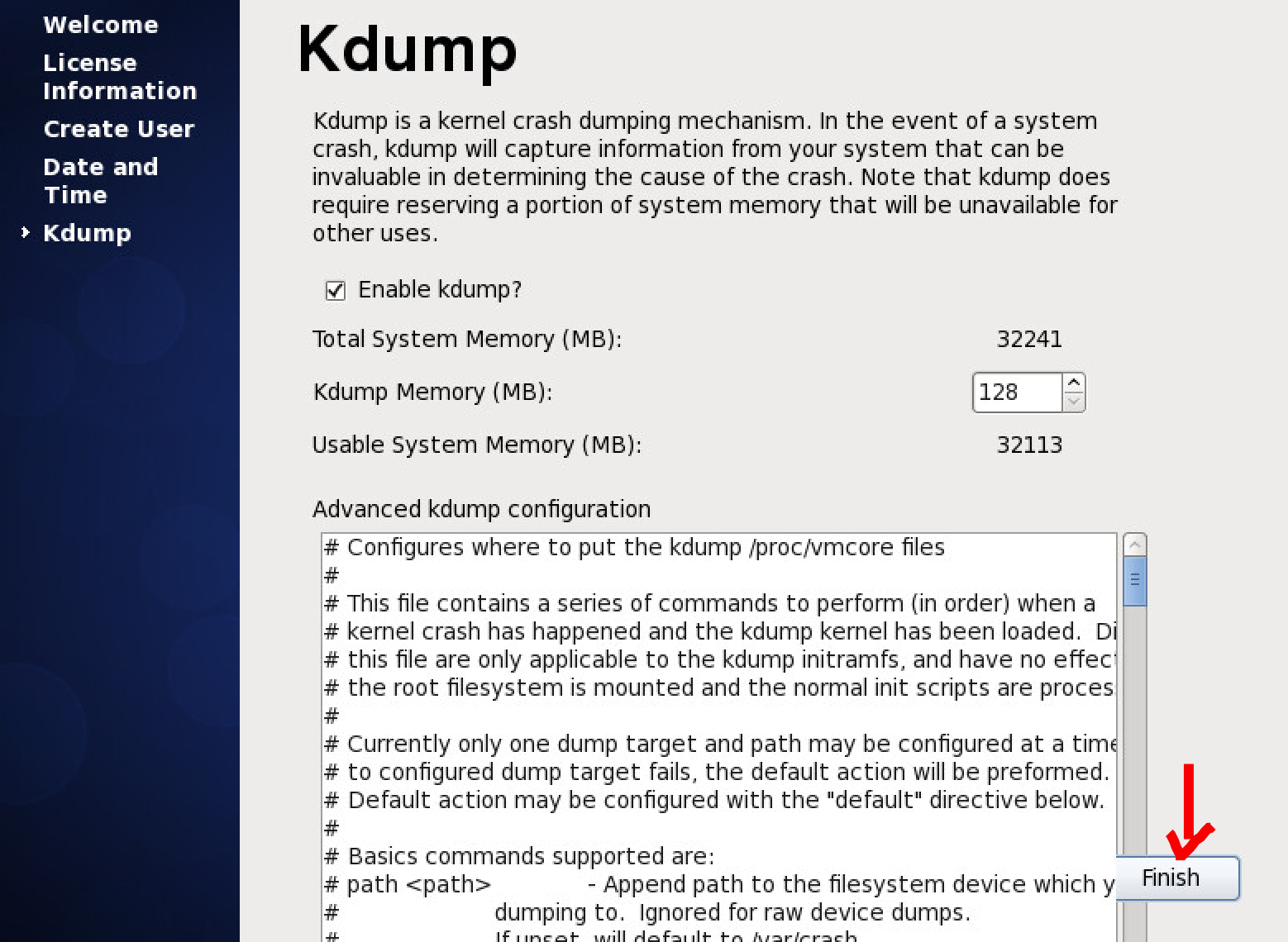
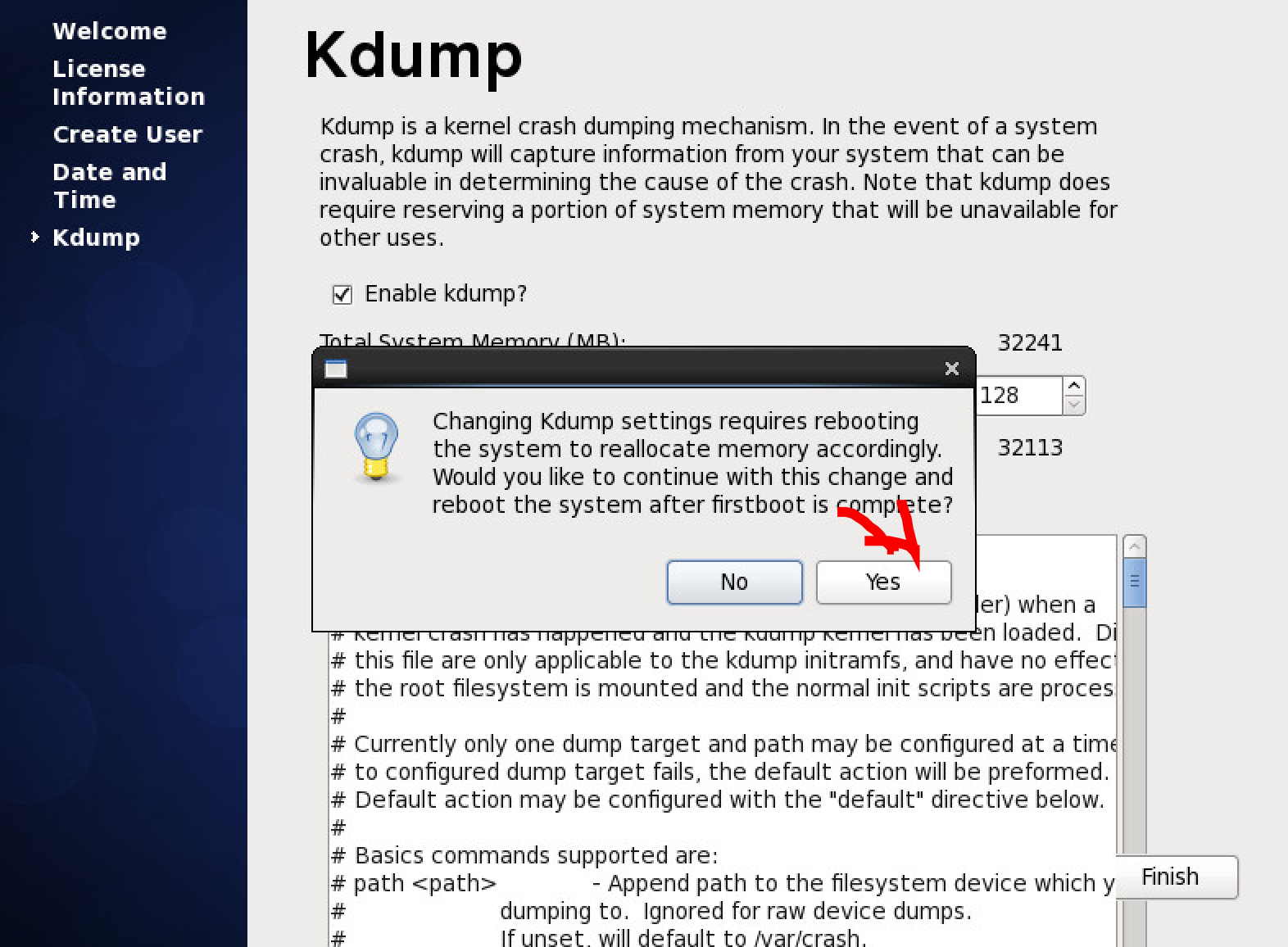
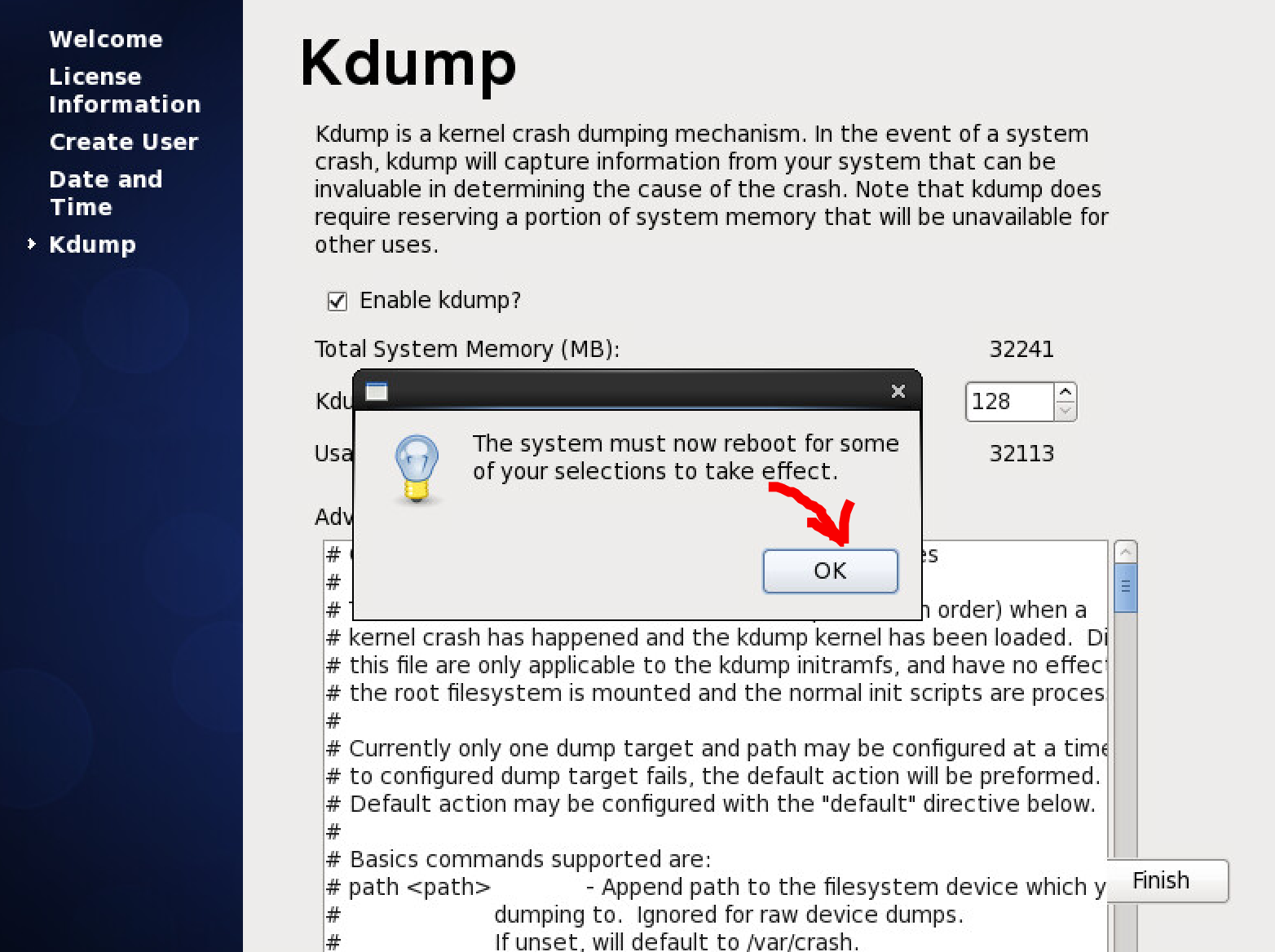
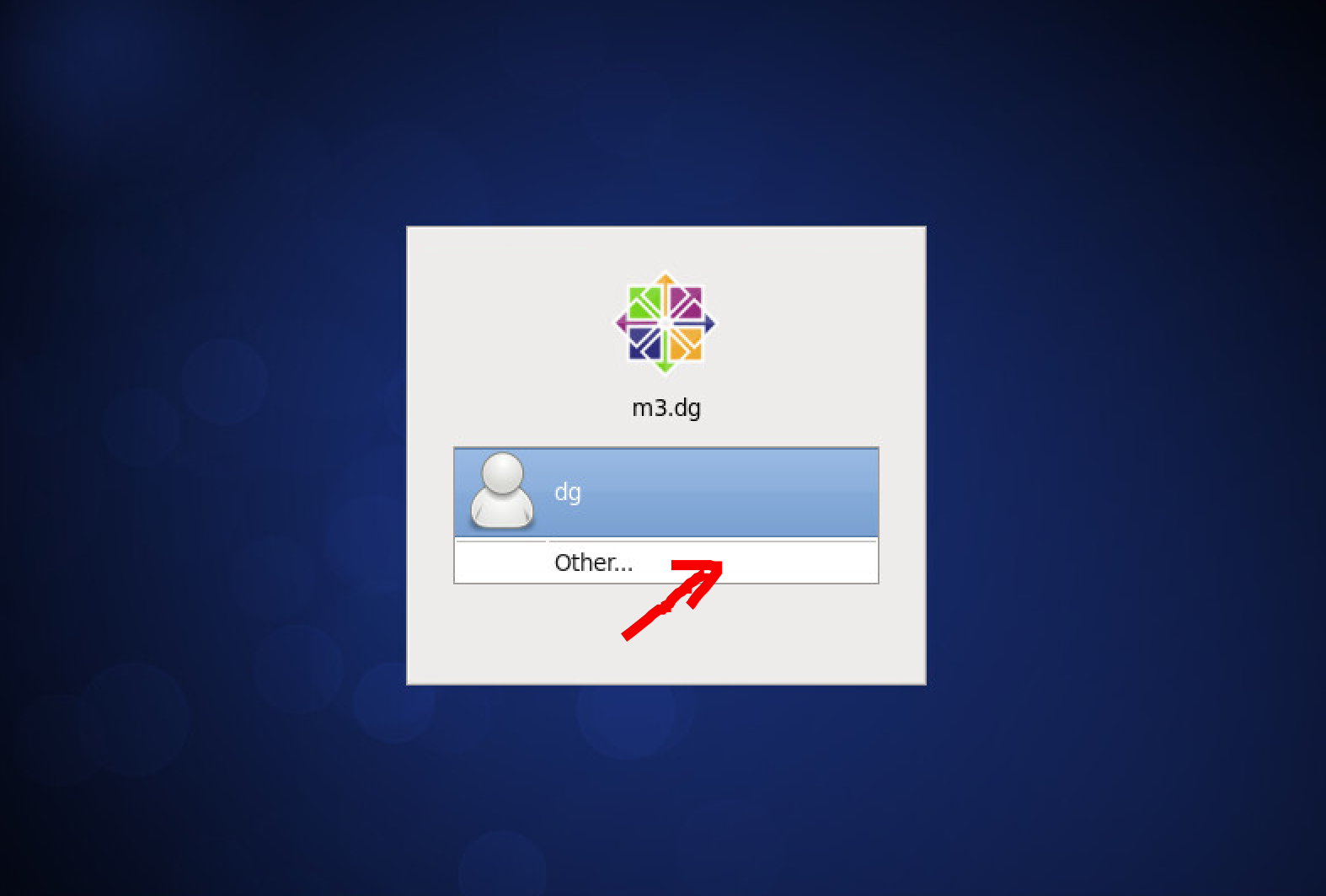
Login as root user
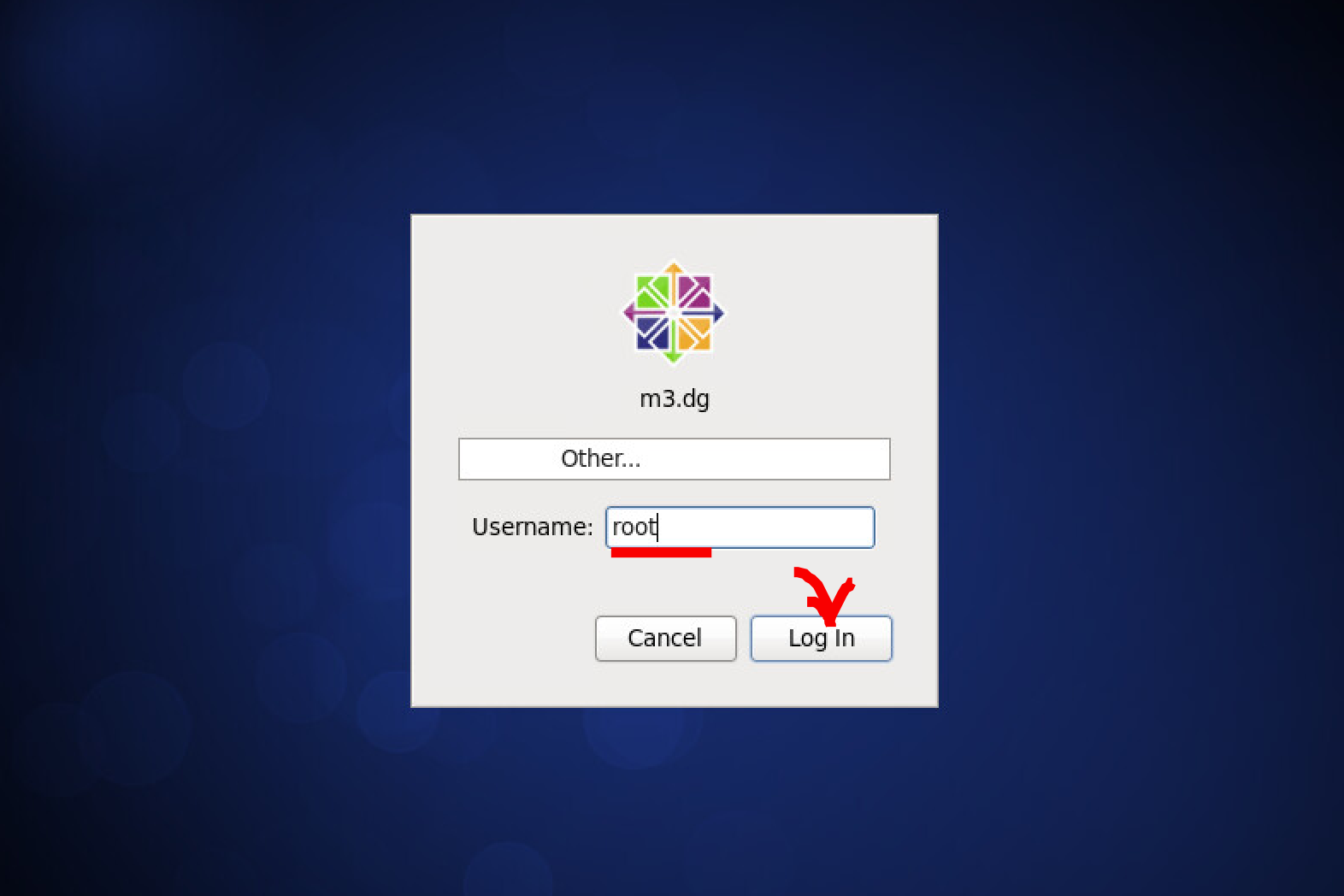
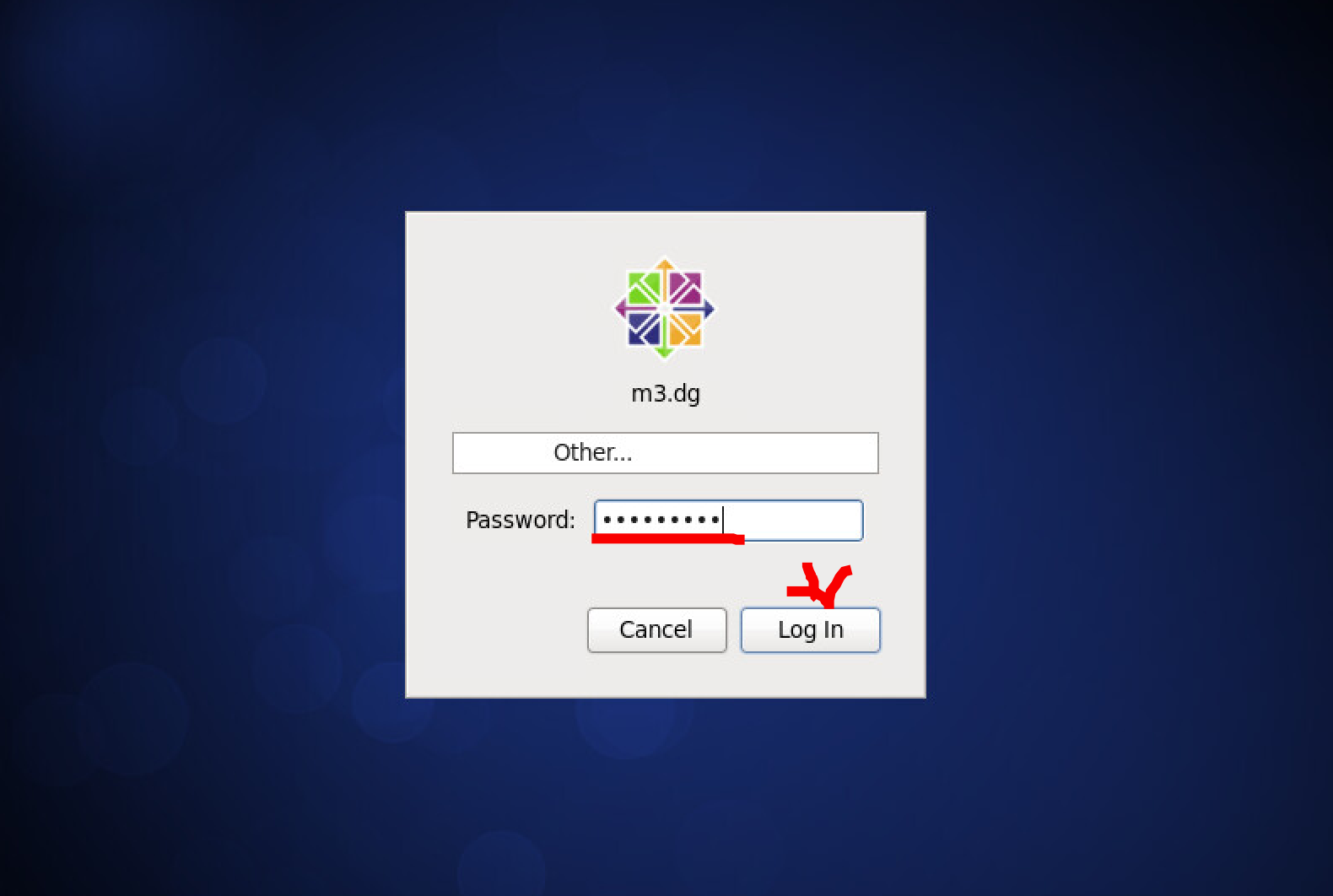
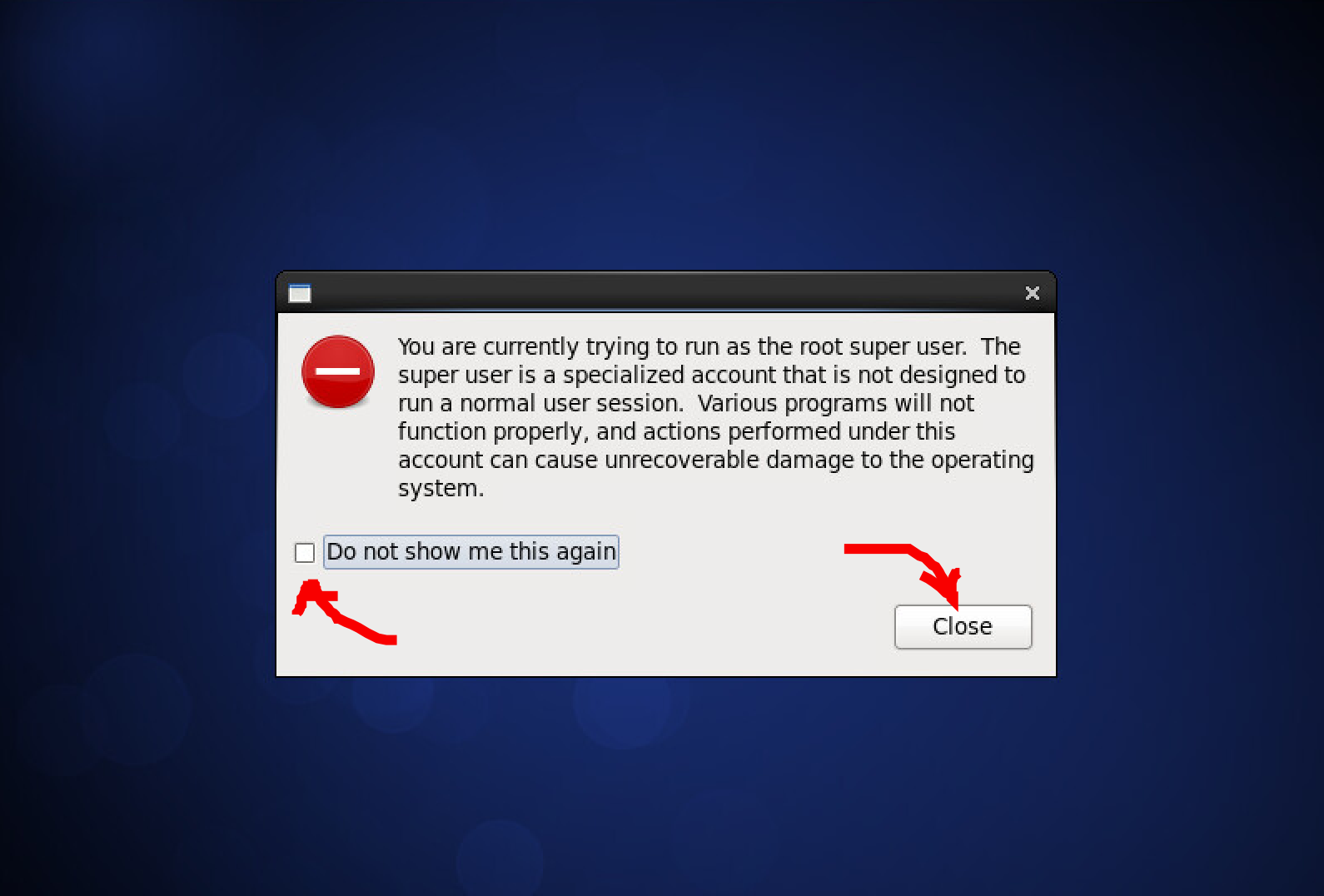
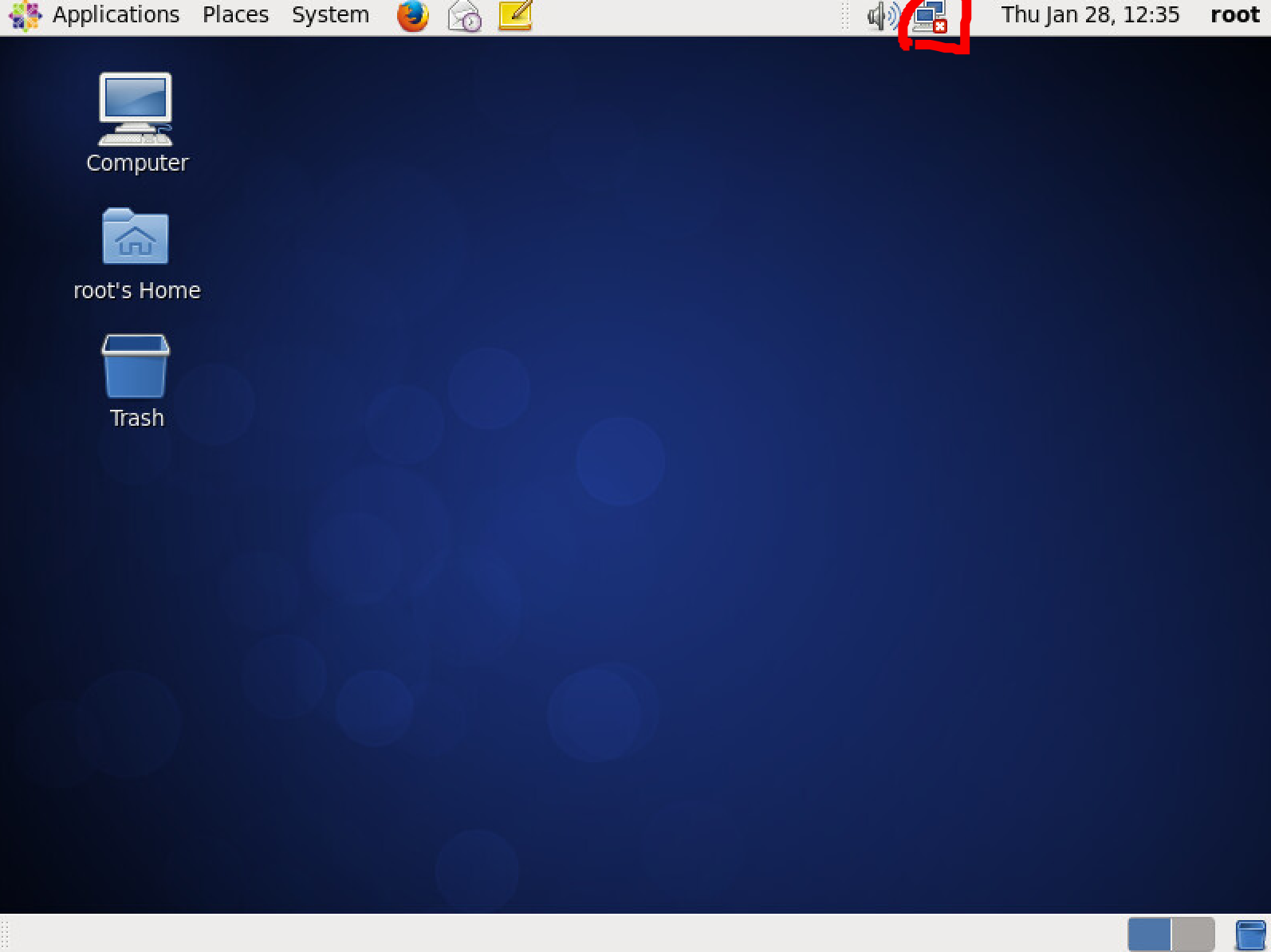
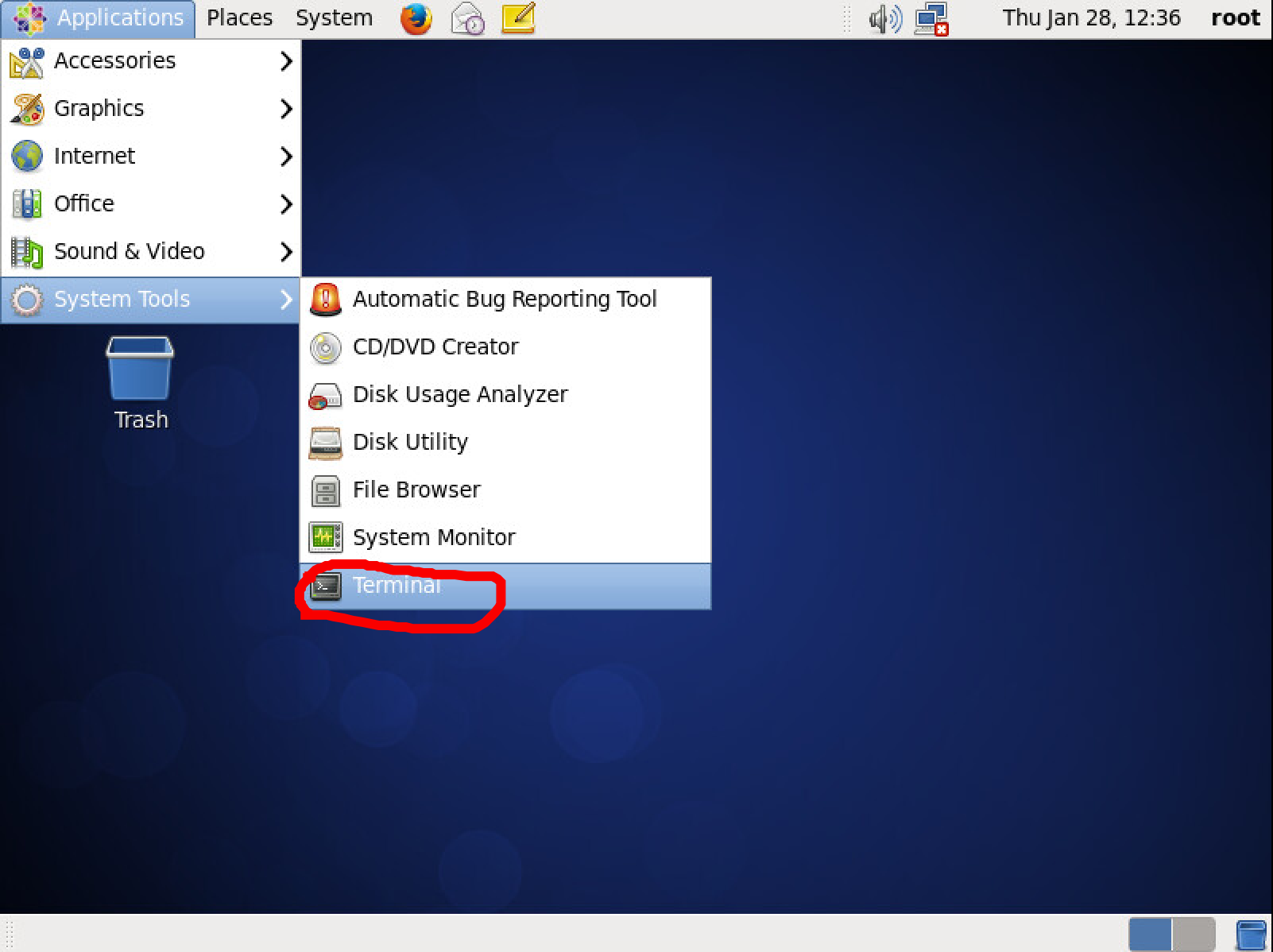
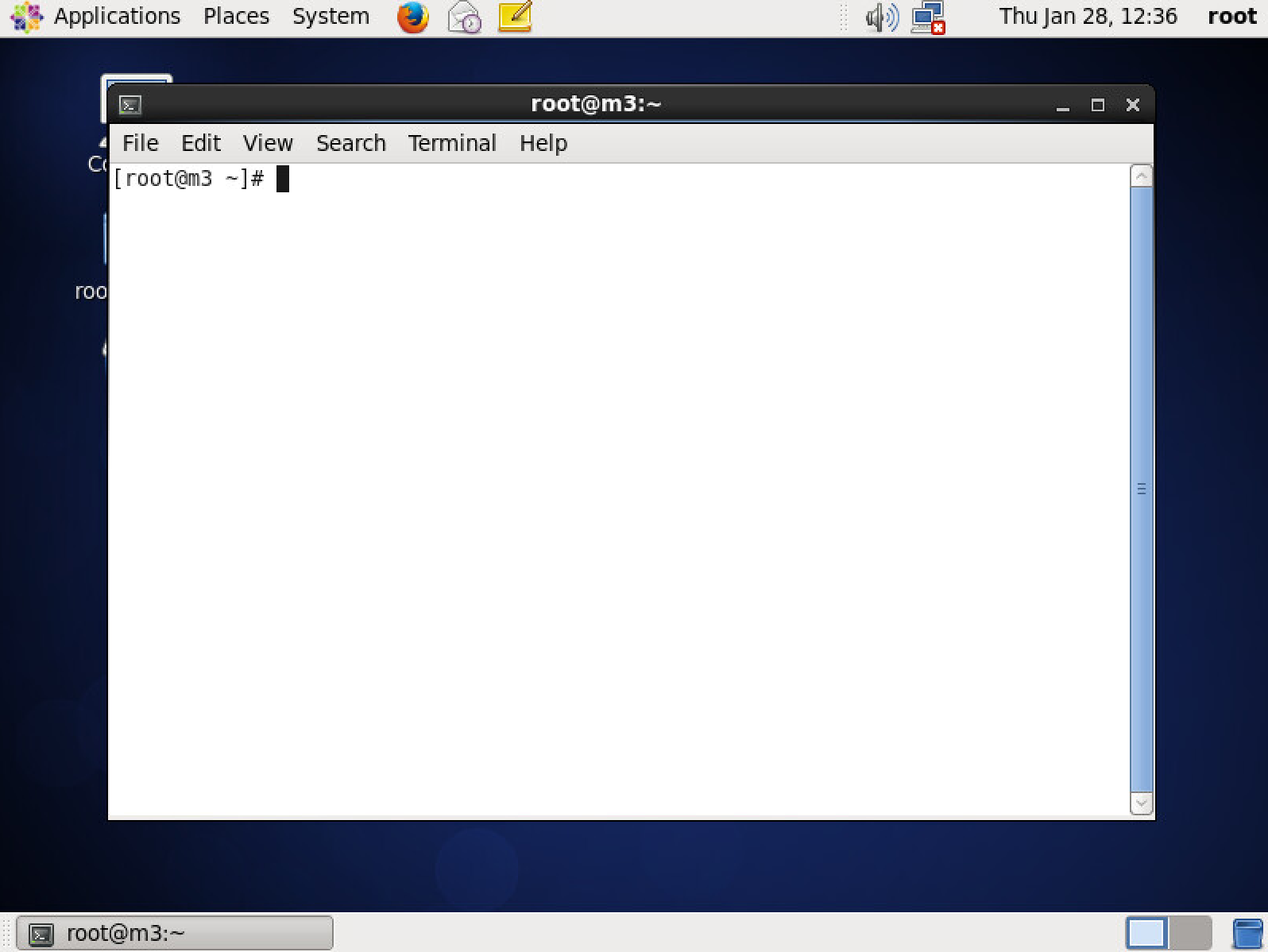
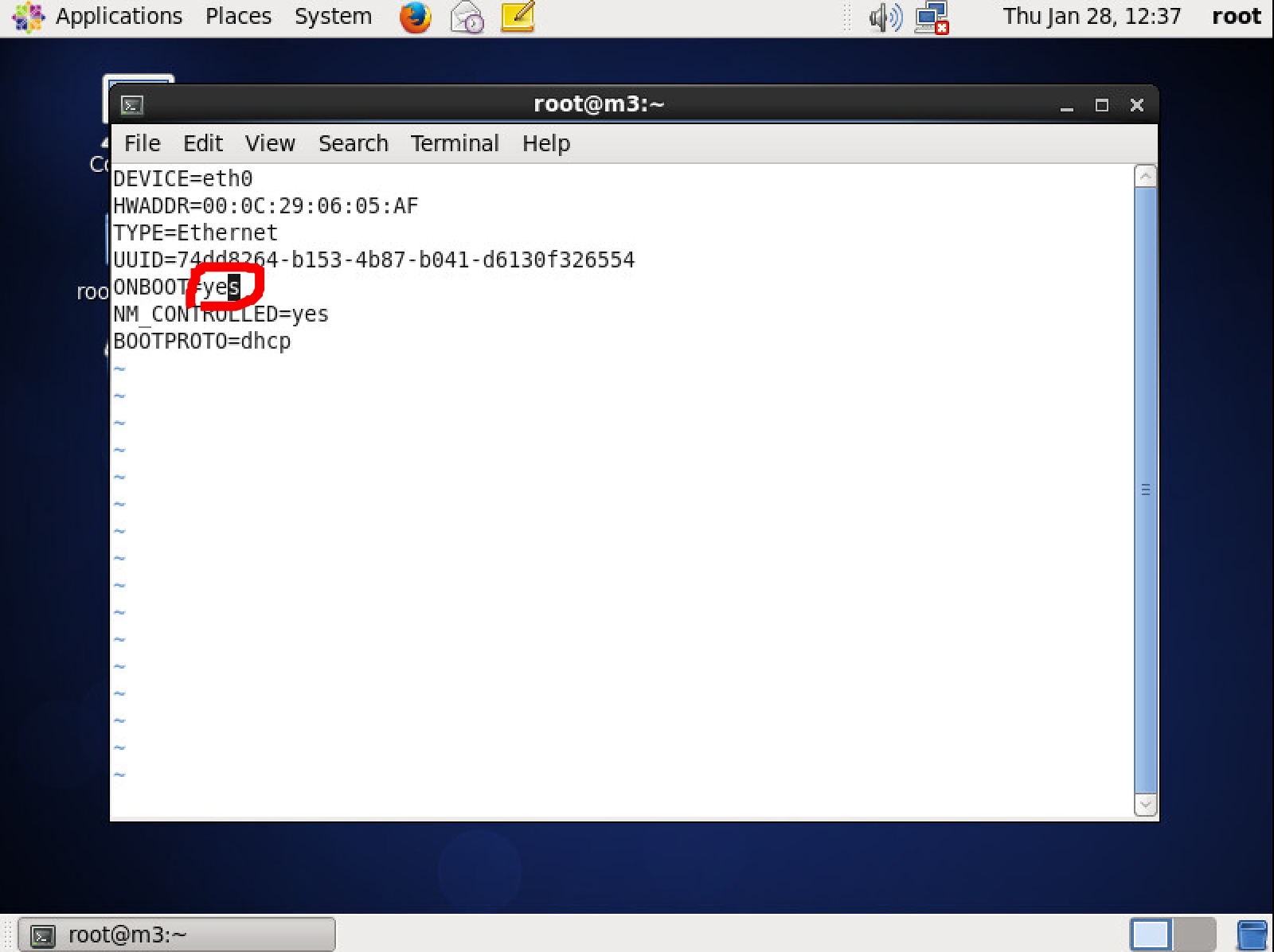
Enable network when Centos started.
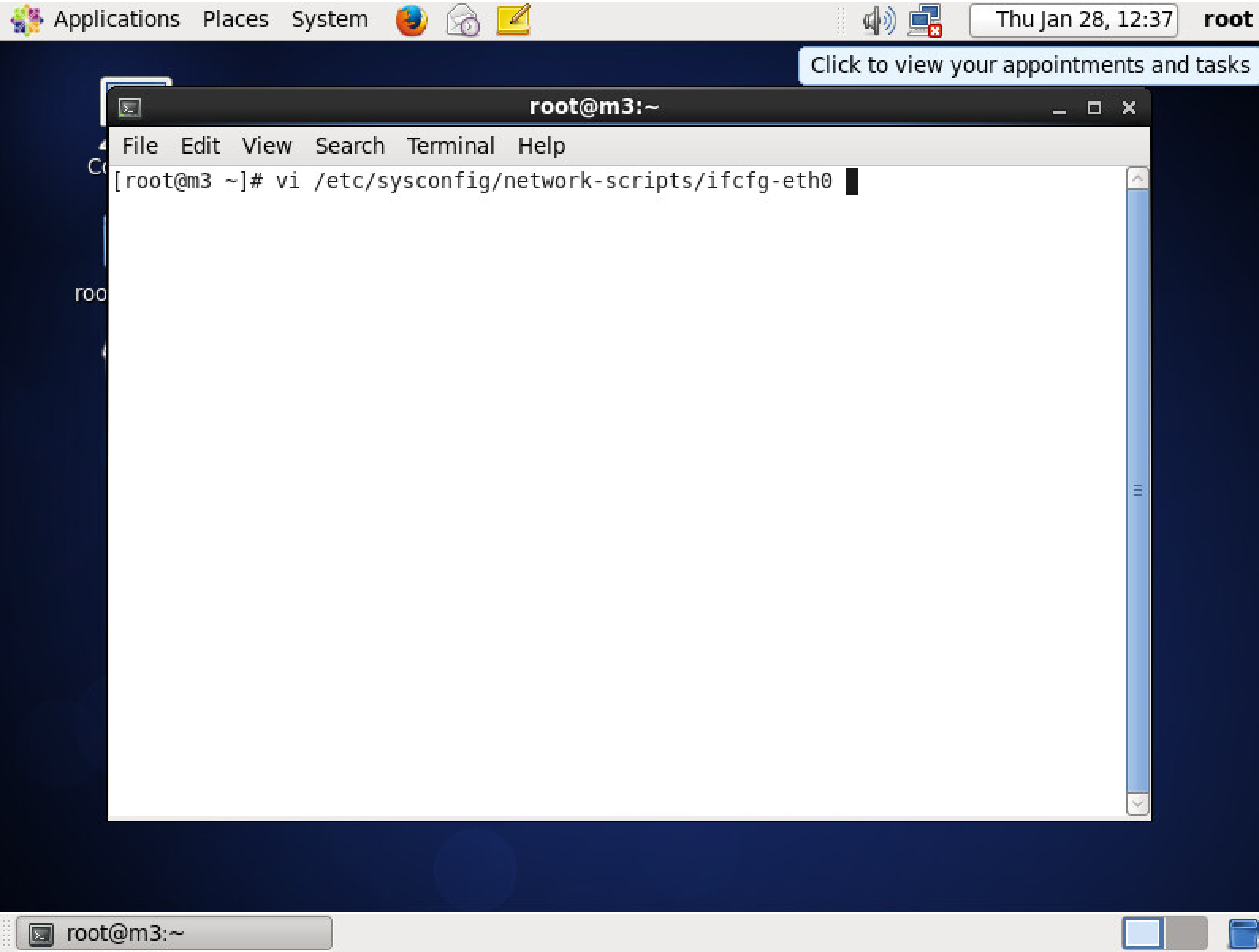
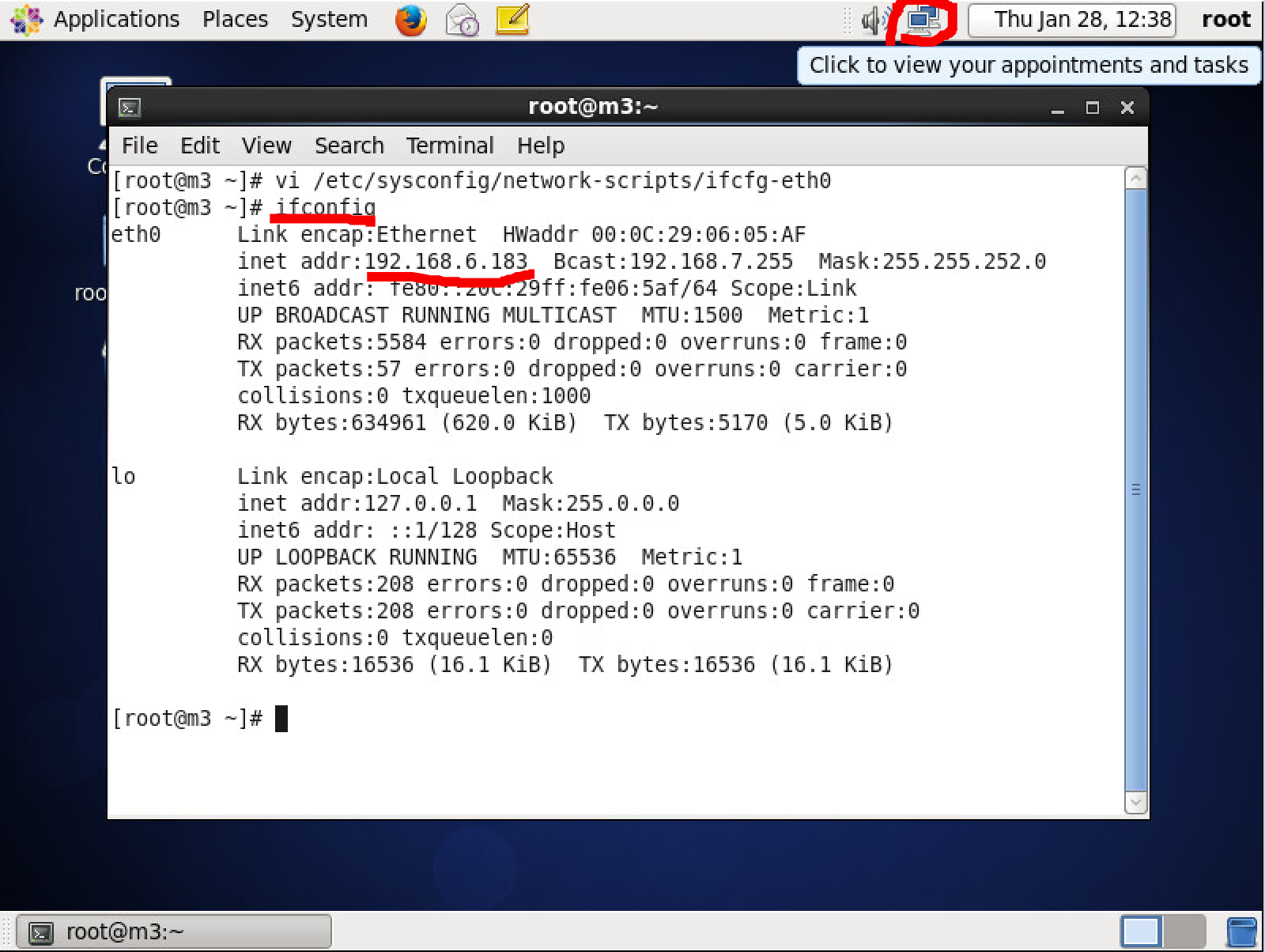
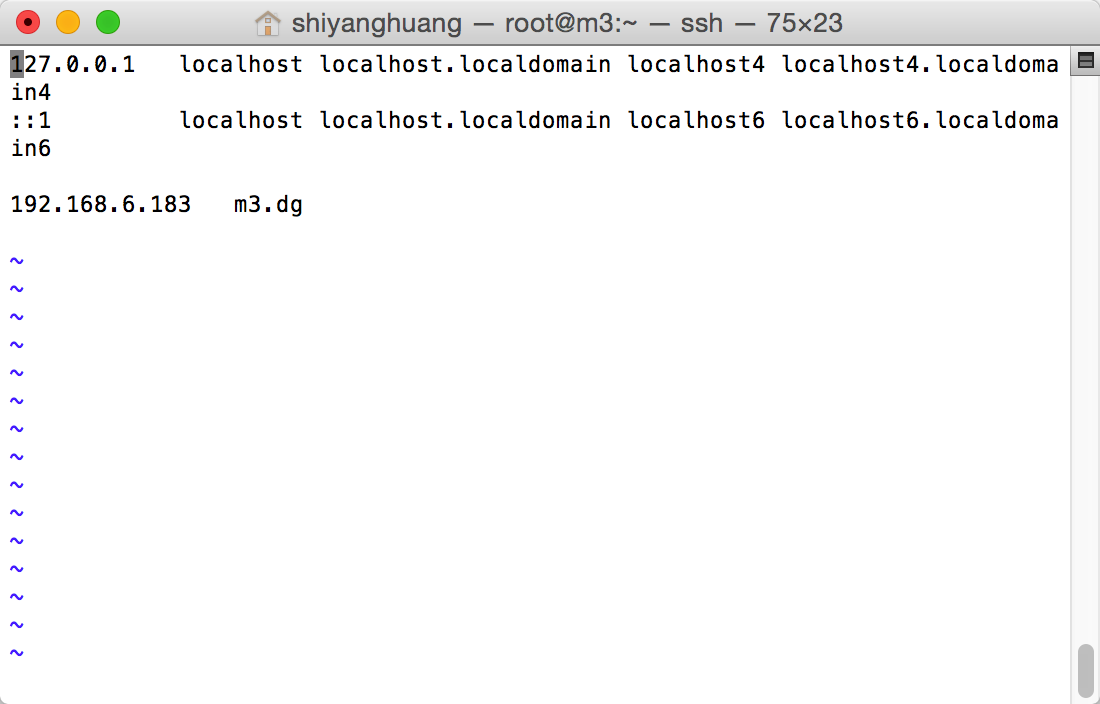
add hostname in /etc/hosts
$ vi /etc/hosts
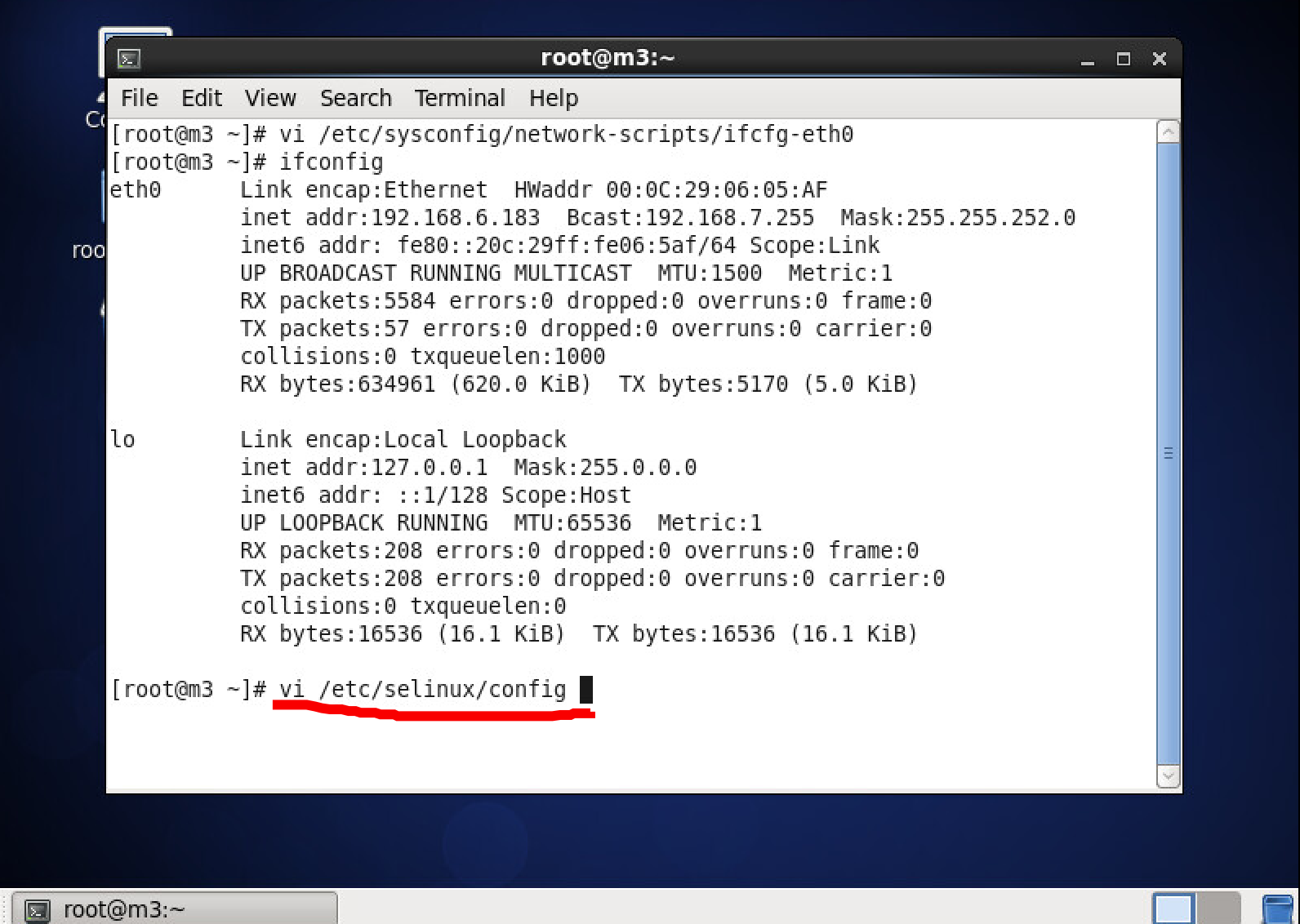
Disable selinux
$ vi /etc/selinux/config
set SELINUX disabled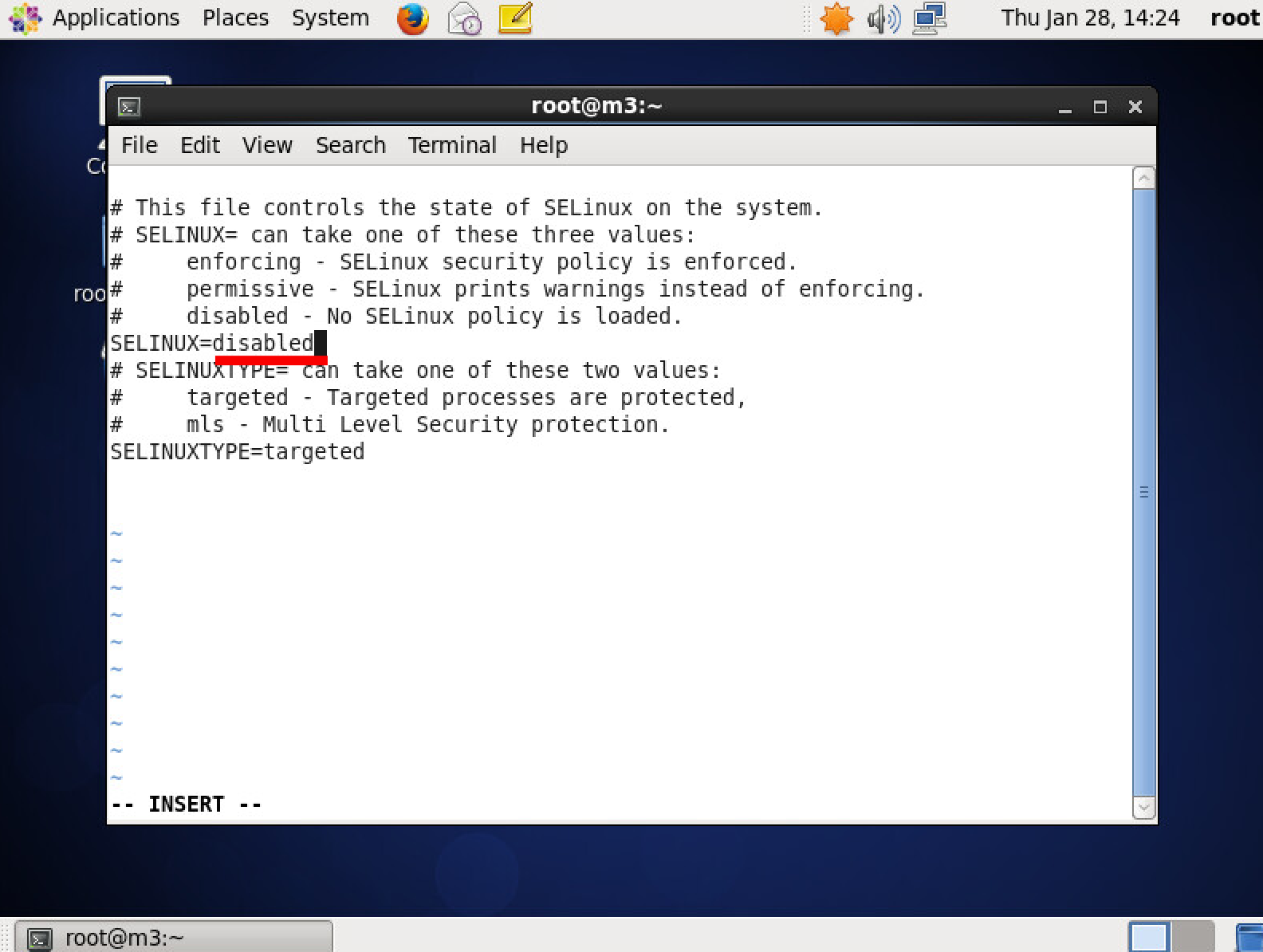
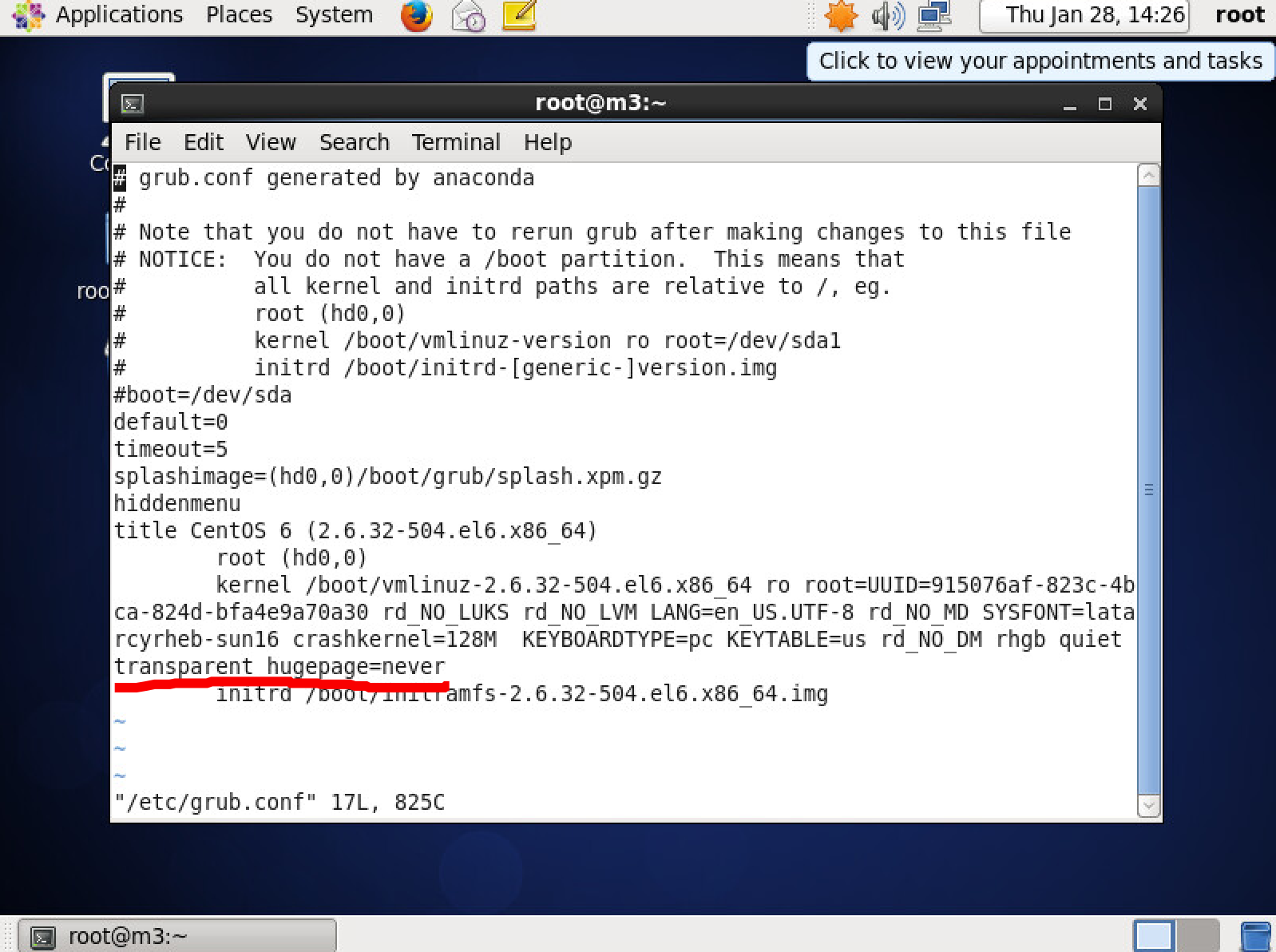
Disable transparent_hugepage
vi  /etc/grub.conf
kernel项增加 transparent_hugepage=never
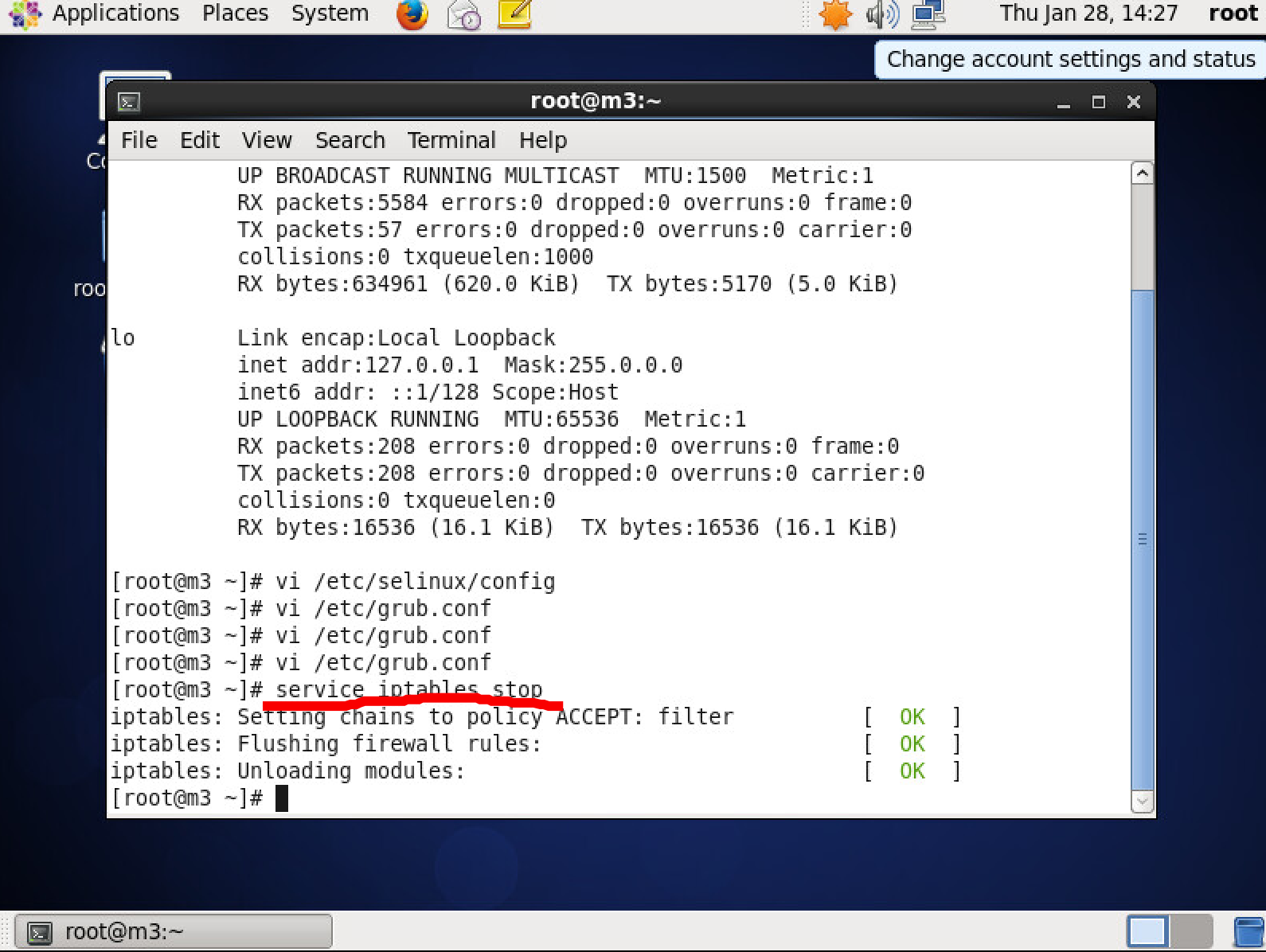
Stop iptables:
$ service iptables stop
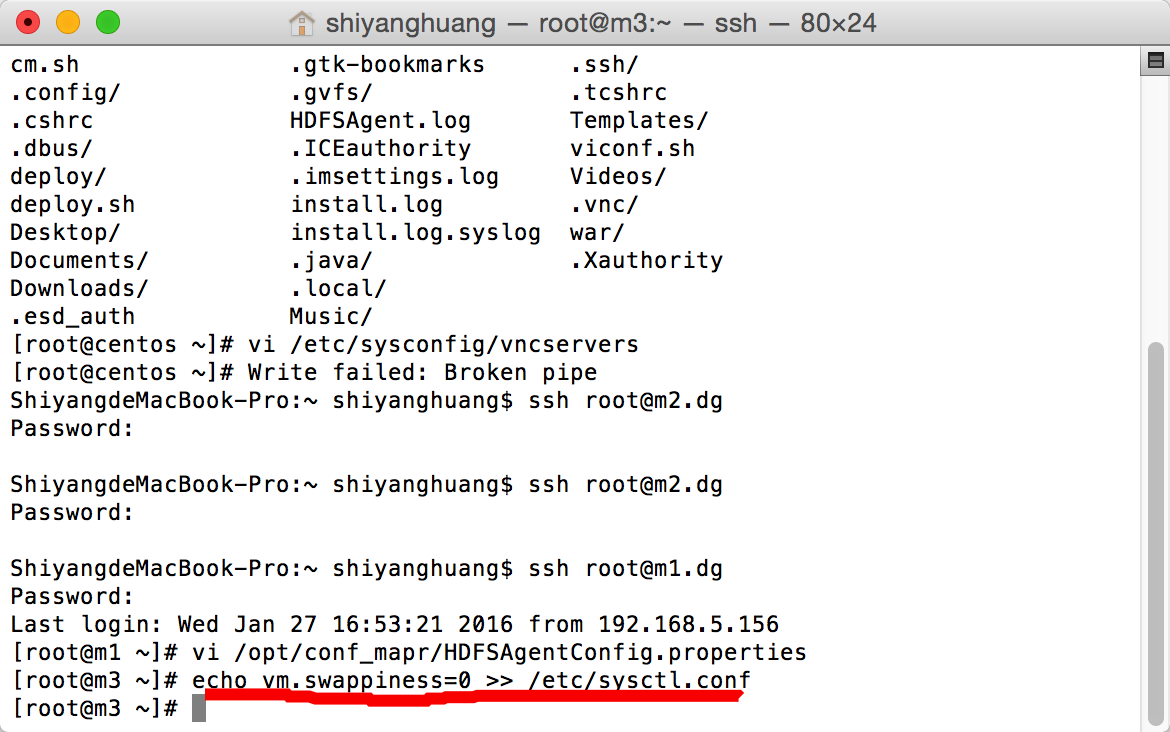
Disable swappiness:
echo vm.swappiness=0 >> /etc/sysctl.conf
Download JDK:
yum install java-1.7.0-openjdk java-1.7.0-openjdk-devel -y
Create partition for mapr:
$ fdisk /dev/sda
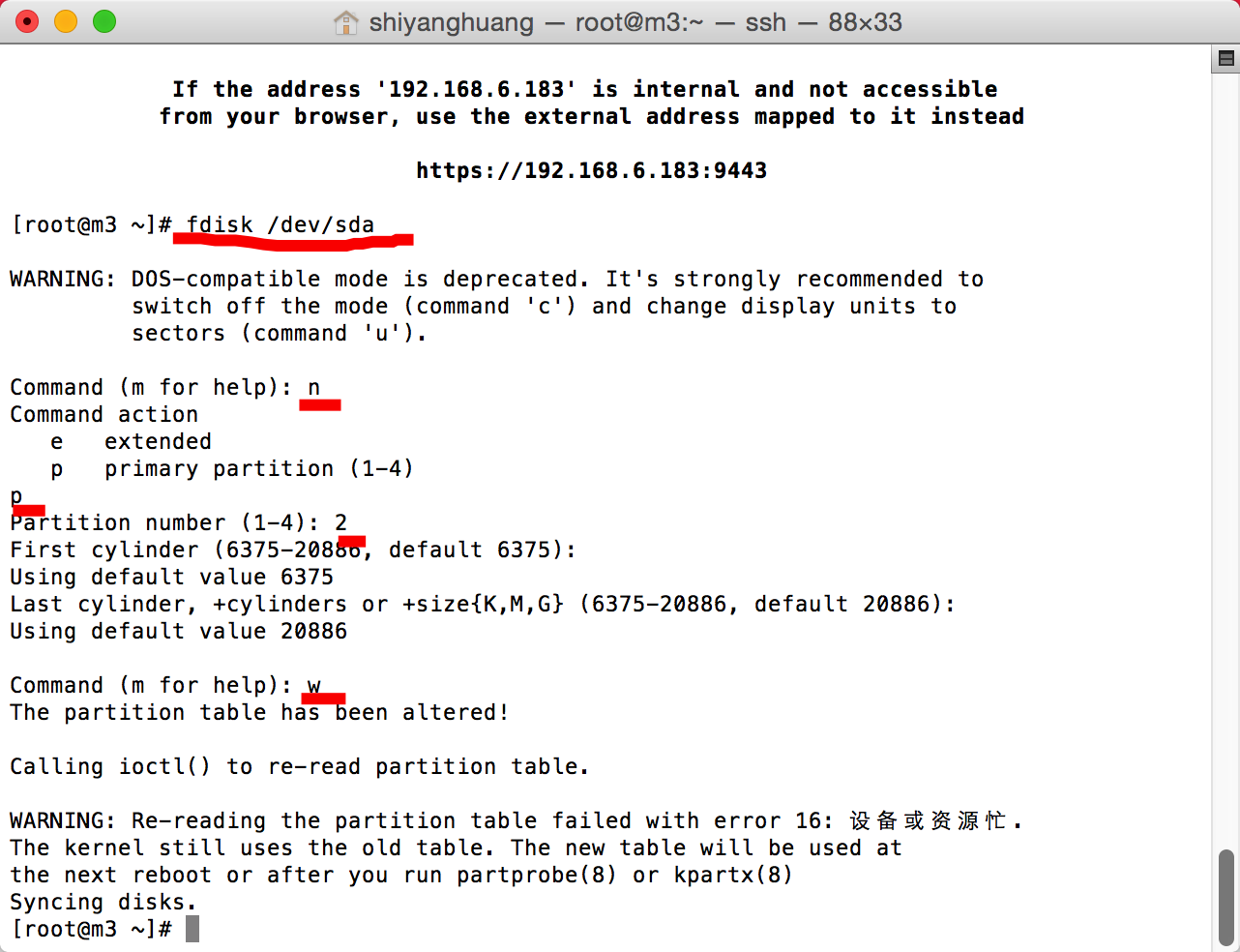
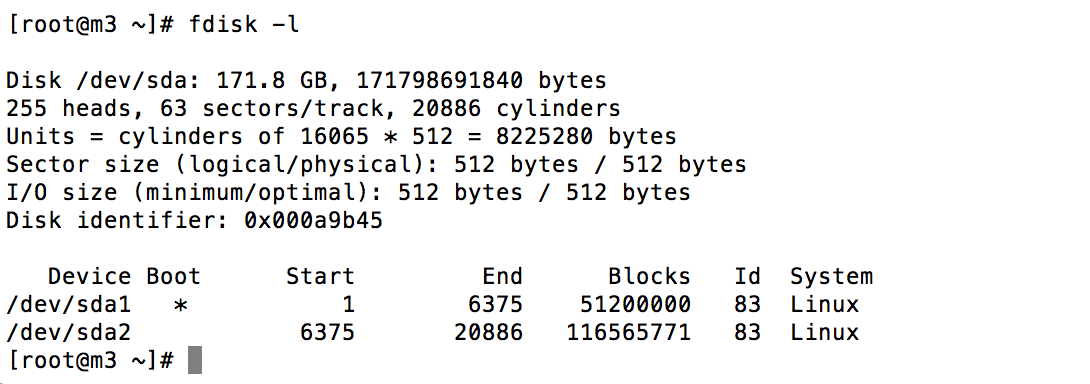
REBOOT!!!
Download Mapr installer:
$ wget http://package.mapr.com/releases/installer/mapr-setup.sh -P /tmp
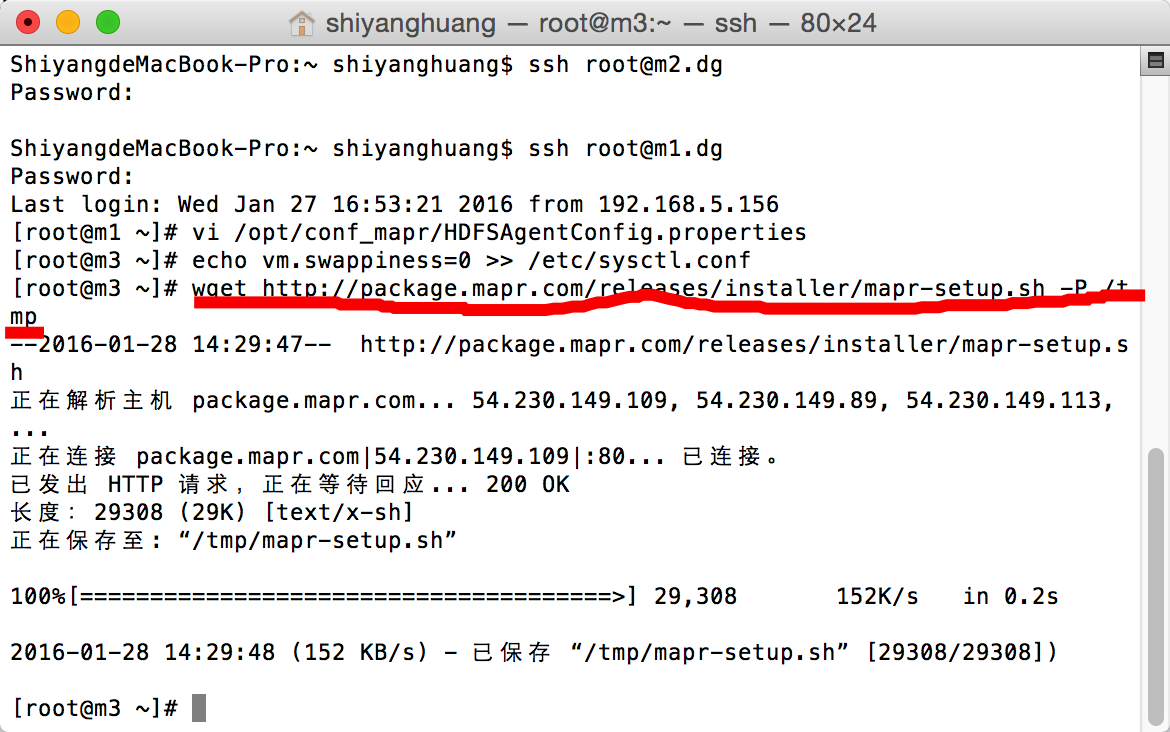
$ sudo bash /tmp/mapr-setup.sh
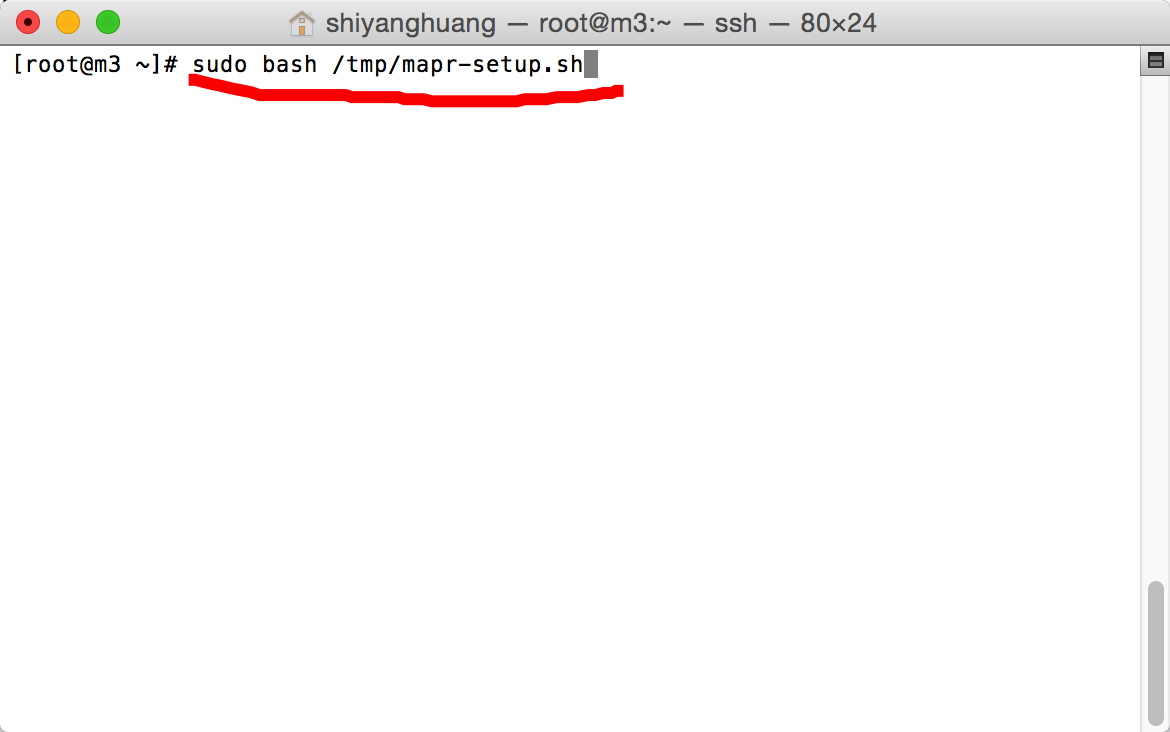
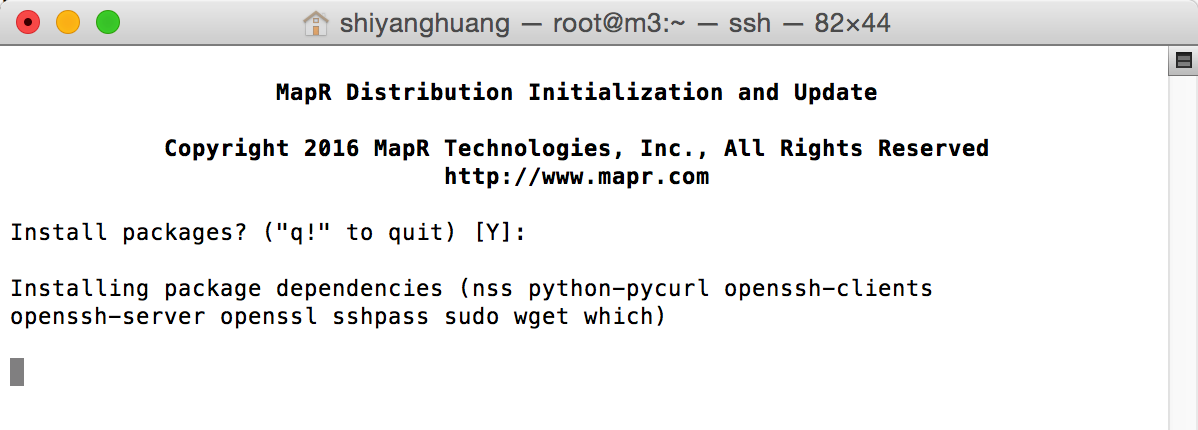
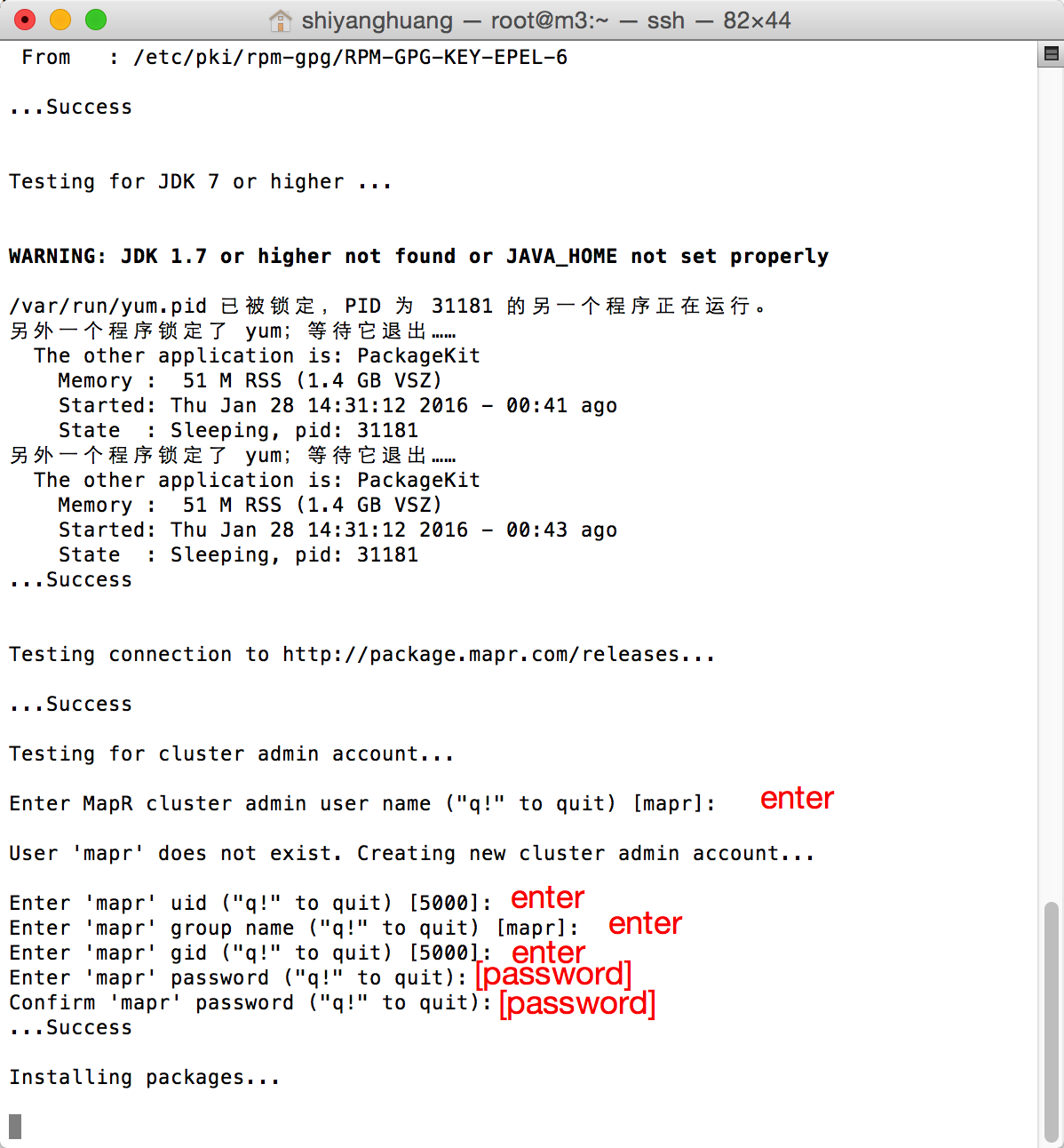
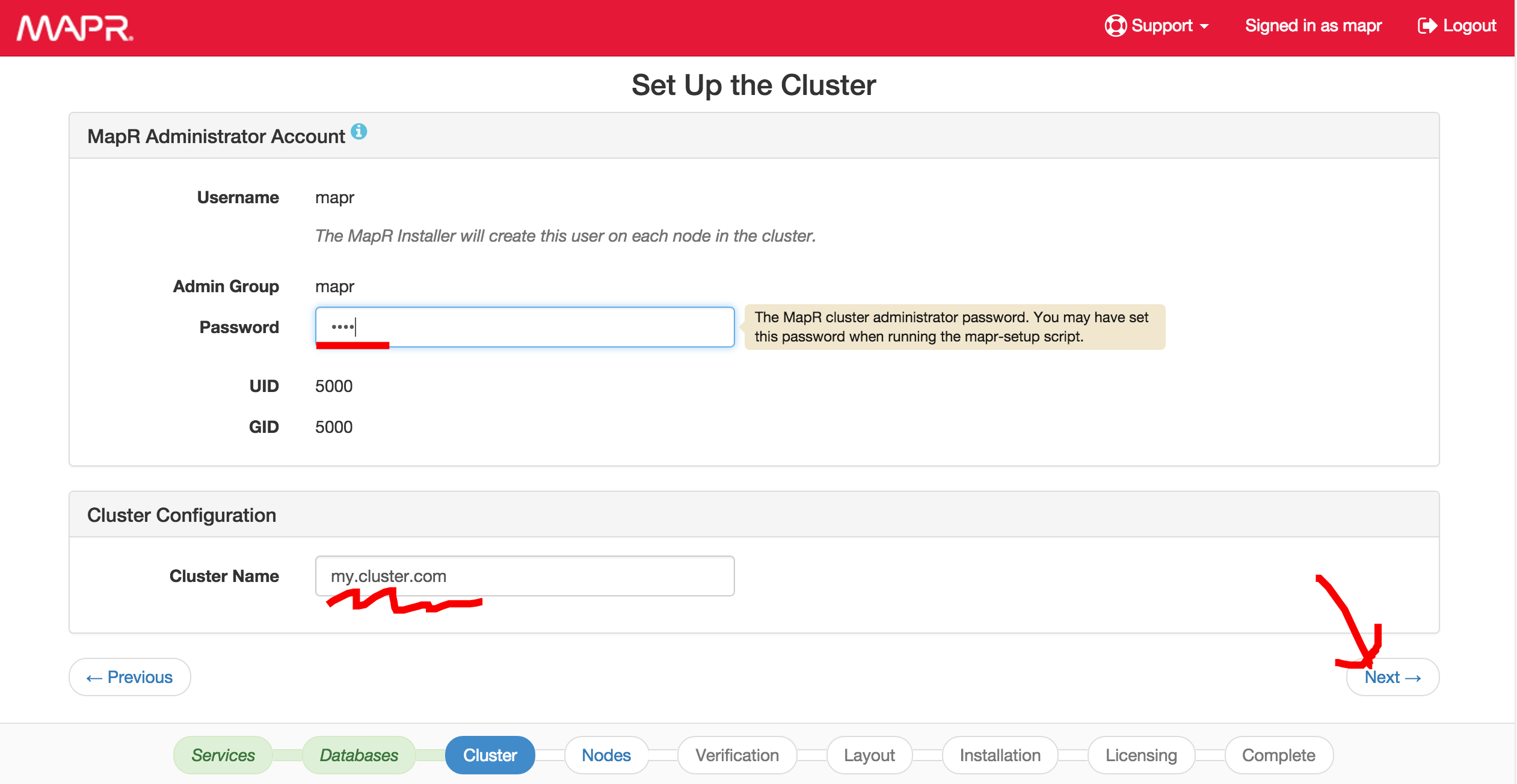
Enter admin username for mapr [default is mapr] and password
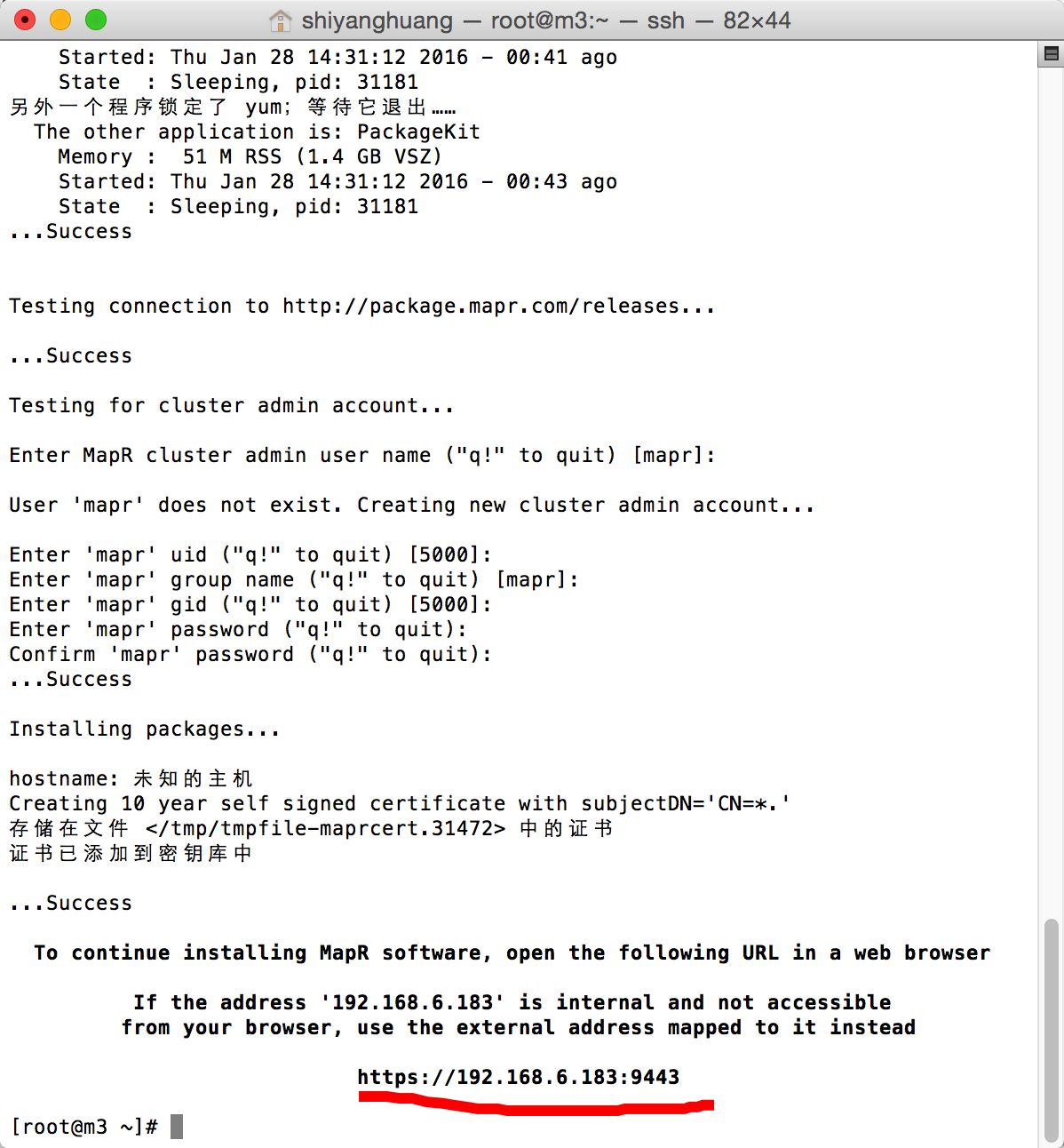
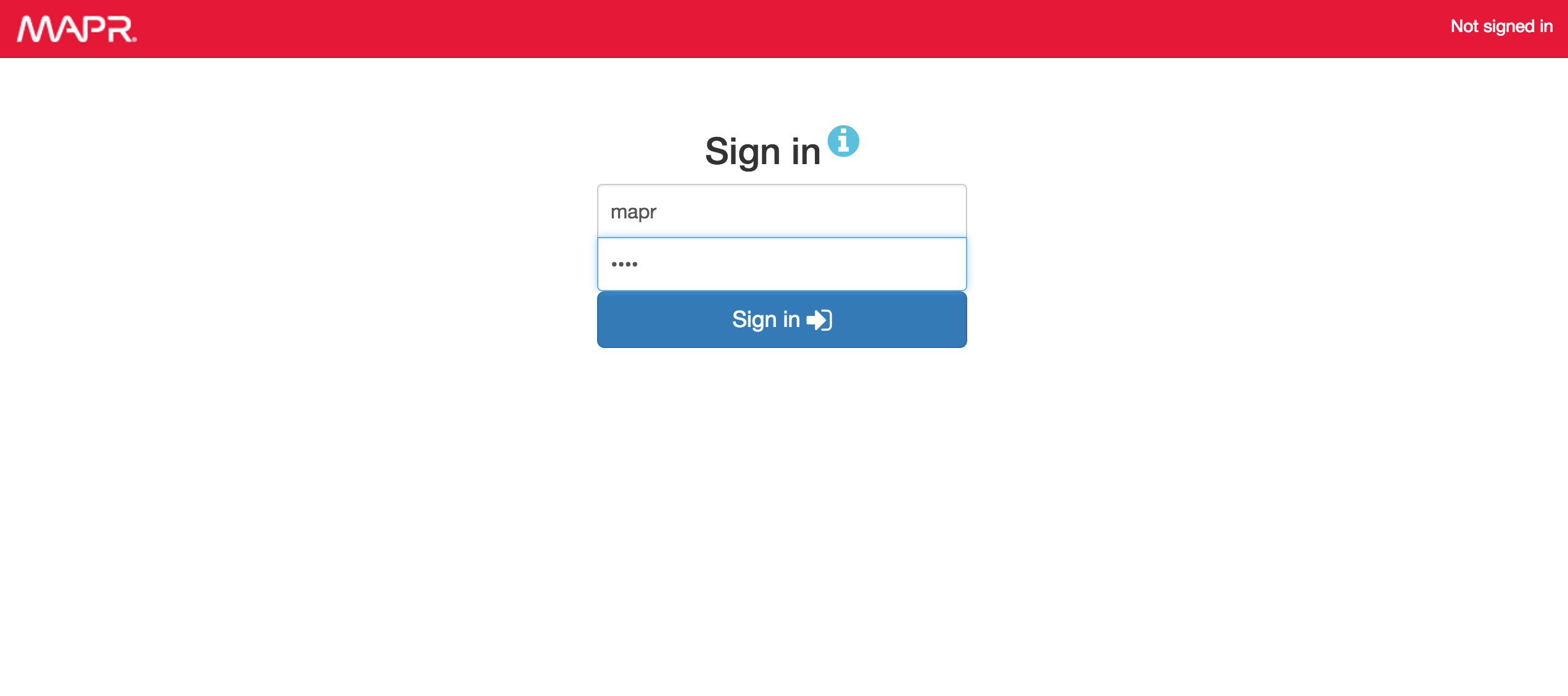
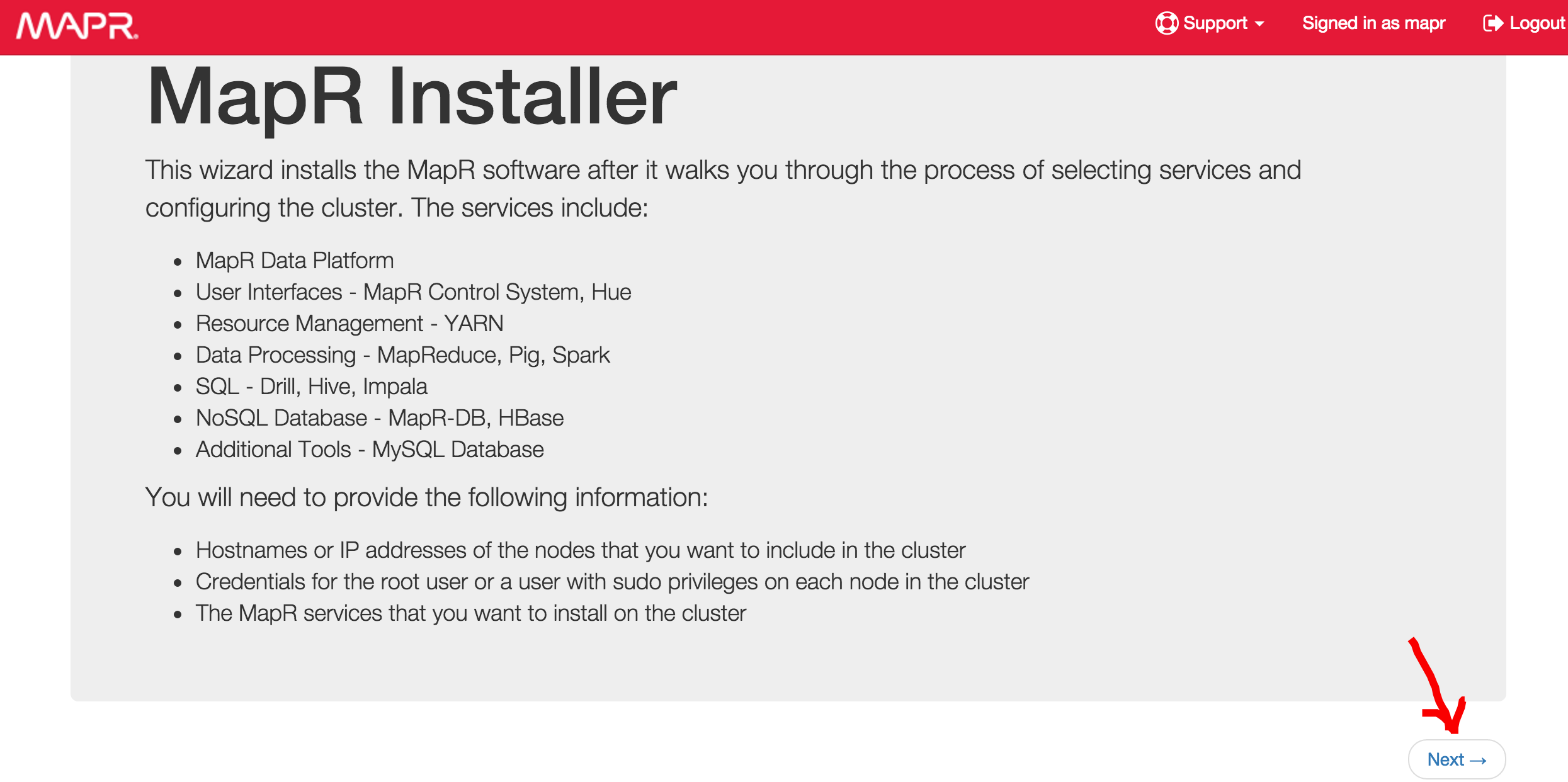
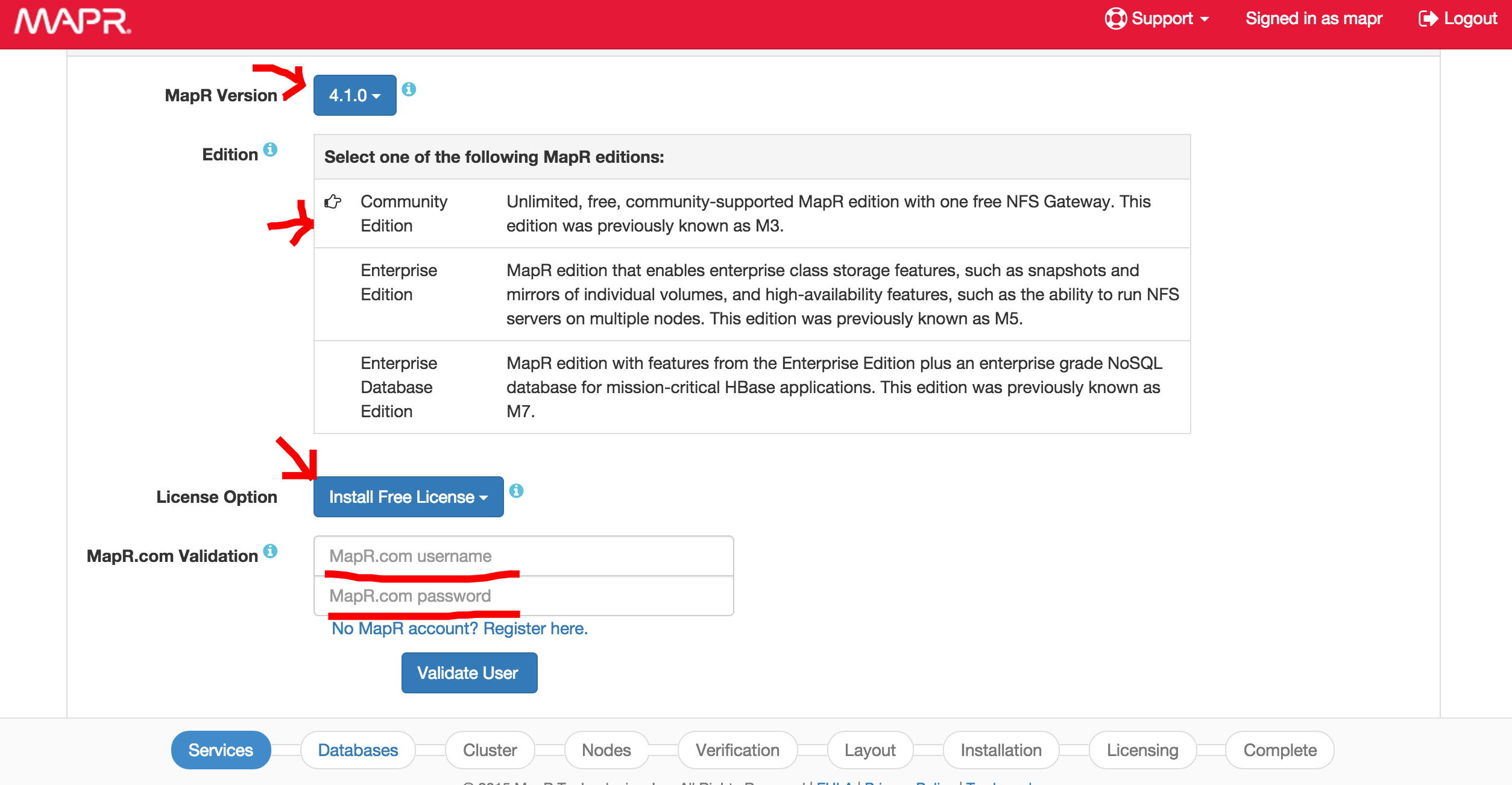
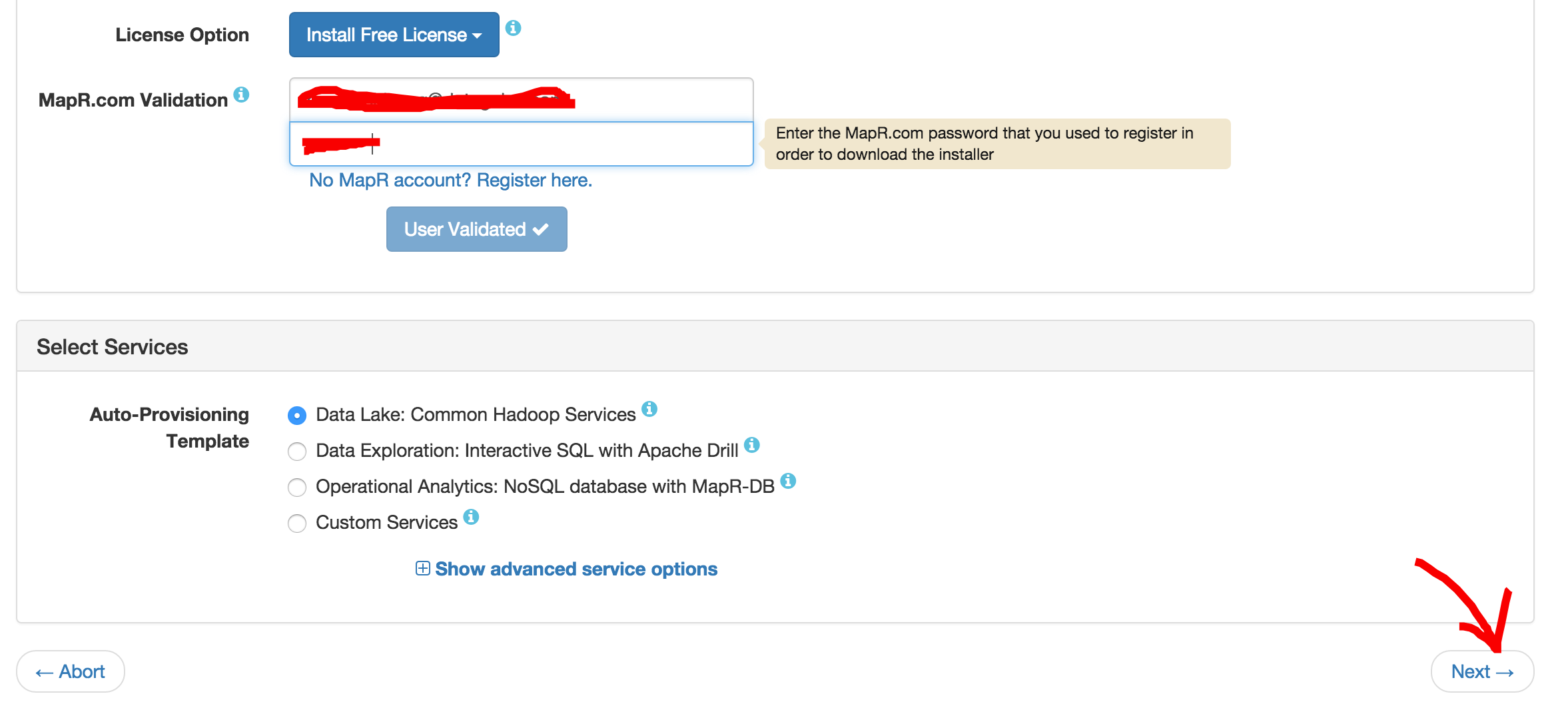
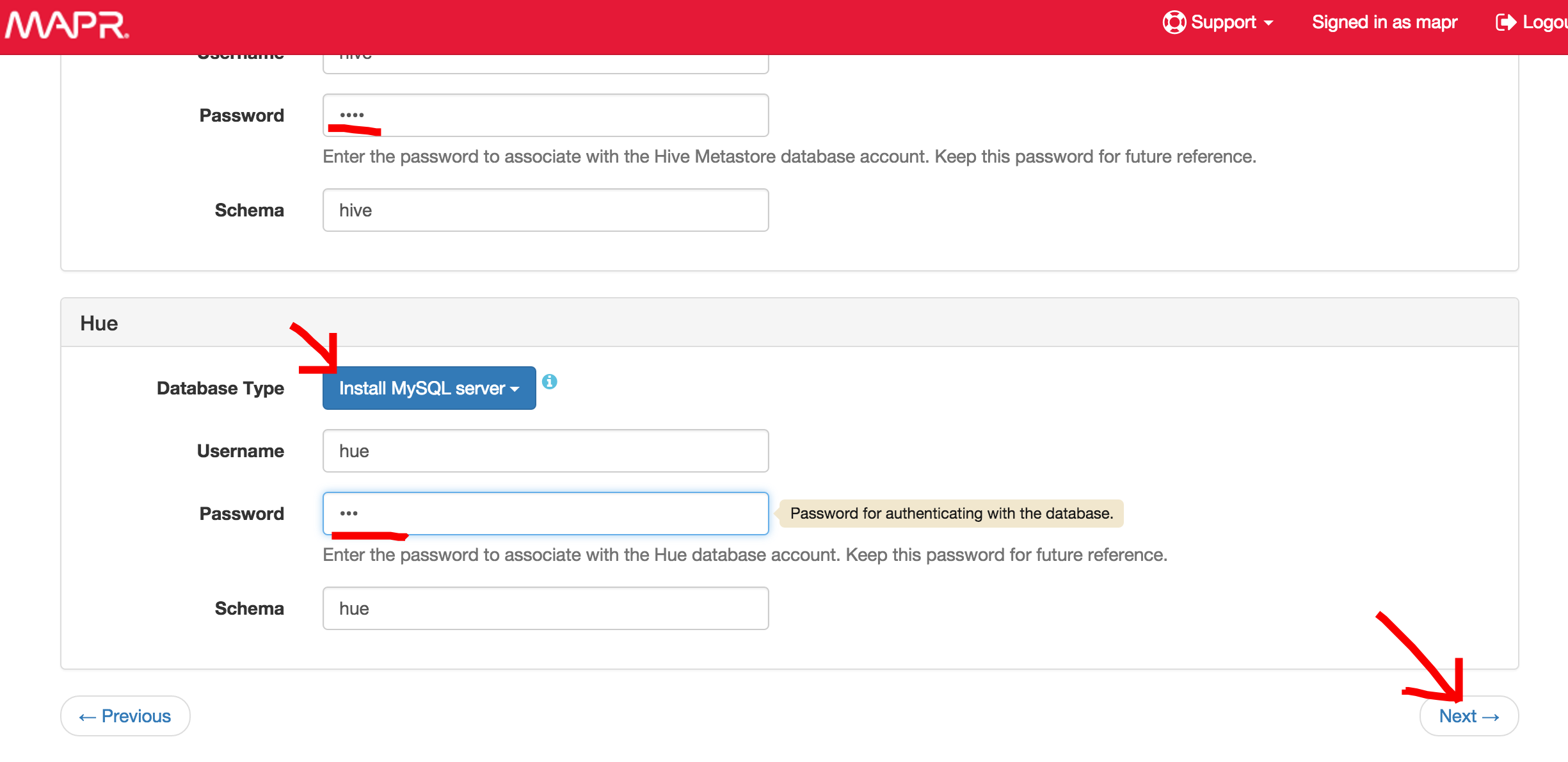
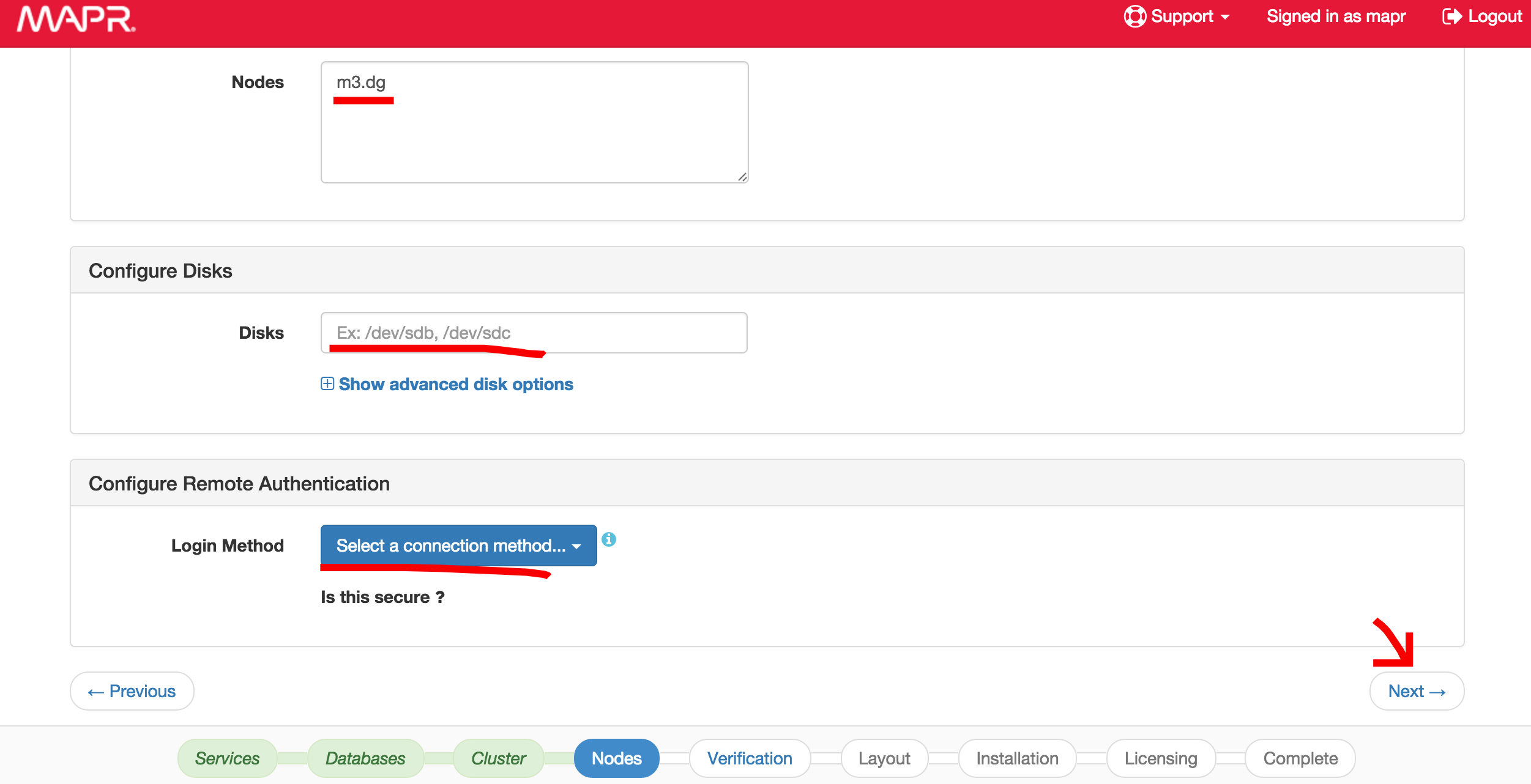
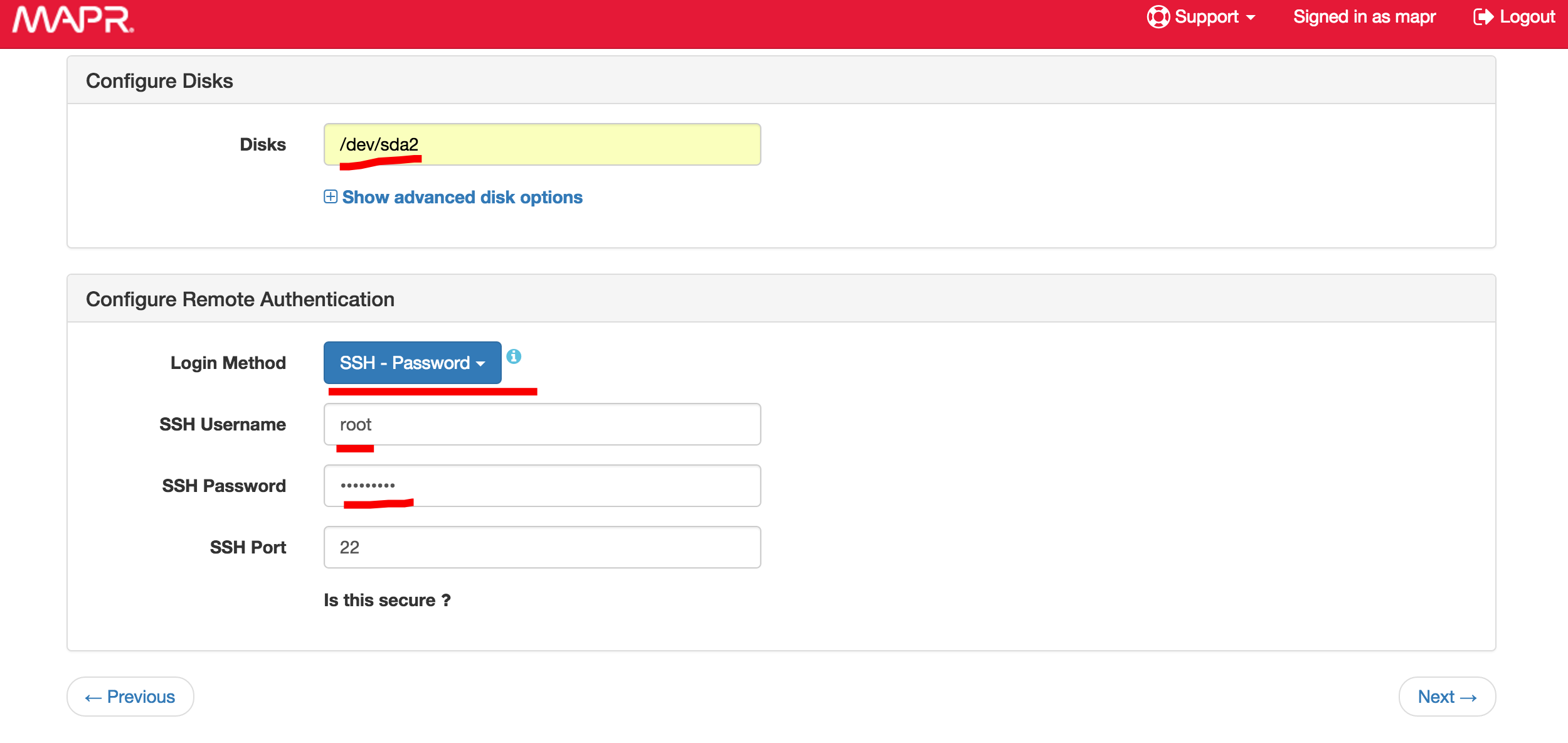
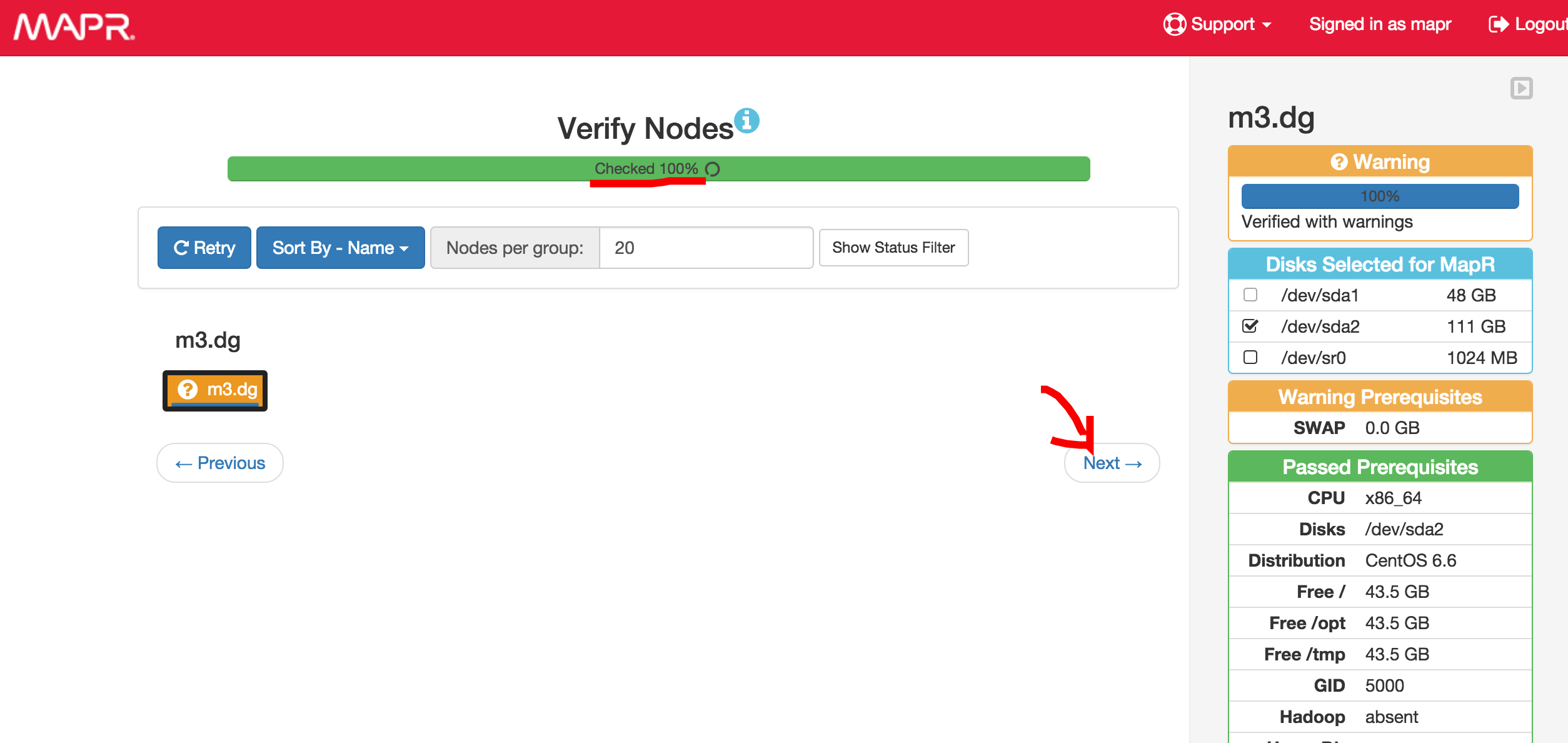
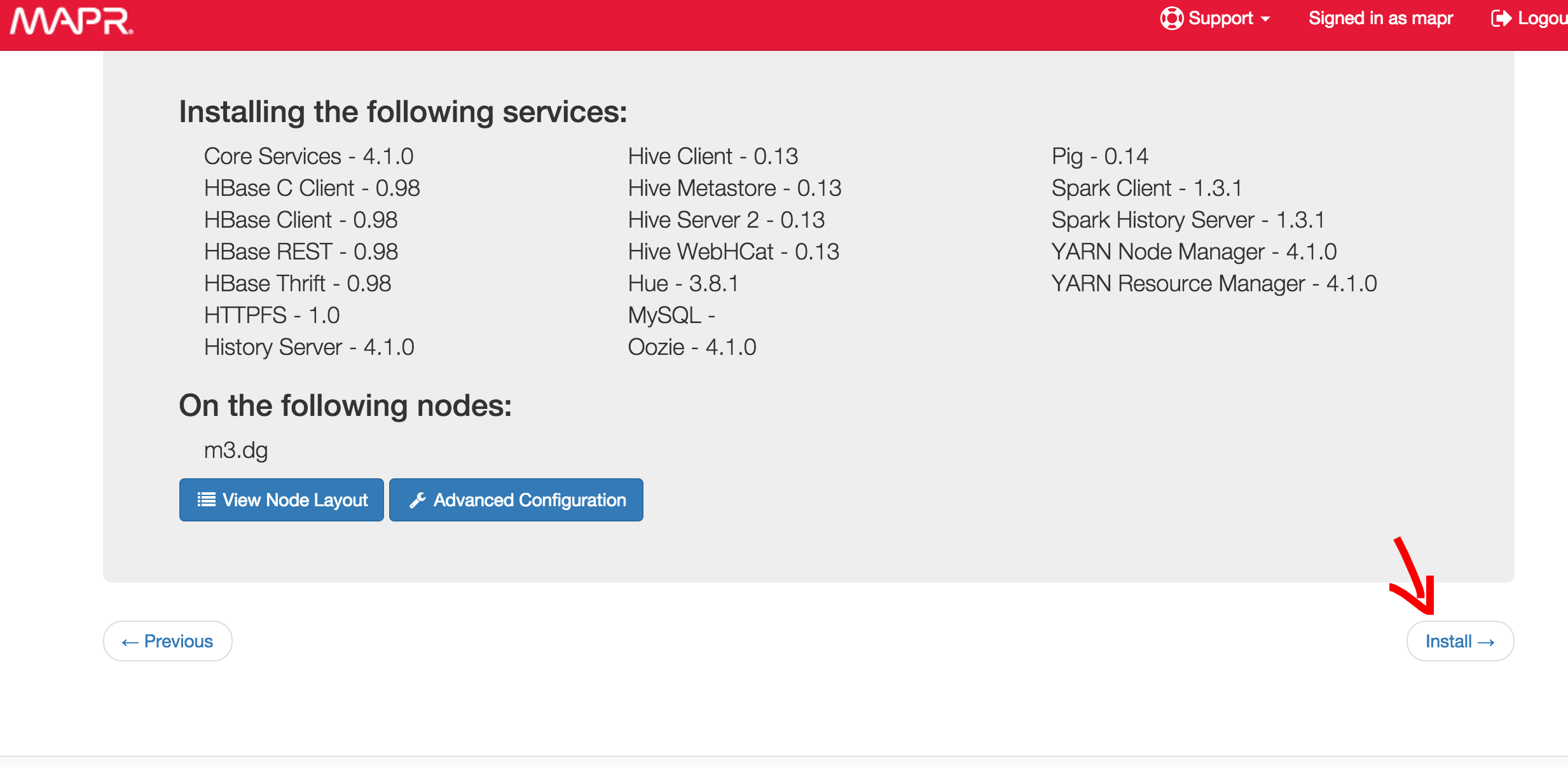
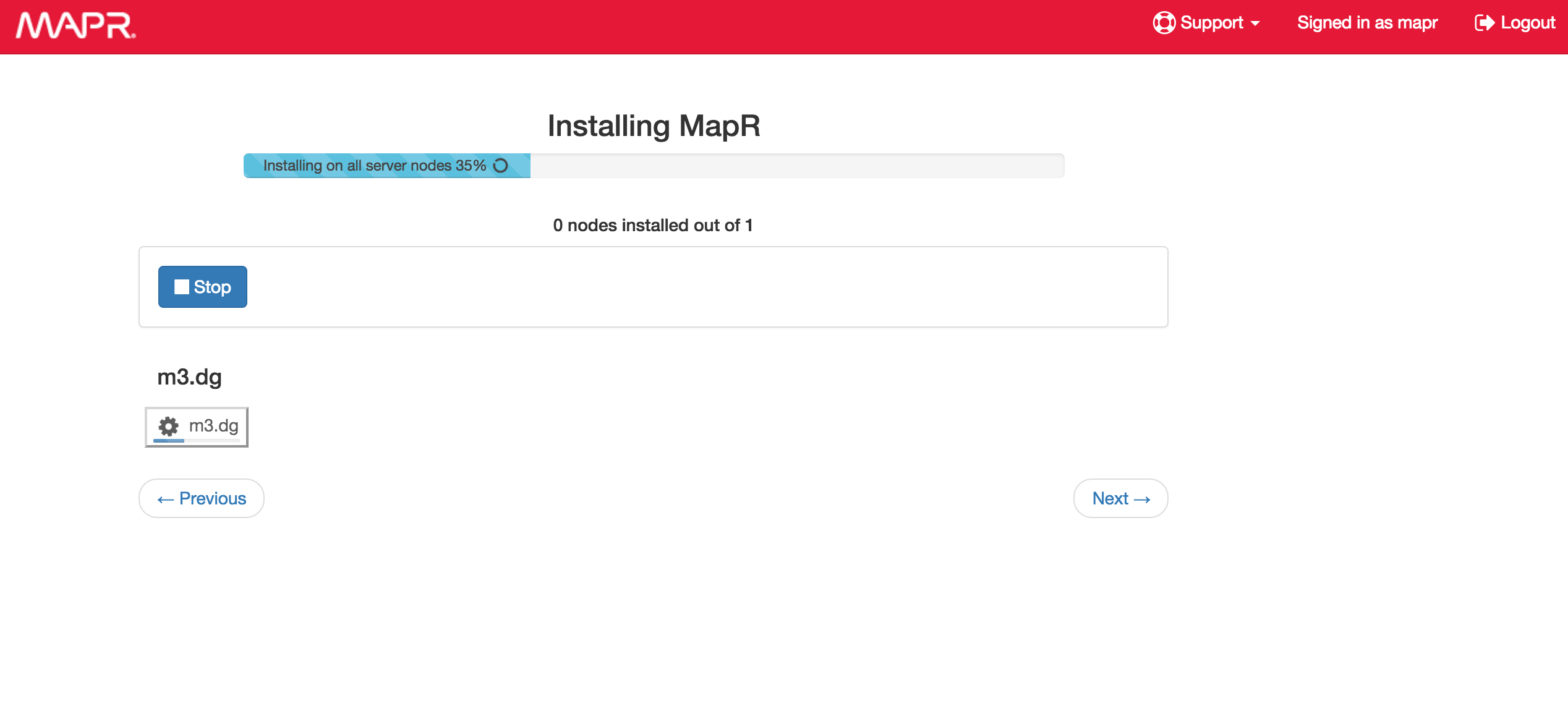
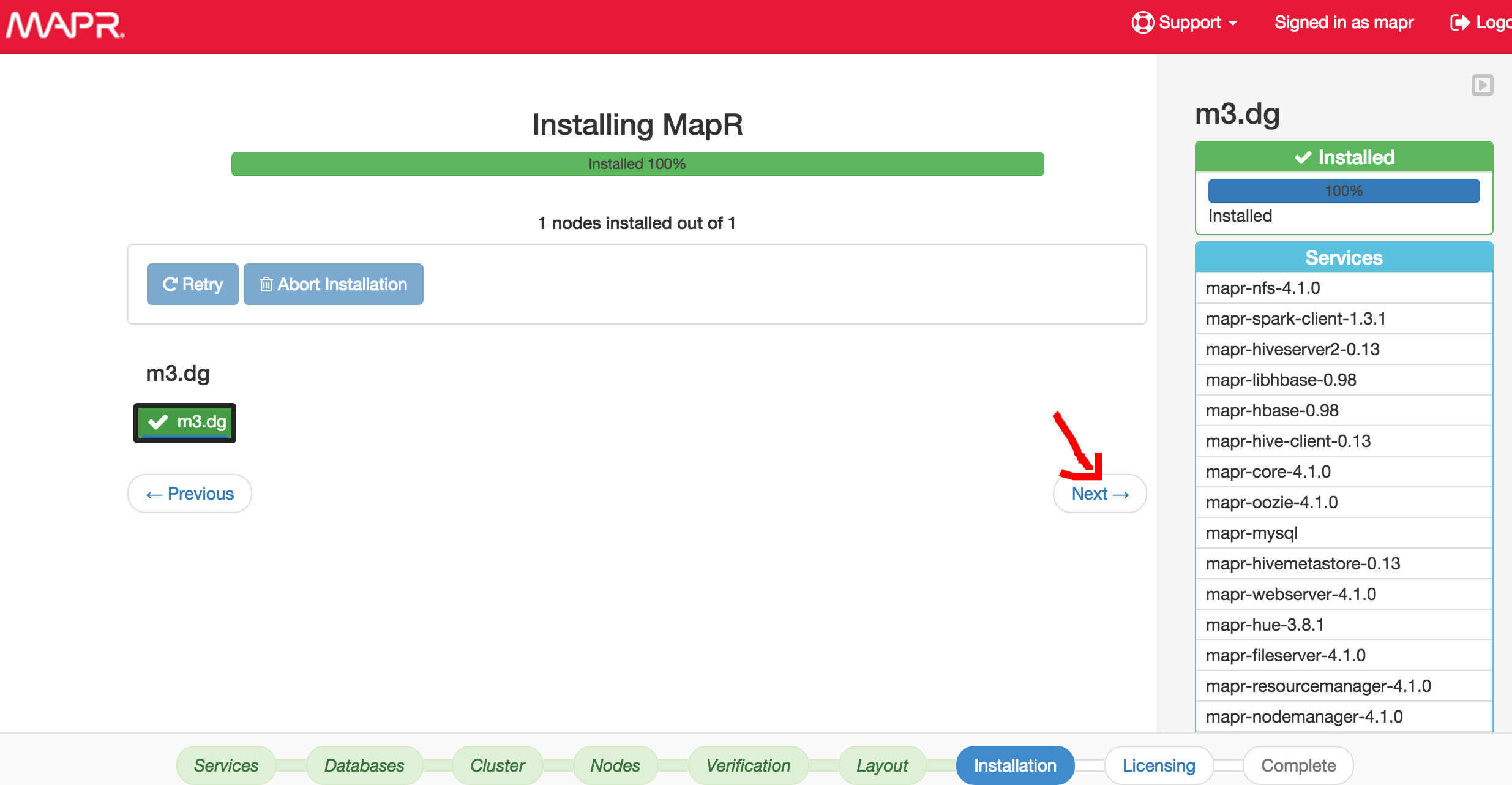
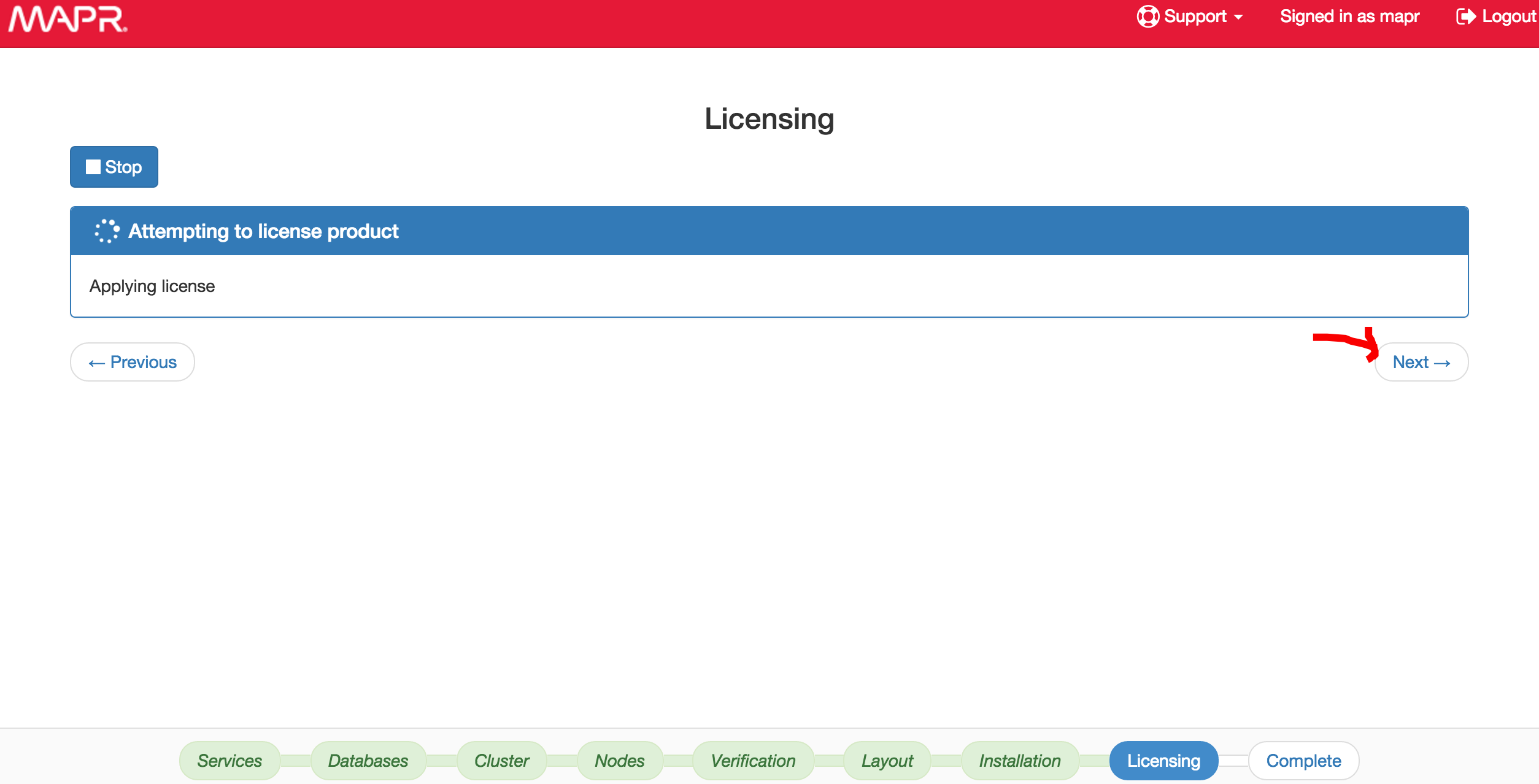
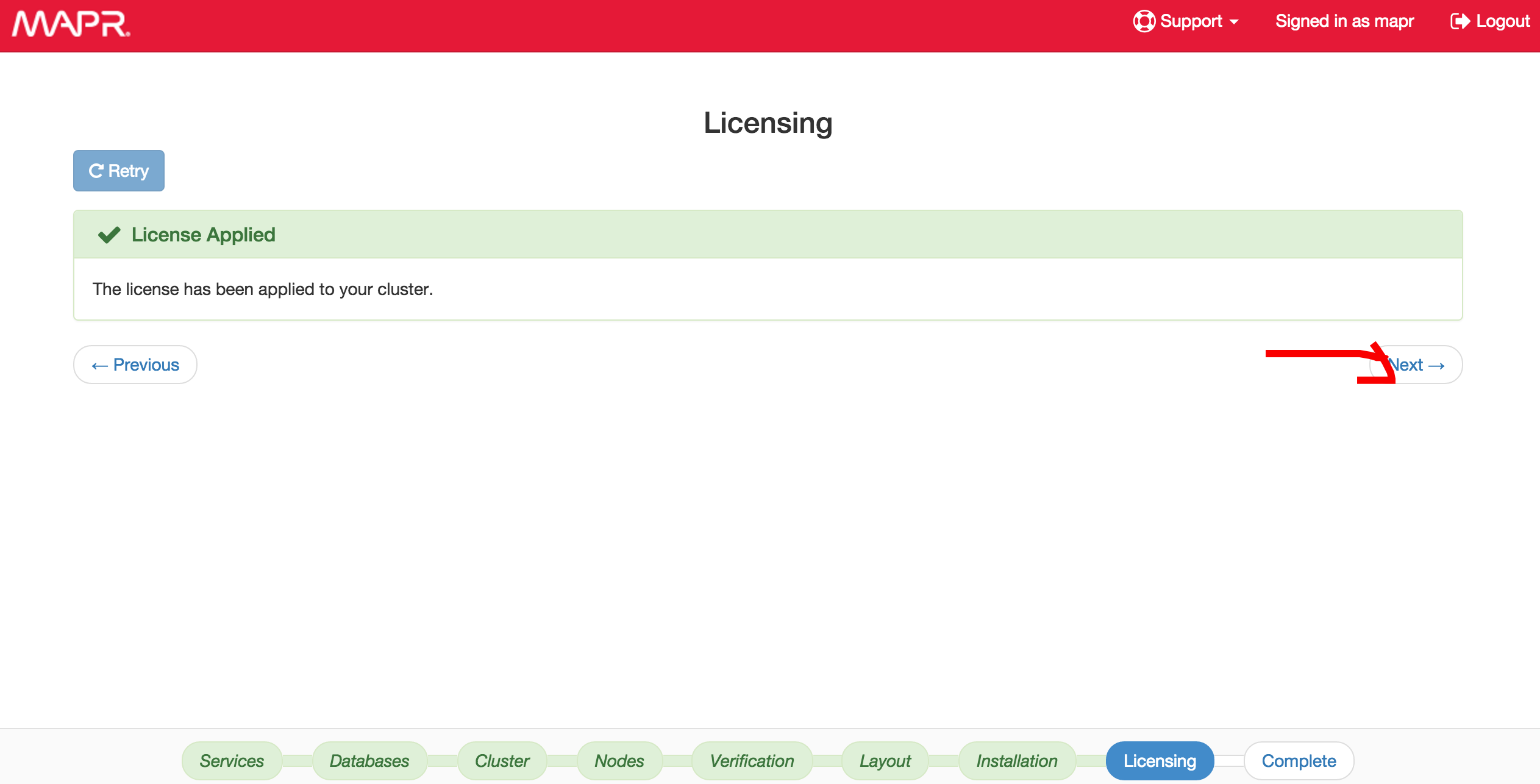
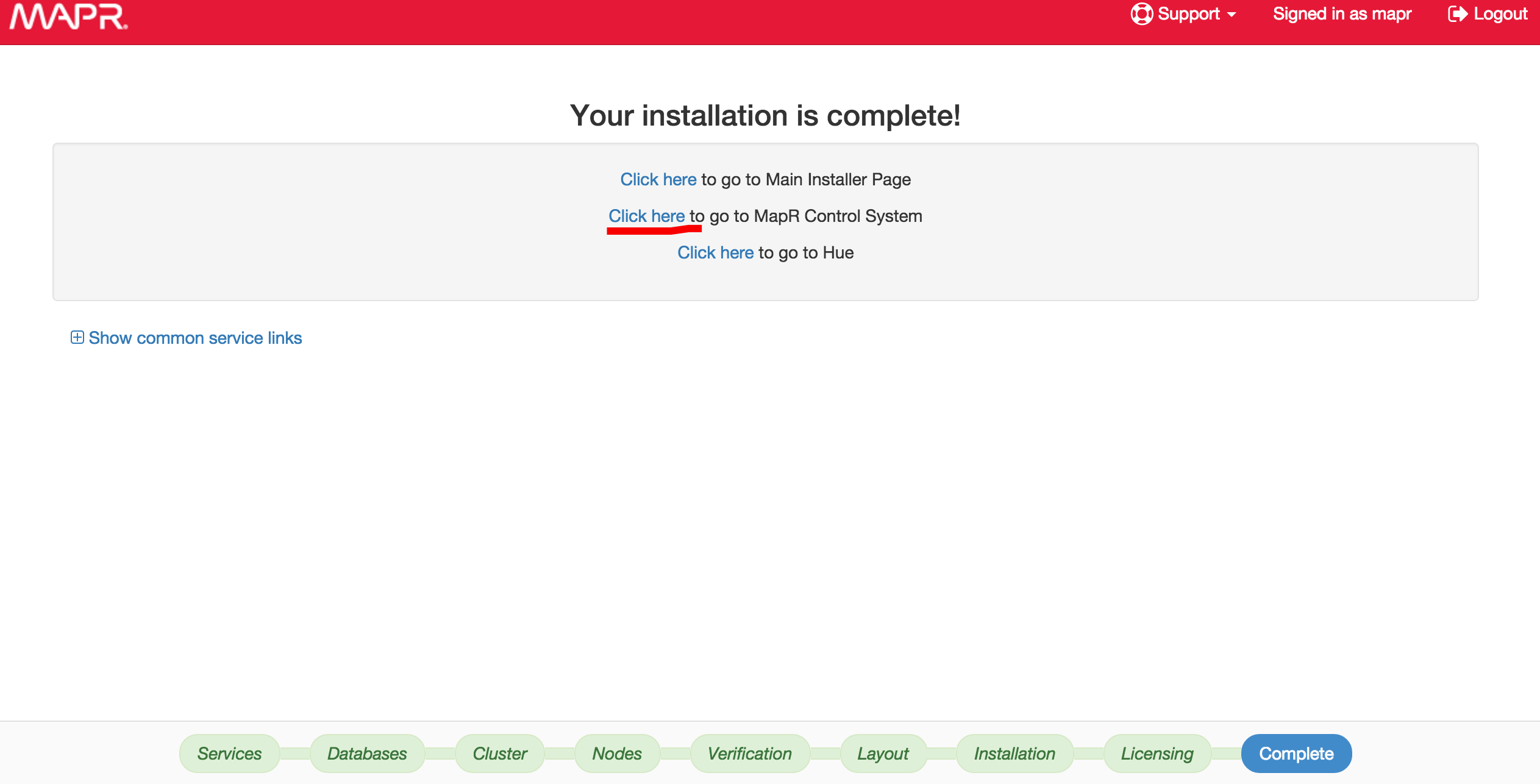
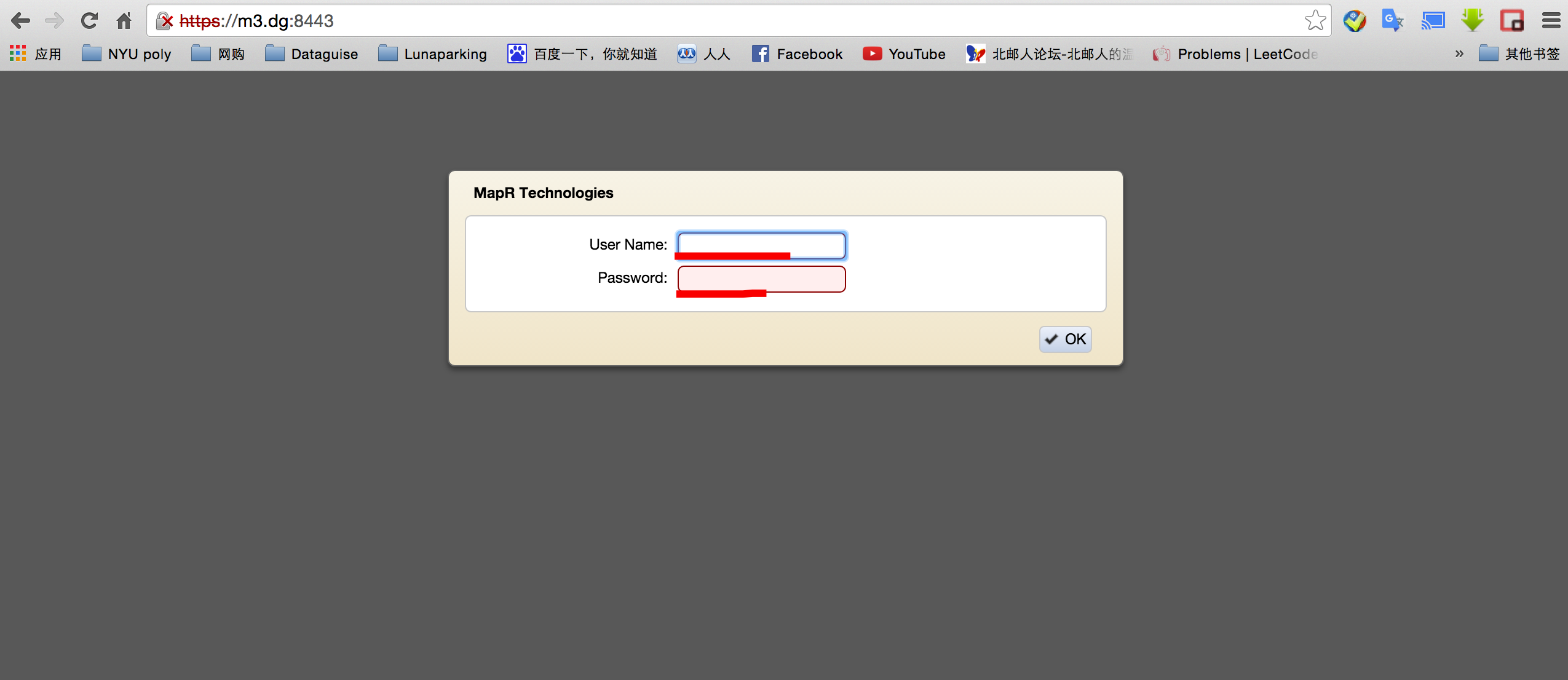
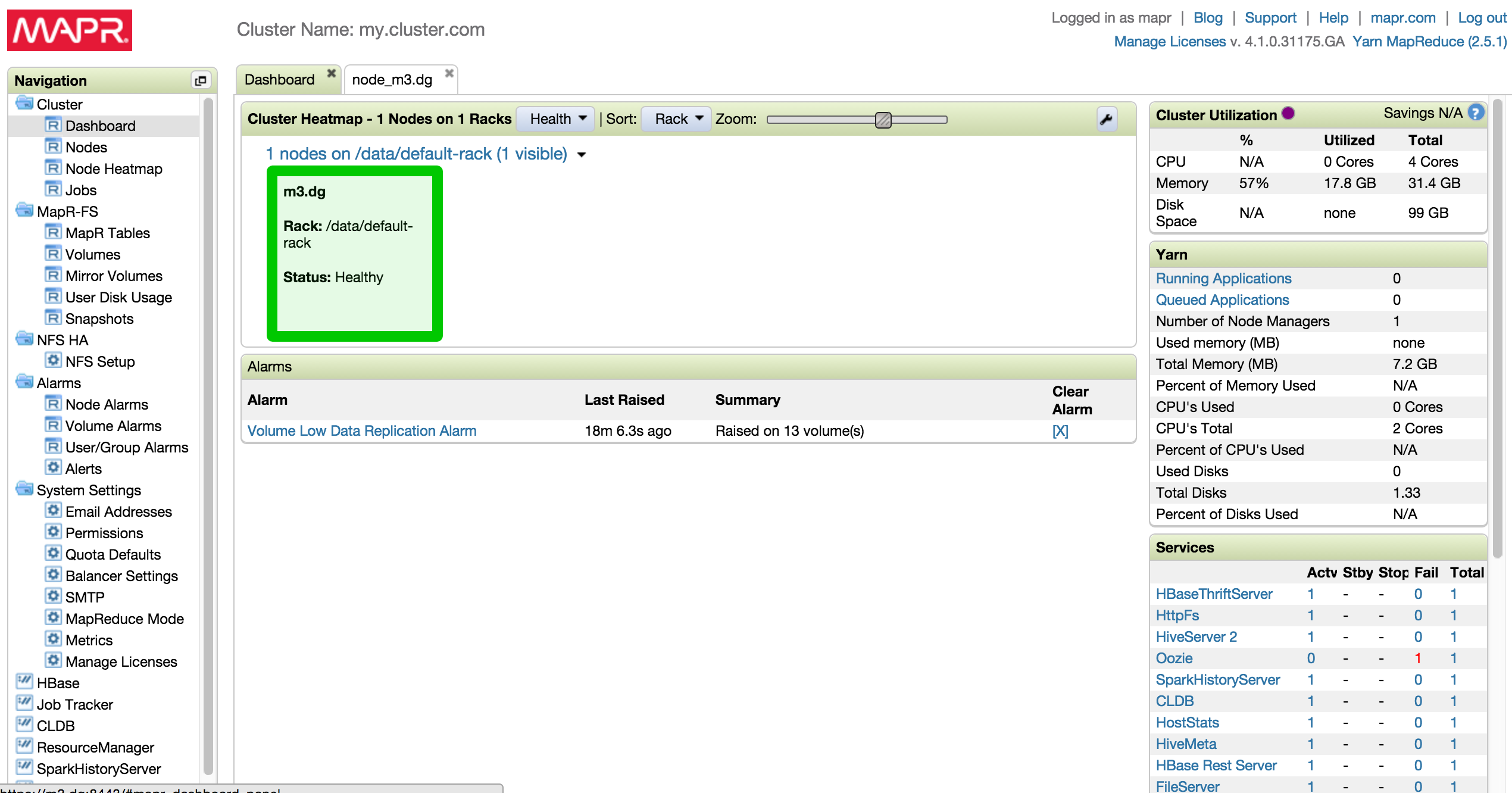
Go to browser and visit https://ip:9443 to install mapr
$ fdisk /dev/sda
2 Responses so far.